

Best Mac Apps to Keep Your MacBook Awake With the Lid Closed
Mac users can prevent system sleep using built-in macOS settings or third-party utilities like Amphetamine, KeepingYouAwake, and Coca. While macOS offers basic power adapter settings, these apps provide granular control over closed-lid sessions and automation triggers to ensure long-running tasks, such as AI coding or backups, complete uninterrupted.
How do native macOS settings compare to third-party sleep utilities?
Apple provides basic power management via System Settings. Users can adjust display timeout under Lock Screen settings or prevent automatic sleep while connected to a power adapter via System Settings > Battery > Options. macOS also supports “clamshell mode,” allowing a MacBook to stay awake with the lid closed if it’s connected to power and an external display, keyboard, and mouse.
Third-party utilities offer a “quick, intentional override” that native settings lack. According to the software analysis, native settings are often too permanent. Utilities allow users to toggle sleep prevention on for a specific job and off immediately after, avoiding the need to dive into system menus repeatedly.
What is the difference between KeepingYouAwake, Amphetamine, and Coca?
The choice between these tools depends on the required level of control and hardware configuration. KeepingYouAwake is a lightweight, free toggle that uses Apple’s built-in caffeinate command-line utility. It supports Retina displays and Dark Mode but cannot prevent sleep when a MacBook lid is closed.
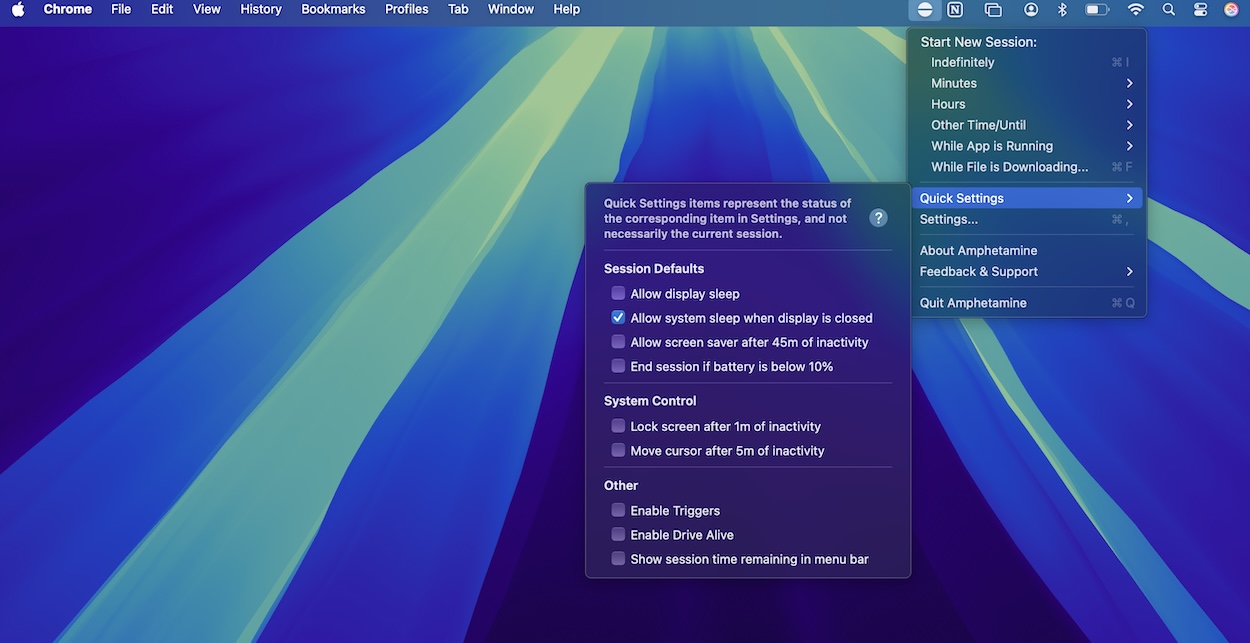
Amphetamine is categorized as the “gold standard” for power users. It supports closed-lid sessions and offers complex automation triggers. These triggers can keep a Mac awake based on Wi-Fi networks, connected USB/Bluetooth devices, specific app activity, or CPU utilization thresholds.
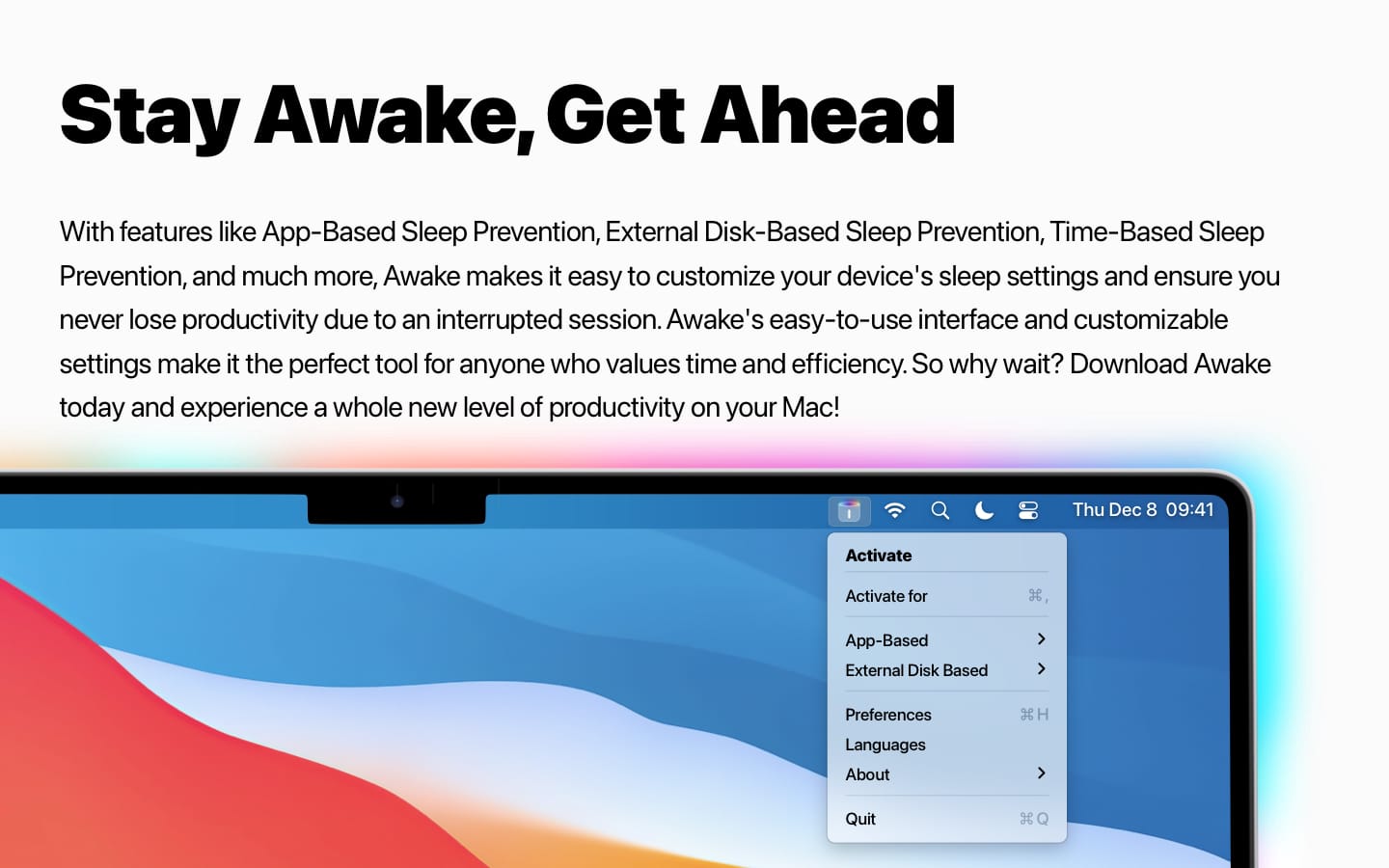
Coca is a modern App Store alternative that bridges the gap between the two. It provides a redesigned settings interface and closed-lid support while maintaining a simpler feel than Amphetamine. It also integrates with Focus Filters and Apple Shortcuts.
| Feature | KeepingYouAwake | Amphetamine | Coca |
|---|---|---|---|
| Closed-Lid Support | No | Yes | Yes |
| Automation Triggers | No | Yes (Advanced) | Limited (Shortcuts) |
| Complexity | Low (One-click) | High (Customizable) | Medium (Modern UI) |
Why are AI workloads changing Mac power management?
The rise of local AI coding and large language models (LLMs) is driving a need for more persistent power states. Unlike a simple web browse, AI tasks often require sustained CPU and GPU utilization that can be interrupted by standard macOS energy-saving cycles.
This shift makes “trigger-based” sleep prevention more critical. For example, Amphetamine’s ability to keep a system awake based on CPU utilization allows a Mac to stay active only as long as an AI model is processing data. This prevents the system from sleeping mid-generation while ensuring it doesn’t waste power once the task finishes.
How will closed-lid support evolve for MacBook users?
Closed-lid functionality is currently limited by macOS thermal considerations and system architecture. However, the demand for “headless” MacBook operation—where the laptop acts as a server or AI node—is increasing.
Future trends suggest a move toward more integrated “Session Rules.” As seen in Coca’s integration with Focus Filters, power management is becoming tied to the user’s current activity state rather than just a timer. We can expect future utilities to synchronize sleep prevention with cloud-based triggers or network-level demands, reducing the manual effort required to keep a machine online for remote sessions.
Frequently Asked Questions
Can I keep my MacBook awake with the lid closed without an external monitor?
Yes, but not with basic macOS settings. According to the analysis, utilities like Amphetamine and Coca provide the necessary control to override the default sleep behavior when the lid is closed.
Which app is best for a beginner?
KeepingYouAwake is recommended for those who want a simple on/off toggle for open-lid situations. For those preferring the Mac App Store, Coca offers a modern, user-friendly interface.
Does preventing sleep damage my battery?
Keeping a Mac awake indefinitely can drain the battery faster. To mitigate this, KeepingYouAwake can be set to disable itself when the battery drops below a specific percentage.
Which utility do you rely on to keep your Mac awake during long tasks?
Share your workflow in the comments below or subscribe to our newsletter for more macOS power-user tips.