
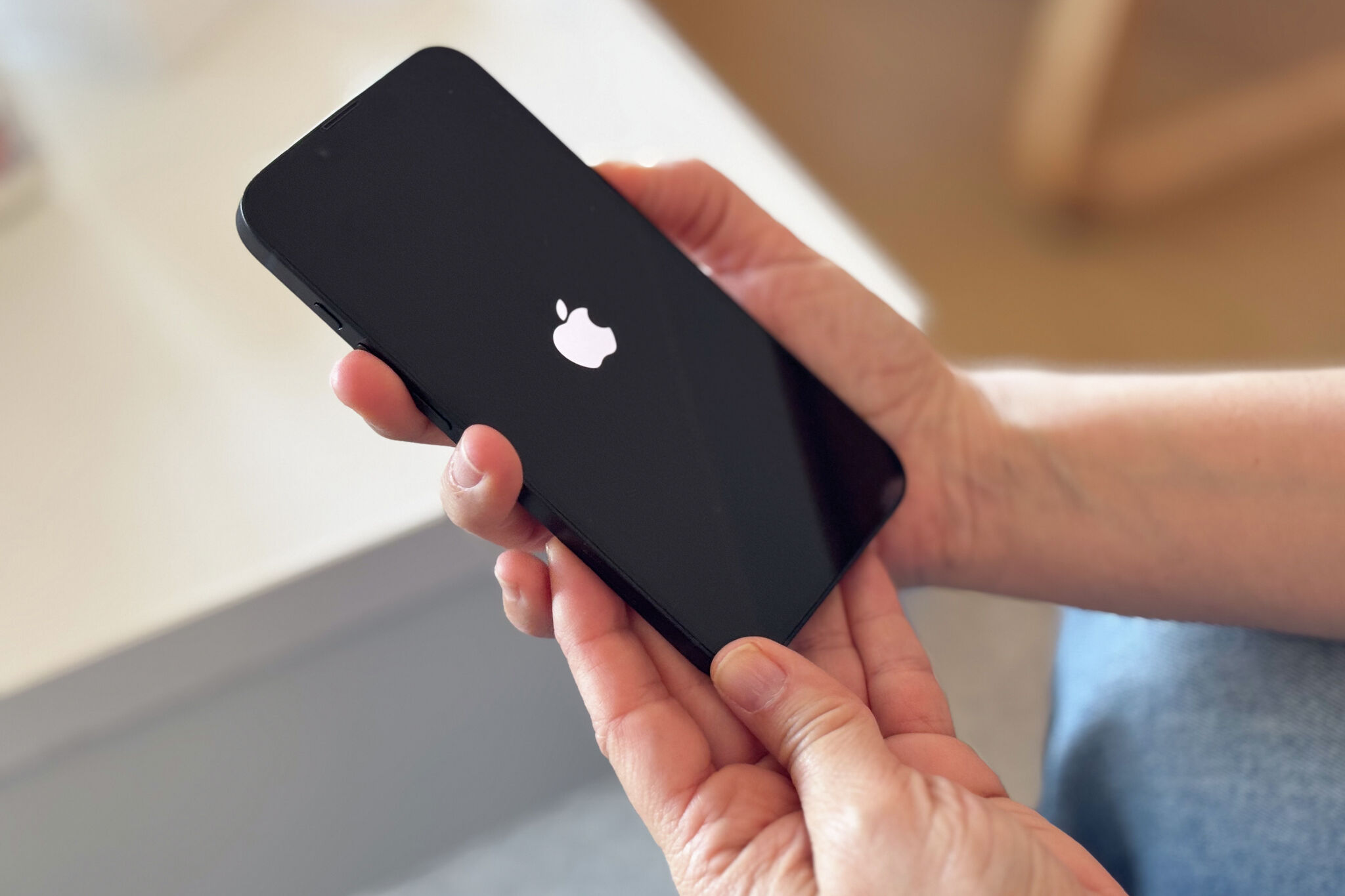
Does Apple’s Lost Mode expose you to scams? How to protect your iPhone
The Evolution of the “Digital Heist”: From Pickpocketing to Psychological Warfare
For years, stealing a smartphone was a simple game of opportunity. A thief grabbed a device, wiped it, and sold it for a quick profit. But as manufacturers like Apple have tightened the screws with features like Activation Lock and “Stolen Device Protection,” the game has changed. The hardware is now so secure that it’s virtually worthless without the owner’s credentials.
This has led to a dangerous shift: the rise of social engineering scams. Instead of hacking the phone, criminals are now hacking the human. By using the very recovery tools designed to help us—such as the contact numbers displayed in Lost Mode—thieves are launching targeted psychological attacks to coerce users into unlinking their accounts.
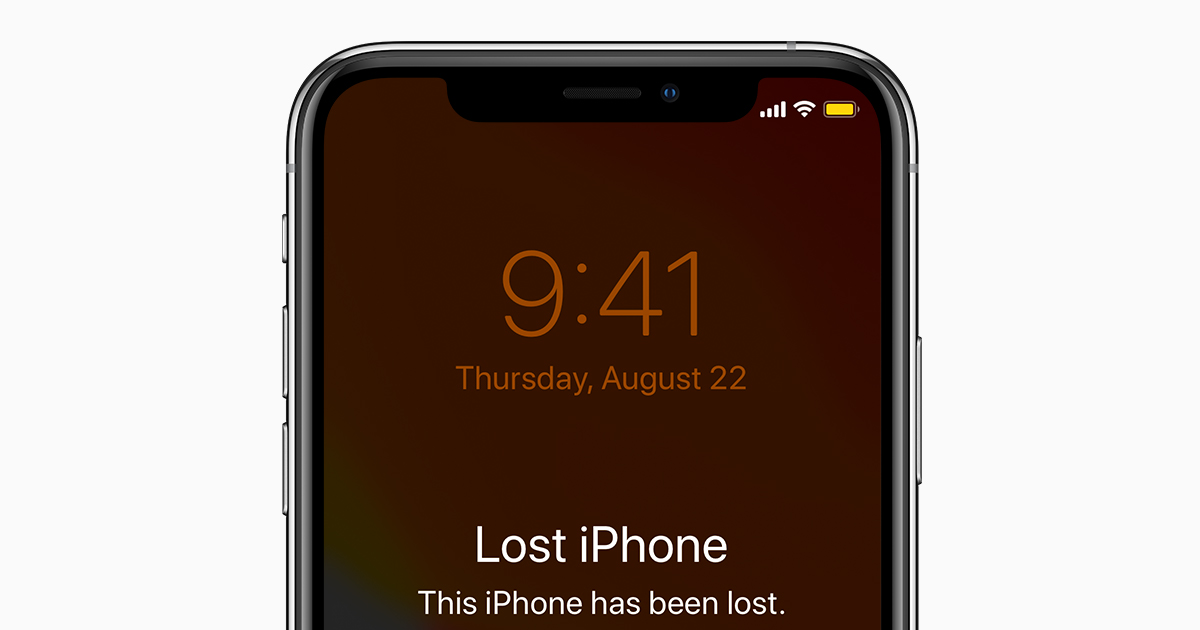
We are entering an era where the primary vulnerability isn’t a software bug, but our own fear and urgency. When a thief sends a photo of a weapon or a threat to a family member, they aren’t using technical skill. they are using emotional leverage.
The AI Threat: When Scams Get a Brain Upgrade
Looking ahead, the most significant trend in device theft is the integration of Artificial Intelligence. While current scams rely on generic threatening texts, the next generation of attacks will be hyper-personalized. Imagine receiving a voice note that sounds exactly like a police officer or an Apple security representative, mentioning your specific city and the exact model of your phone.

Generative AI allows scammers to scrape public data from social media to make their threats feel authentic. If a thief knows your mother’s name or where you work, the “pressure” they apply via Lost Mode messages becomes far more convincing.
Industry experts suggest that we will see a move toward verified communication channels. In the future, recovery messages may need to be routed through encrypted, verified portals rather than open SMS, preventing thieves from using a displayed phone number as a direct line for harassment.
Case Study: The “Phishing Pivot”
Recent data from cybersecurity firms indicates a spike in “smishing” (SMS phishing) where users receive a fake “Find My” alert. The link leads to a cloned iCloud login page. Once the user enters their credentials, the thief doesn’t just have the phone—they have the user’s entire digital life, from banking apps to private photos.
Beyond the Passcode: The Future of Biometric Guardians
As passcodes become easier to steal via “shoulder surfing” (watching someone type their code in public), the industry is moving toward more robust, behavioral biometrics. We are moving past simple FaceID and TouchID.
Future trends suggest the implementation of continuous authentication. This technology analyzes how you hold your phone, your typing rhythm, and your gait. If the device detects a change in these patterns—meaning someone else is holding the phone—it could automatically trigger a “High Security Mode,” locking down sensitive apps and requiring a secondary biometric check regardless of the location.
Zero Trust and the End of the “Trusted Device”
The tech world is shifting toward a “Zero Trust” architecture. Historically, once you logged into a device, that device was “trusted.” But as we’ve seen with the Lost Mode scams, a stolen device can be a gateway to identity theft.
The future will likely see a decoupling of the device from the identity. Instead of the phone being the key, we may see the rise of decentralized identity (DID). This would mean that even if a thief manages to trick you into unlinking a device, they wouldn’t gain access to your personal data because that data isn’t stored on the device or in a single centralized cloud, but across a distributed ledger.
For more on how to secure your digital footprint, check out our guide on The Ultimate Digital Privacy Checklist or visit the FTC’s guide on identity theft.
Frequently Asked Questions
Q: Should I put my phone number in Lost Mode?
A: If you believe you simply misplaced your phone in a public area, yes. However, if the phone was snatched or is showing up in a foreign country, avoid adding a number. This prevents thieves from using your contact info for social engineering.
Q: Does wiping my phone remotely make it easier for thieves to sell?
A: Yes. Erasing the device removes the Activation Lock, making it a functional phone that can be resold. If you want to ensure the thief gets no value from the device, keep it in Lost Mode without erasing it.
Q: Can a thief really find my home address through an iPhone?
A: Generally, no. If the phone is in Lost Mode, they cannot access your personal data. Most threats regarding your address are bluffs designed to scare you into unlinking your Apple ID.
Is Your Device Future-Proof?
Security is a race between the locks and the lock-pickers. Have you updated your recovery contacts recently? Let us know in the comments if you’ve encountered any suspicious “Find My” messages, or subscribe to our newsletter for weekly security alerts.