
Faster and Easier: WhatsApp Backups Arrive in Android Settings
Google is integrating WhatsApp backup controls directly into Android system settings via Google Play services version 26.23. This update moves backup frequency and account selection from the WhatsApp app to the device’s main menu, signaling a shift toward centralized data management within the Android 17 ecosystem.
Why is Google moving WhatsApp backups to system settings?
Google is centralizing data management to remove “hidden options” that previously required users to dig through WhatsApp’s internal menus. According to the latest update details, version 26.23 of Google Play services places backup settings under the device’s main system and backup menu.
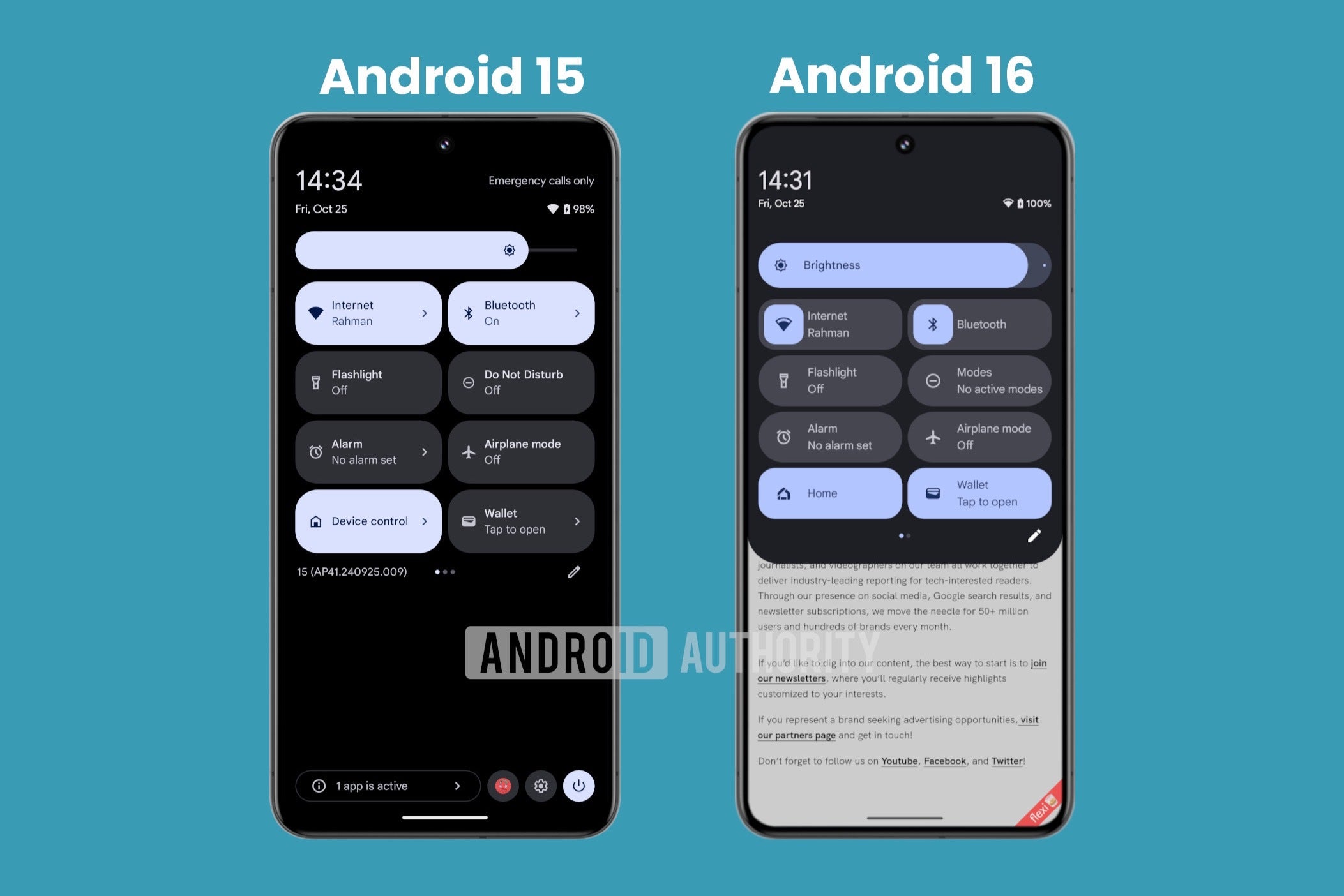
Users can now manage Google account selection, backup frequency, and data types—including cellular data and Wi-Fi preferences—without opening the messaging app. This move reduces the friction of maintaining chat histories and media files.
What other system integrations are arriving in version 26.23?
The update extends beyond WhatsApp. The official changelog for version 26.23 confirms improvements to Google Contacts sync settings and an enhanced transaction history display within the Google Wallet app.

These changes reflect a broader trend of OS-level integration. By pulling Wallet and Contacts functions closer to the system core, Google reduces the need for users to jump between multiple app interfaces to track finances or manage contact lists.
How does this fit into the Android 17 and Pixel Drop roadmap?
These updates arrive alongside the stable rollout of Android 17 and the June 2026 Pixel Drop. This release cycle introduces “app Bubbles” to simplify multitasking, further indicating Google’s goal of making the OS the primary hub for app interaction.
Historically, Android treated third-party app settings as isolated silos. The shift seen in the June 2026 updates suggests a future where the operating system manages the “maintenance” layer—backups, syncs, and history—while the apps handle only the primary user experience.
What happens next for third-party app management?
The integration of WhatsApp suggests other major services may follow. If Google establishes a standardized “Backup & Sync” portal in Android settings, users could potentially manage cloud saves for various messaging and productivity apps from one screen.
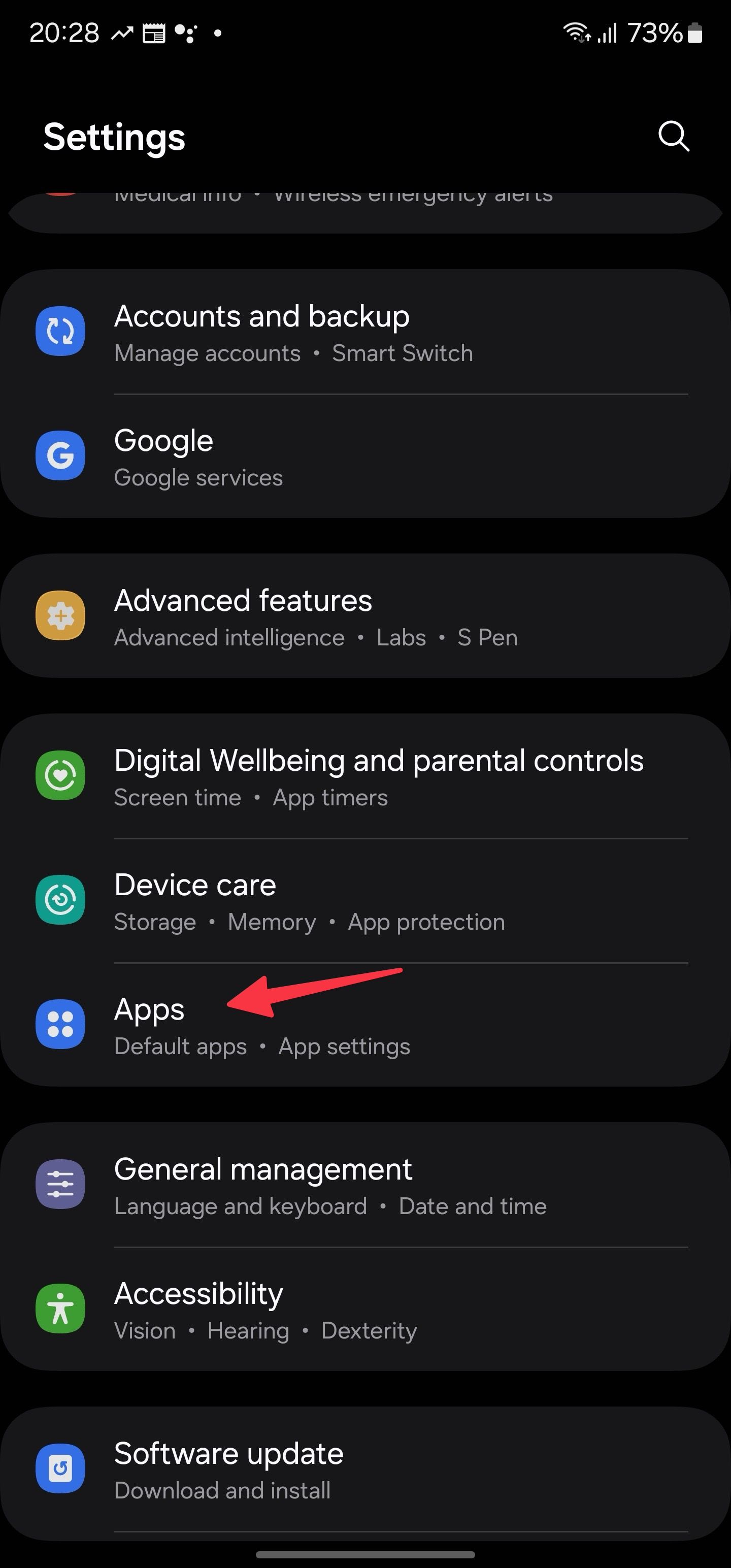
This trend moves Android closer to a unified data sovereignty model. Instead of trusting individual app developers to maintain backup transparency, the OS provides a verified, system-level view of where data is stored and how often it is updated.
Comparison: App-Based vs. System-Based Management
| Feature | Old Method (In-App) | New Method (System Settings) |
|---|---|---|
| Accessibility | Deeply hidden in app menus | Main Android settings menu |
| Visibility | App-specific silo | Centralized system view |
| Control | Managed by WhatsApp | Managed via Google Play services |
Frequently Asked Questions
Will my WhatsApp backups still go to Google Drive?
Yes. The update changes where you manage the settings, not where the data is stored. Backups still utilize your selected Google account.
Do I need Android 17 to get this feature?
While it coincides with the Android 17 rollout, the feature is delivered via Google Play services version 26.23, which often reaches devices on older OS versions.
How do I find the new backup menu?
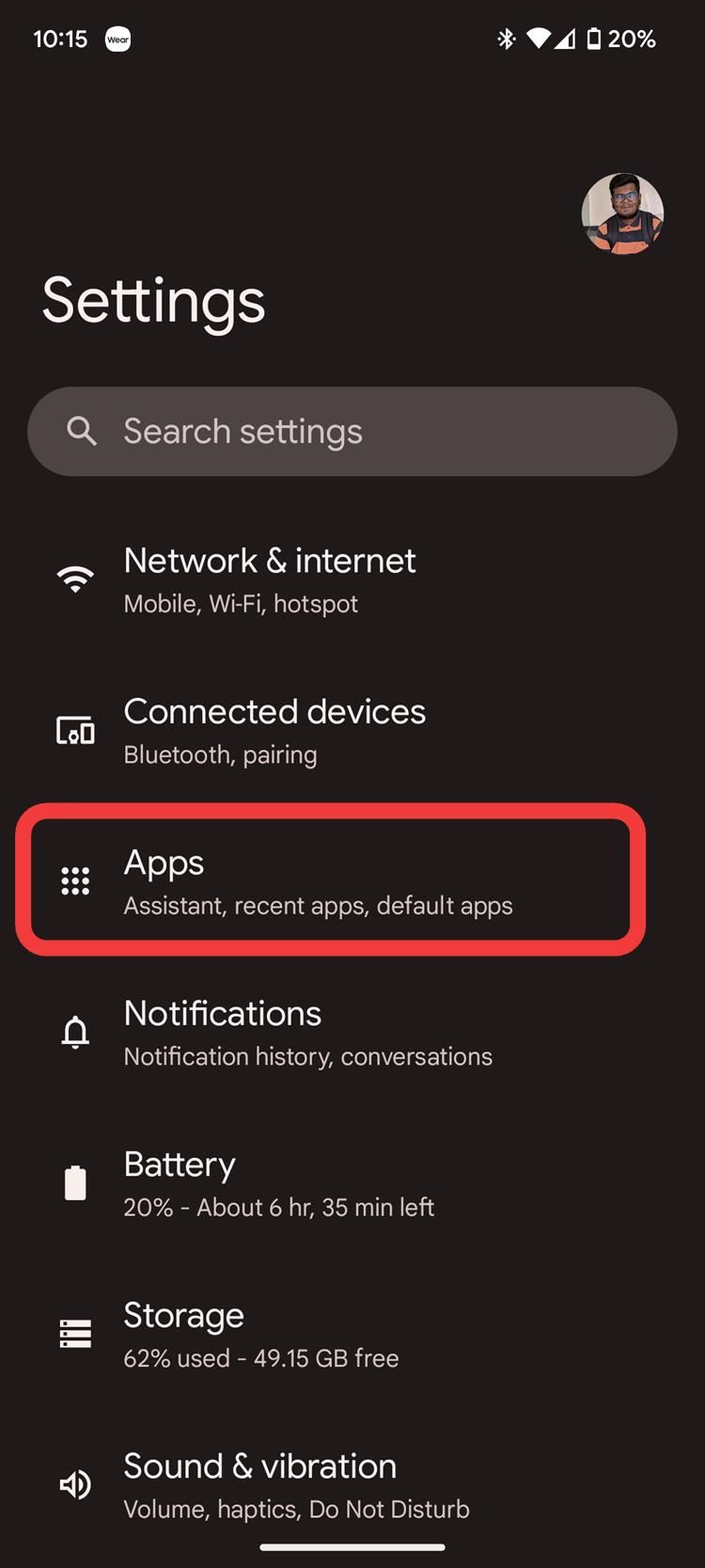
Once updated, navigate to your device settings and look under the “System” or “Backup” sections.
What do you think about Google taking over app backup settings? Does this make your life easier or do you prefer keeping app settings separate? Let us know in the comments below or subscribe to our newsletter for the latest Android updates.