
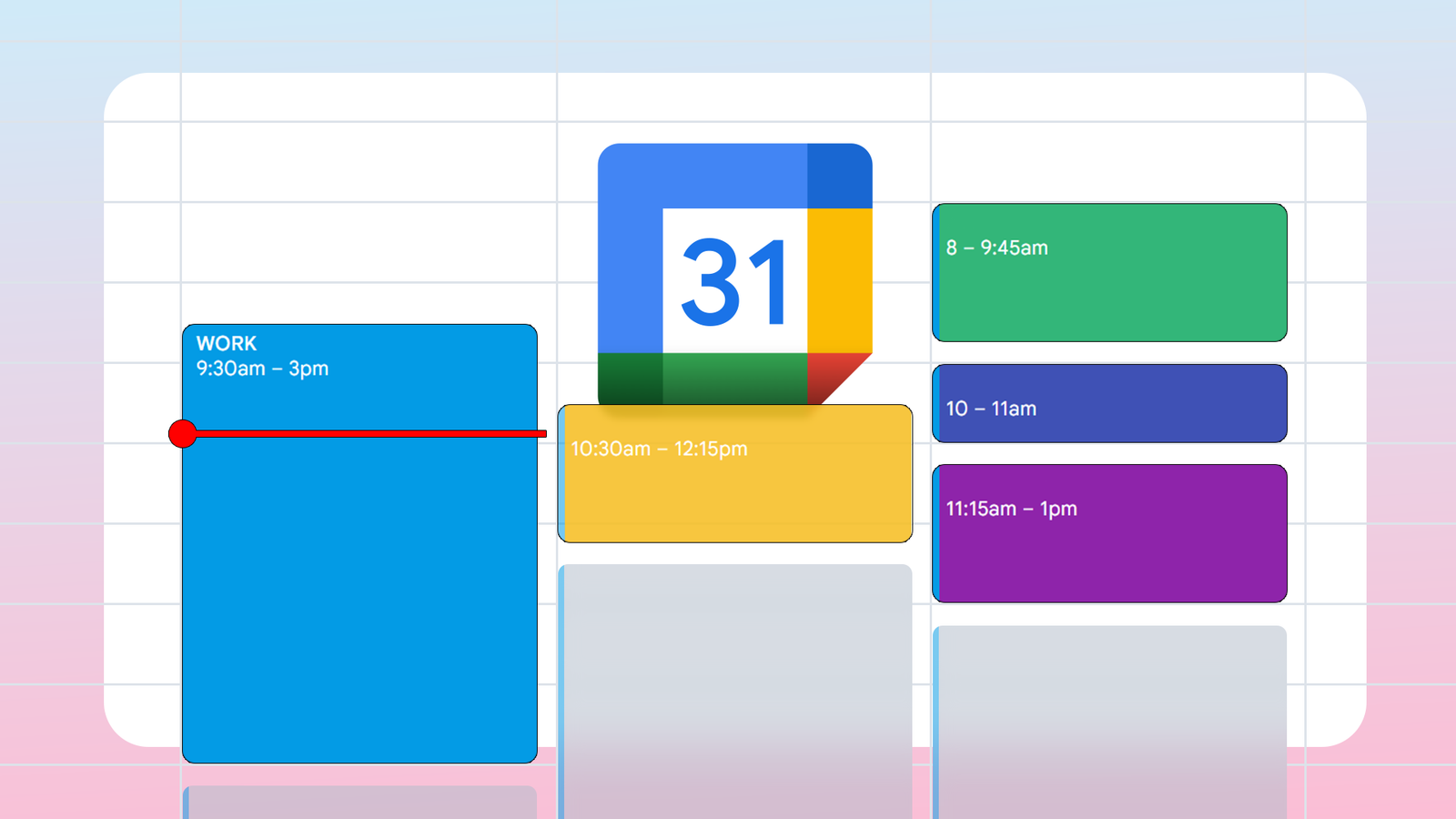
Google Calendar Expands Color Palette With New Custom RGB Picker
Google is expanding Google Calendar’s color palette from 11 predefined options to 24, while introducing a full RGB color picker and Hex code support for web and API users. According to Google, the update responds to long-standing requests from business and personal users for deeper customization and better visual organization.
How does the new Google Calendar color system work?
Google now offers 24 predefined colors available across all platforms. Users accessing the calendar via the web or the Google Calendar API can use a full RGB color picker. While a provided grid gives quick access to 200 shades, the custom mixer allows for millions of variations through Hex codes.
These custom colors sync to mobile views, though they can only be created on a desktop browser. Google stated this update fulfills a “long-standing feature request” from its user base. The rollout applies to both personal and Google Workspace accounts and is expected to reach all users within two weeks.
Why did Google expand its color palette?
The limited 11-color palette often forced users into inefficient workarounds. One Reddit user reported creating multiple separate calendars, each tied to a single event type, solely to increase the number of available colors. Another user shared on Reddit that limited colors caused events to “blend together,” making the calendar harder to scan quickly.
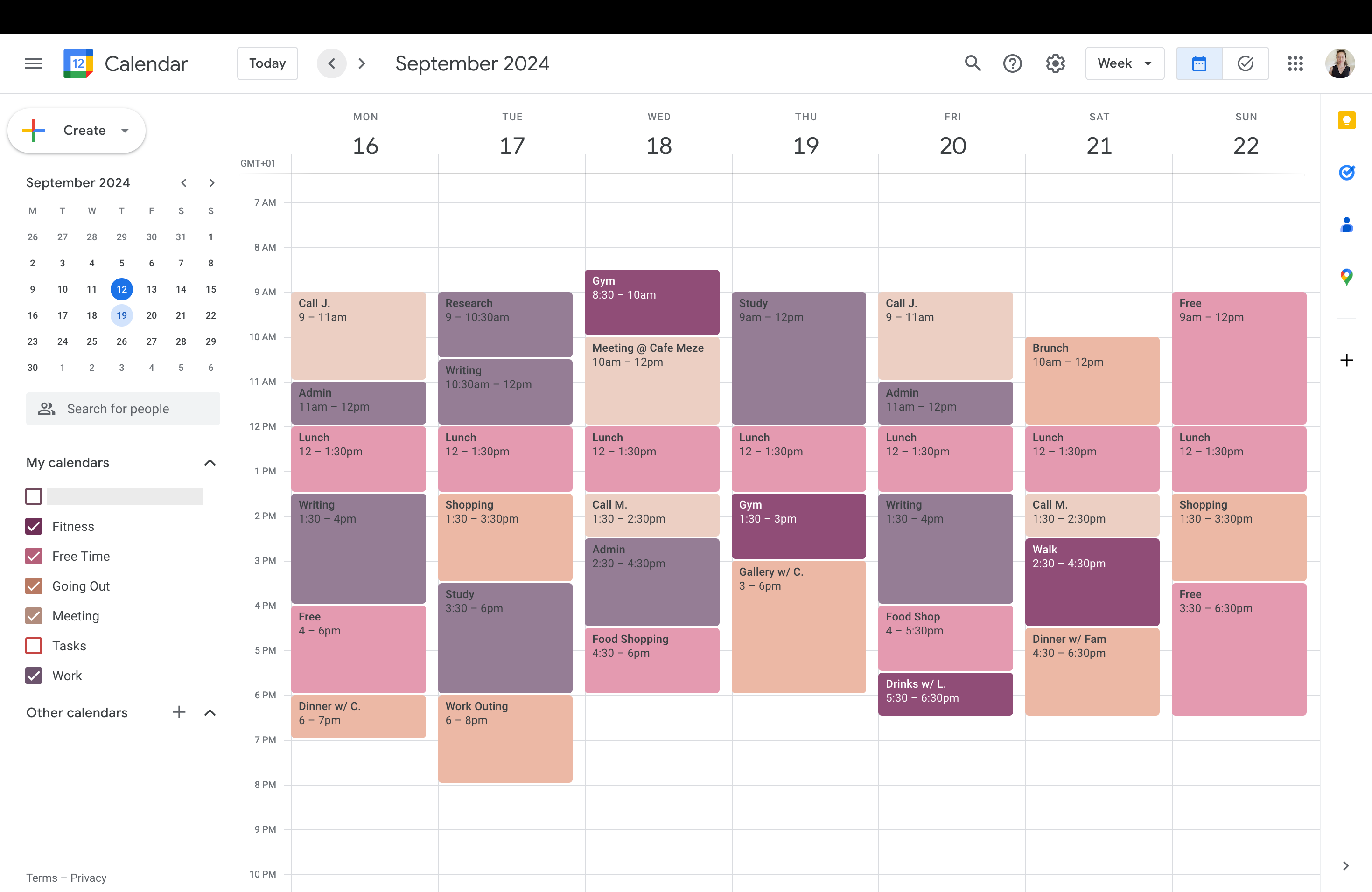
This friction led some developers to build third-party Chrome extensions to bypass Google’s restrictions. By moving to an RGB system, Google removes the need for these external tools and allows for precise brand alignment for business users who require specific corporate colors in their scheduling.
What are the future trends for digital scheduling?
The shift toward hyper-customization suggests a broader trend in productivity software: the move from “one size fits all” to user-defined environments. As users demand more control over visual data, we can expect further integration of visual cues to reduce cognitive load.
AI-Driven Automated Categorization
With millions of colors now available, the next logical step is automated color assignment. Future updates could see AI analyzing event titles—such as “Client Meeting” or “Gym”—and automatically assigning a user’s preferred custom Hex code based on historical patterns.
Accessibility-First Design
Expanding the palette opens the door for better accessibility. Future trends likely include “color-blind modes” that suggest high-contrast palettes. This ensures that the visual differentiation Google is introducing remains functional for users with visual impairments.

Cross-Platform Visual Synergy
As Google Calendar syncs these custom colors to mobile, we’ll likely see this extend to other Workspace apps. Imagine a Google Doc or a Task list that automatically adopts the same Hex code as the corresponding calendar event, creating a unified visual thread across an entire project.
Comparison: Old vs. New Color Systems
| Feature | Previous System | New System |
|---|---|---|
| Predefined Colors | 11 | 24 |
| Customization | None | Full RGB/Hex Picker |
| Color Options | Fixed set | Millions of variations |
Frequently Asked Questions
Can I create custom colors on my phone?
No. According to Google, custom colors must be created on a desktop browser, though they will sync and be visible on mobile devices.
When will I get the new colors?
The feature is rolling out now to personal and Workspace accounts and should be available to all users within approximately two weeks.
Do I need to pay for the RGB color picker?
No. The expanded palette and custom mixer are available for both free personal accounts and paid Workspace accounts.
How are you organizing your new palette? Share your color-coding system in the comments below or subscribe to our newsletter for more productivity tips and software updates.