
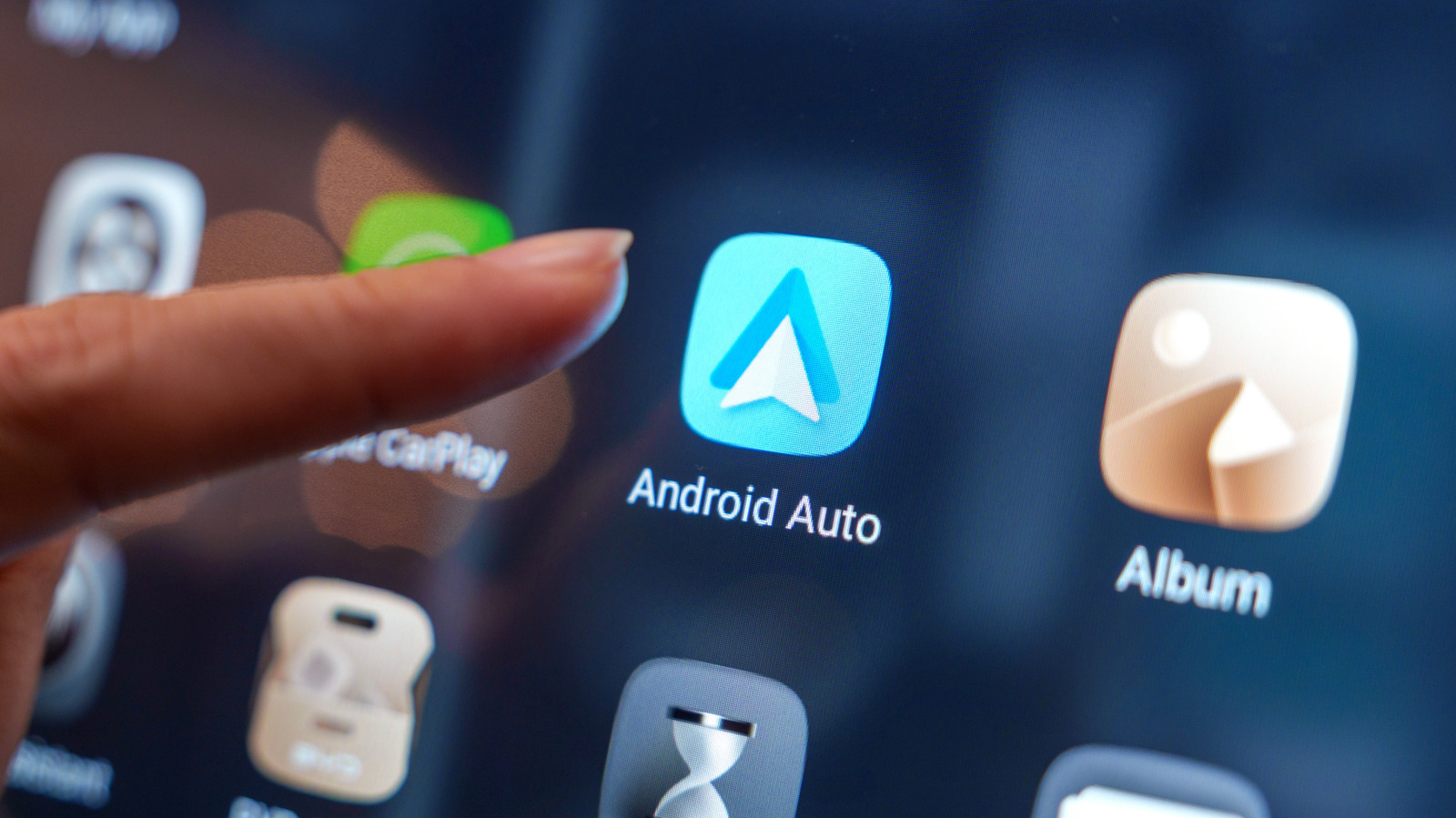
Google Quietly Pushed Out A Fix For Android Auto’s Disconnect Issues
Google released a Google Play Services update on June 8 to resolve Android Auto connection drops affecting Samsung Galaxy and Pixel users. According to reports from Tom’s Guide and Android Authority, the update stabilizes connections that previously dropped and reconnected frequently, though Google’s official release notes only cite general “bug fixes for Device Connections.”
Why did Android Auto connections start dropping?
Connectivity issues spiked around March, coinciding with the Samsung Galaxy S26 store launch. Users reported that phones would connect to Android Auto briefly before dropping the signal, a cycle that repeated continuously. While most affected users relied on physical cables, some wireless users reported the same instability.

The cause remains officially unconfirmed by Google or Samsung. However, a leading theory suggests a conflict with Android’s “Advanced Protection” suite. This security stack includes features like Theft Detection and Offline Device Lock, which may interfere with how the phone maintains a steady handshake with vehicle hardware.
How does the June 8 update differ from previous fixes?
This update succeeds where a previous attempt failed. In April, Google released a similar update with vague changelogs, but users reported that the connection drops persisted. The June 8 update, however, has shown immediate results for some.

Tom’s Guide reported that a Galaxy S26 Ultra regained a stable, immediate connection to Android Auto after installing the Google Play Services patch. Android Authority also confirmed the update cleared up connection drops for a portion of the affected user base. This suggests the June patch addressed a deeper systemic bug that the April release missed.
What happens next for in-car software integration?
The friction between security features and connectivity highlights a growing trend in mobile OS development. As Google integrates more aggressive security like Theft Detection, the “handshake” between the phone and external peripherals becomes more complex. Future updates will likely need to balance these lockdowns without breaking core utility features like Android Auto.
Beyond stability, the shift toward Material 3 Expressive design indicates that Google is moving away from a static mirrored-phone experience. The goal is a more native-feeling automotive OS that adapts to the vehicle’s specific dashboard geometry.
How can users manually force the update?
Google Play Services usually updates automatically, but users can trigger it manually to resolve connectivity bugs. According to standard Android navigation, users should open the Settings app, select “Apps” (or “Apps & notifications”), and locate Google Play Services.
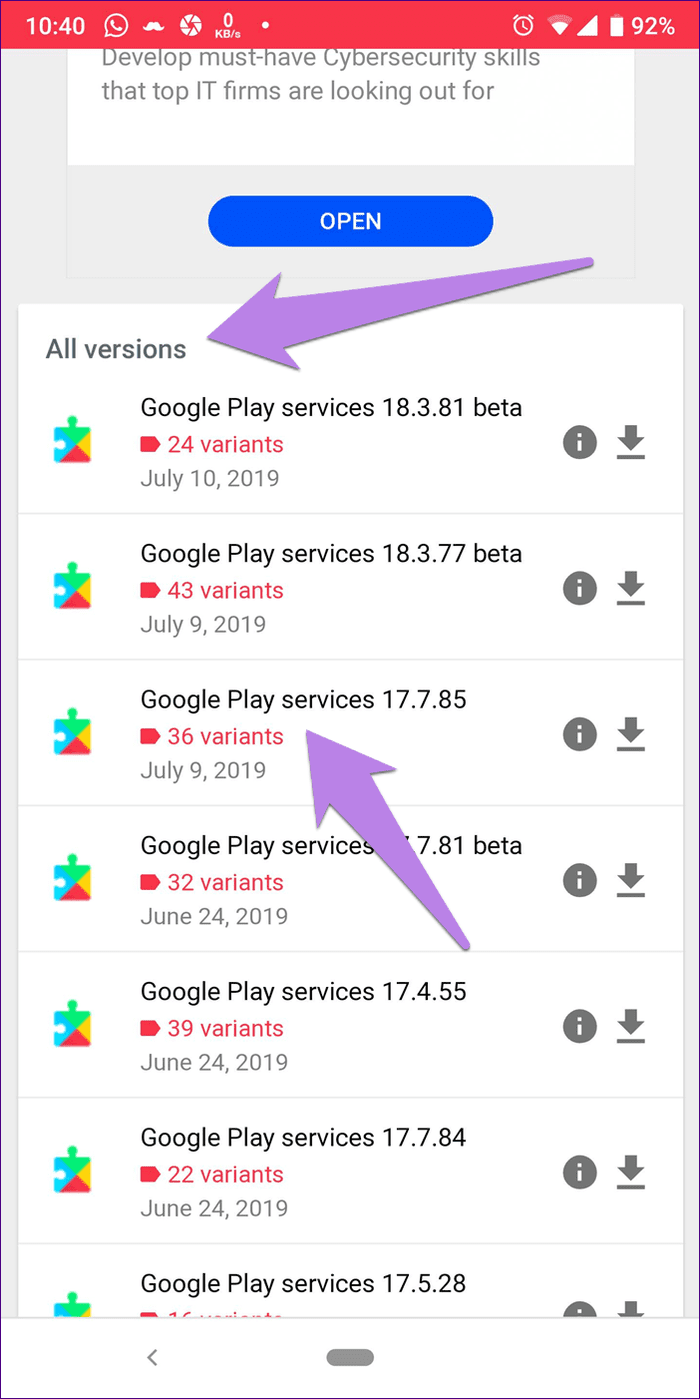
From there, scroll to “App details” at the bottom of the menu. This link opens the Google Play Store directly to the Play Services page, where the “Update” button will appear if a newer version is available for the region.
Android Auto Stability FAQ
Which phones are most affected?
Reports primarily highlight Samsung Galaxy S26 owners and Google Pixel users.
Does this fix wireless Android Auto?
Yes, while cable users reported more issues, some wireless users have also seen stability improvements following the June 8 update.
What is the “Material 3 Expressive” design?
It is a visual overhaul of the Android Auto interface designed to be more modern and responsive across various automotive display types.
Are you still experiencing connection drops with your Galaxy or Pixel? Let us know your phone model and car brand in the comments below. For more tech guides, subscribe to our newsletter.