

Google solves the biggest headache of switching from iPhone to Android
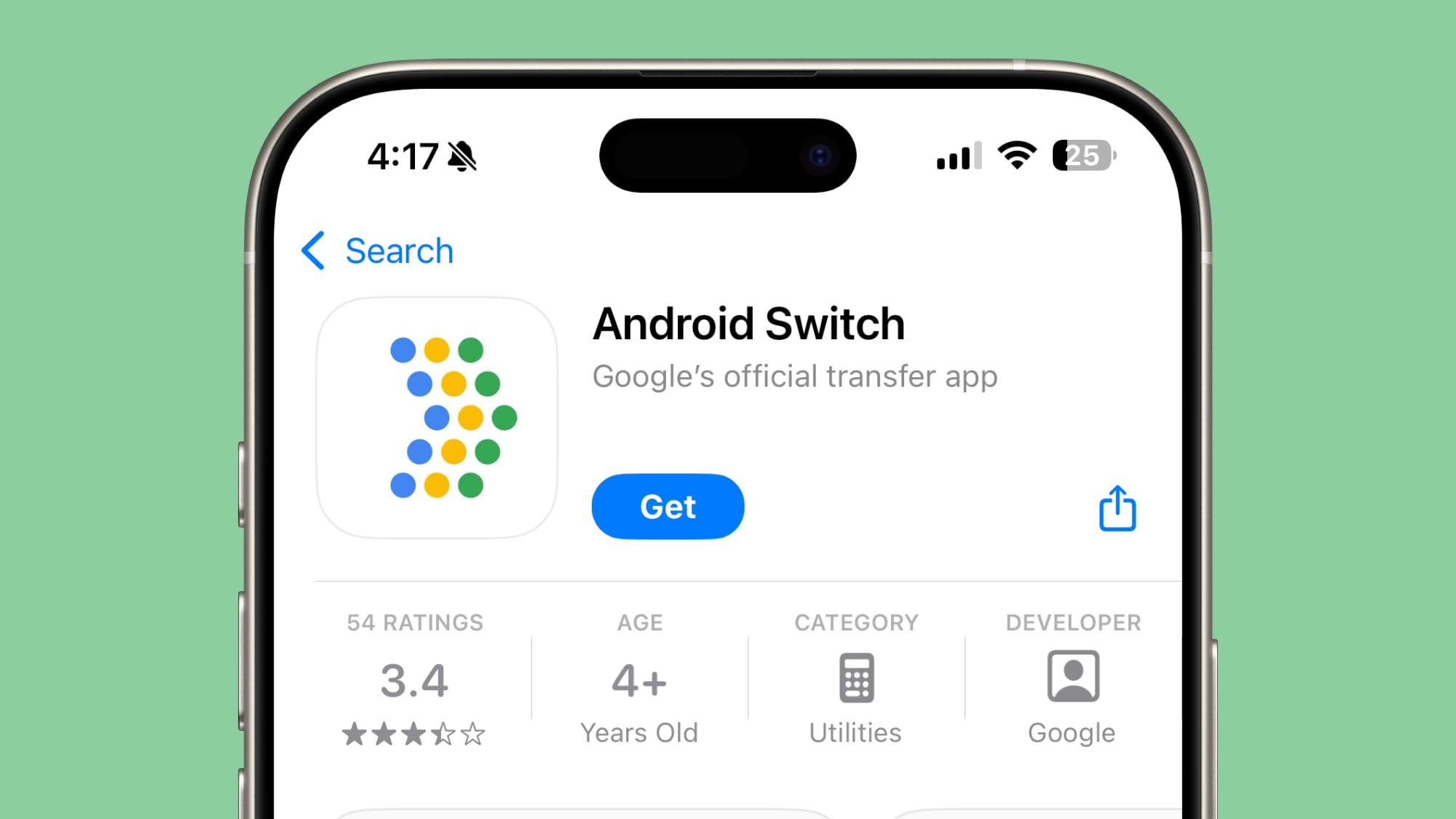
Google is integrating a revamped Android Switch directly into Android 17 to simplify iPhone migrations. According to Paul Dunlop, Google’s Product Lead for Onboarding, Settings, and Switching, the update enables wireless data transfers, eSIM migration, and the movement of passkeys and home screen layouts without requiring a separate app or USB cable.
How does the new Android Switch change the migration process?
The migration process no longer requires a separate application or a physical USB connection. Paul Dunlop stated that Android Switch is now built directly into the operating systems, allowing users to initiate transfers wirelessly. This removes the previous requirement of connecting an iPhone and an Android device via cable to start the data move.
What specific data can users move from iPhone to Android?
Android Switch now supports a broader range of data types to make the transition feel more seamless. According to Google, users can now transfer passwords, passkeys, Wi-Fi credentials, alarms, and call history. The system also handles SMS, MMS, and encrypted RCS conversations.
Beyond basic contacts, the tool migrates calendar attachments, Apple Notes labels and attachments, and files and folders. Google has also added the ability to transfer visual and functional customizations, including:
- Wallpaper settings
- Home screen layouts
- App placements
- Accessibility settings
How do eSIM and account setups work in Android 17?
The updated experience automates the most tedious parts of device setup. Android Switch can now transfer a user’s Google account across devices and log them in automatically without requiring a password entry. During the initial setup phase, the tool can transfer the eSIM from an iPhone directly to the new Android device.
To ensure immediate connectivity, Google stated that the system sets up RCS (Rich Communication Services) in the background. This means messaging services are active the moment the setup process finishes.
Comparing the Old vs. New Android Switch
The shift in Android 17 represents a significant change in how Google handles onboarding. Based on details provided by Android Police, the differences are stark:
| Feature | Previous Version | Android 17 Version |
|---|---|---|
| Installation | Separate app required | Built into OS |
| Connection | USB Cable required | Wireless transfer |
| eSIM Transfer | Manual carrier setup | Integrated transfer |
| Layouts | Manual reorganization | Home screen migration |
When will these features be available?
Google is currently rolling out the upgraded Android Switch to a “small % of Android 17 devices.” The company expects availability to expand over the coming weeks and months. This move precedes expected updates from Apple, which is reported to be introducing similar migration improvements in iOS 27 this September.
Frequently Asked Questions
Do I need a cable to move data from iPhone to Android 17?
No. The new version of Android Switch allows for wireless data transfers, removing the need for a USB cable.
Can I move my eSIM wirelessly?
Yes, Android Switch can now transfer your eSIM from an iPhone to your Android device during the initial setup process.
Will my home screen layout stay the same?
Yes, Android 17 can migrate your wallpaper, app placements, and home screen layout from your iPhone.
Does this work for all Android devices?
These features are rolling out specifically for Android 17 devices. Availability is expanding gradually over several months.
What do you think about these changes? Does a wireless transfer make you more likely to switch platforms? Let us know in the comments below or subscribe to our newsletter for more tech updates.