

Google Voice Adds AI-Powered Note Taking and Call Summaries
Google is integrating Gemini AI into Google Voice to provide automatic call recording, transcription, and summarization. According to Google, the service captures key points and action items, delivering them via Gmail and storing them within the Voice app. The feature includes mandatory recording notifications for all call participants to ensure transparency.
How does Gemini AI change call documentation in Google Voice?
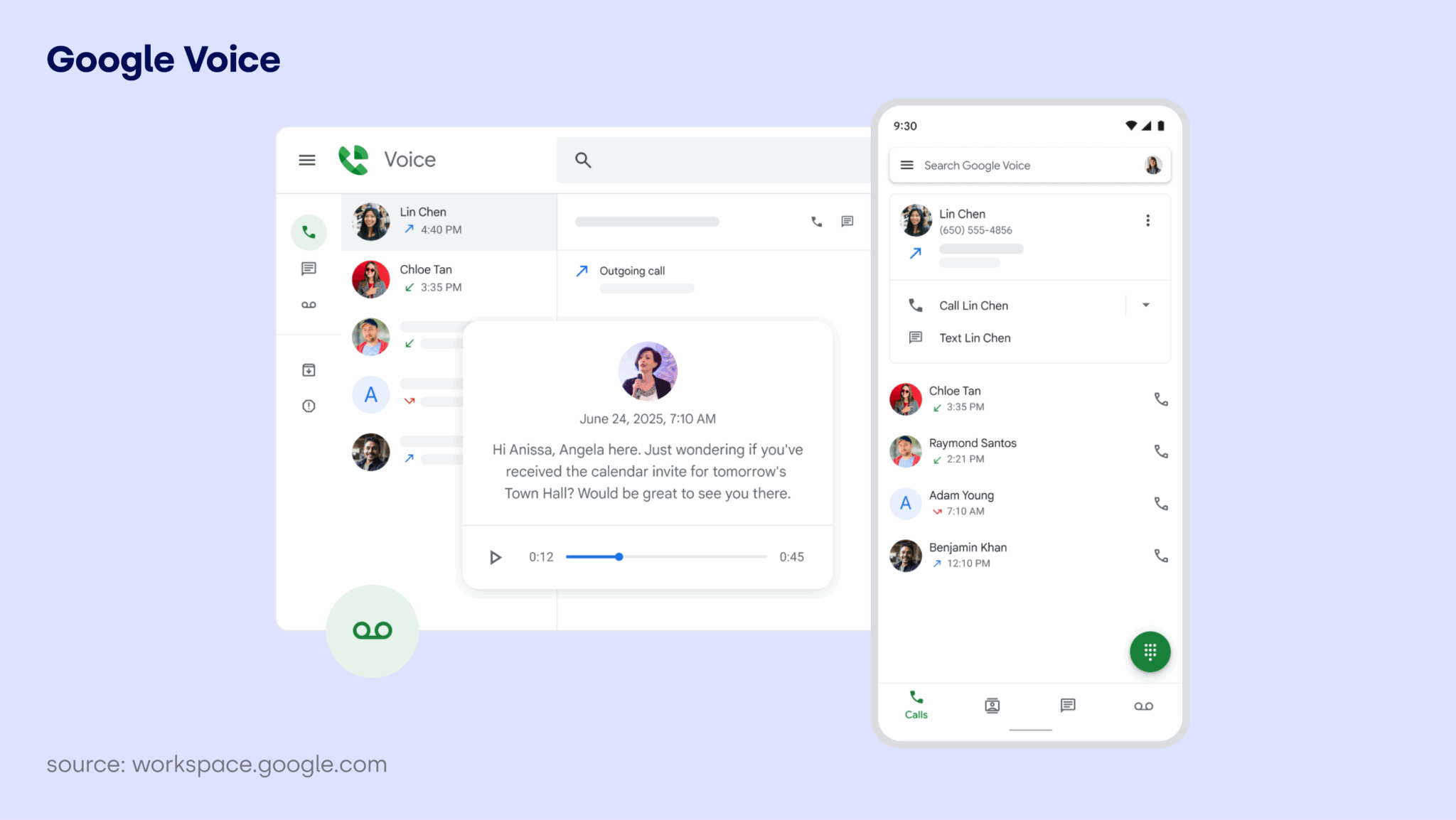
Google Voice now allows users to trigger AI-driven notes by tapping a “Notes” button during a live call. According to the Google Workspace updates blog, Gemini records the conversation and generates a transcription in real-time. Once the call ends, the AI summarizes the discussion and organizes specific action items into a summary.
These summaries are sent directly to the user’s Gmail account. The full audio recording and transcript remain accessible within the Voice app alongside the call details. This removes the need for manual note-taking, a process that often leads to data loss or misinterpreted details during professional consultations.
What are the privacy implications of AI call recording?
To comply with privacy standards, Google implements an automated audio announcement. According to the company, a message plays at the start of the call to notify all parties that the conversation is being recorded by AI. This is a critical safeguard in jurisdictions with “two-party consent” laws, where recording without notification can lead to legal liabilities.

Access to the resulting data is restricted. Google states that post-call notes and transcriptions are strictly accessible only to the individual who initiated the AI capture. This prevents the AI-generated summary from being shared automatically with other participants, maintaining a layer of confidentiality for the record-keeper.
How does this compare to other AI productivity tools?
This move mirrors a broader trend in “ambient computing” seen in tools like Microsoft Copilot for Teams. While Copilot focuses on enterprise-level meeting summaries, Google Voice brings this capability to the individual phone call. The primary difference lies in the delivery; Google leverages its ecosystem by pushing summaries directly into Gmail, creating a seamless link between a voice conversation and an email trail.
Industry data on AI adoption suggests a shift toward “zero-effort” documentation. By automating the transcription-to-summary pipeline, Google is competing directly with third-party AI note-takers like Otter.ai or Fireflies.ai, which previously dominated the market for automated meeting minutes.
What happens next for AI-integrated communication?
The integration of Gemini into Voice suggests a future where phone calls are treated as searchable data. Instead of scrubbing through a 30-minute audio file to find a specific price quote or date, users can search their Gmail for the AI-generated action item. This transforms a transient voice call into a permanent, structured record.
Future iterations will likely move toward “real-time assistance.” If Gemini can summarize a call after it happens, the next logical step is suggesting responses or pulling up relevant client data on the screen while the user is still speaking. This would shift the AI from a secretary that takes notes to an assistant that guides the conversation.
Frequently Asked Questions
Who can see the AI-generated notes?
Only the person who initiated the AI capture has access to the notes and transcriptions, according to Google.
Will the other person know I am recording?
Yes. Google plays an automated message to all parties on the call to notify them that AI recording is active.
Where are the summaries stored?
Summaries are sent via Gmail and are also stored within the Google Voice app under the specific call details.
Is this feature available for all users?
It is enabled by default for new users. Existing users must opt-in through their Workspace Smart Feature Consent settings.
Do you trust AI to summarize your professional calls, or do you prefer manual notes? Let us know in the comments below or subscribe to our newsletter for more updates on AI productivity tools.