
Here’s What’s New With Visual Intelligence in iOS 27
Apple is integrating Visual Intelligence directly into the iOS 27 Camera app via a new “Siri Mode,” according to company specifications. The feature now extends to iPadOS 27, macOS Golden Gate, and visionOS 27, allowing users to identify objects, split bills, and extract data across Apple’s ecosystem using Apple silicon hardware.
How does Visual Intelligence work in iOS 27?
Apple moved Visual Intelligence into the Camera app, placing it within a new Siri Mode alongside Photo and Video options. Users swipe to Siri Mode and take a photo to let the AI analyze the scene. Swiping down then reveals specific details about the image, with the option to ask follow-up questions.
While Siri Mode is now the primary access point, Apple kept the Camera Control button as a secondary method. Holding the button still triggers Visual Intelligence for users who prefer physical shortcuts over software swipes.
What are the new capabilities of Visual Intelligence?
The iOS 27 update introduces several utility-focused tools that automate data entry and financial tasks. According to the update details, users in the U.S. can now photograph a restaurant bill to split costs and send payments via Apple Cash.
Other new features include:
- Nutritional Insights: Siri analyzes food photos to identify nutritional value and health benefits, though it doesn’t provide specific calorie counts.
- Data Import: Users can capture photos of business cards to import contacts or photograph schedules to add multiple events to the Calendar and Reminders apps simultaneously.
- Wallet Integration: The system can convert a photo of a membership barcode directly into a Wallet pass.
How does Apple’s AI integration differ from previous versions?
Apple has reduced the system’s reliance on third-party AI. Previously, complex queries were handed off to ChatGPT. In iOS 27, a more capable version of Siri handles these requests by pulling information directly from the web.
This shift allows for deeper integration with the Siri app, where all Visual Intelligence requests are now archived. Users can configure the Siri app to retain these conversation histories for a month, a year, or indefinitely.
Comparison: Old vs. New Visual Intelligence
| Feature | Previous Versions | iOS 27 |
|---|---|---|
| Primary Access | Camera Control Button | Siri Mode (Camera App) |
| Complex Queries | ChatGPT Handoff | Native Siri Web Search |
| Device Reach | iPhone only | iPhone, iPad, Mac, Vision Pro |
Which devices support these updates?
Visual Intelligence requires specific hardware to handle on-device AI processing. For iPhone users, the feature is limited to the iPhone 15 Pro or later models.
iPad and Mac users must have a device equipped with an Apple silicon chip. The only exception for iPad is the A17 Pro iPad mini, which also supports the feature. Vision Pro users can access Visual Intelligence simply by looking at physical items in their environment.
How do you use Visual Intelligence on Mac, iPad, and Vision Pro?
Apple introduced platform-specific shortcuts to ensure the tool is accessible without a camera button. On macOS Golden Gate, users can press Command-Shift-Space to select a portion of their screen for AI analysis.
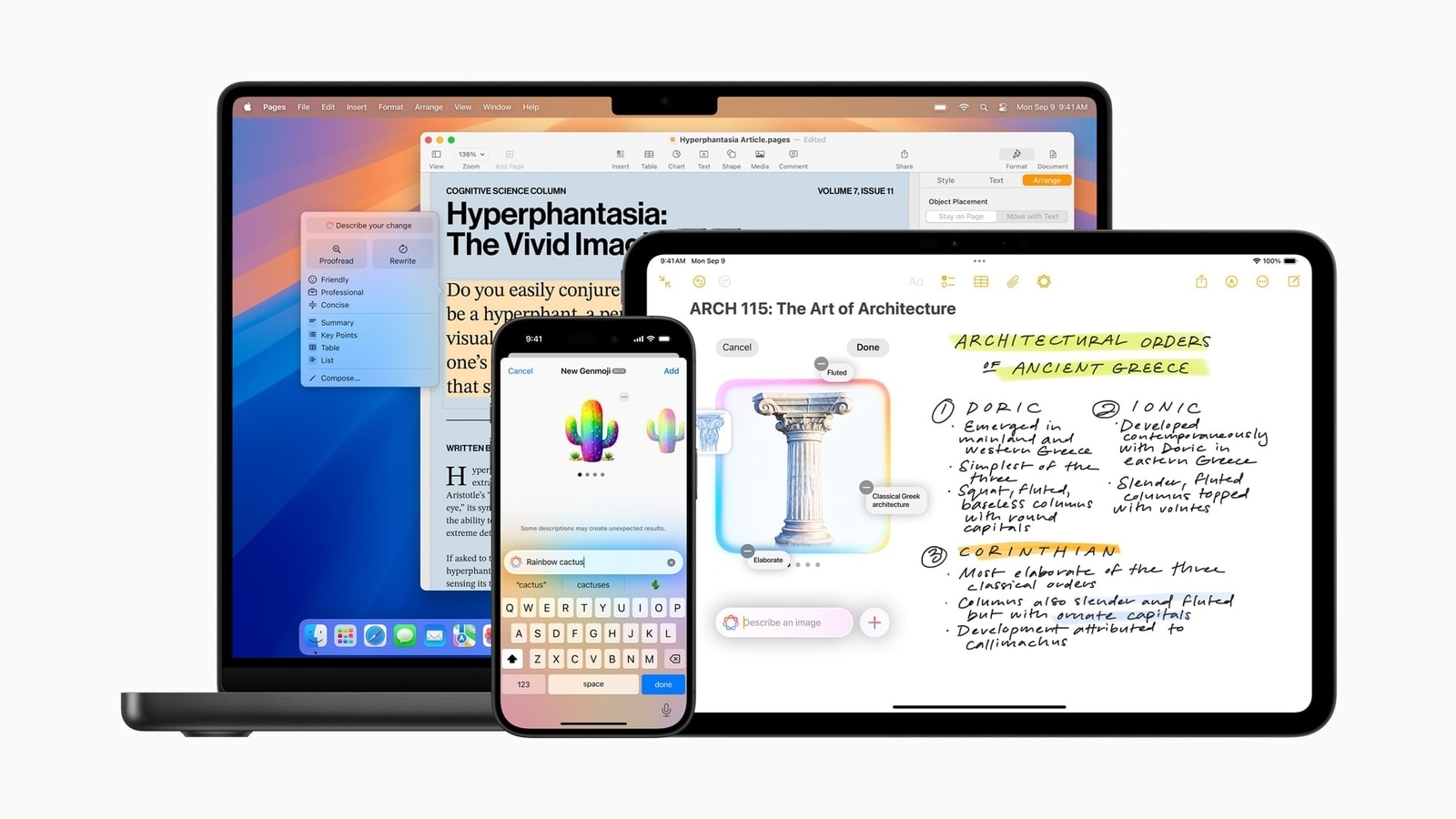
iPad users can trigger the tool by taking a screenshot or swiping up from the lower-left corner using an Apple Pencil. These additions move the tool from a mobile-first utility to a cross-platform productivity suite.
Frequently Asked Questions
Does Visual Intelligence give exact calorie counts?
No. According to Apple, it provides general nutritional value and identifies what is healthy or unhealthy about a food item, but it doesn’t list specific calories.
Is bill splitting available globally?
No. The bill splitting and Apple Cash integration is currently available in the U.S. only.
Can I delete my Visual Intelligence history?
Yes. History is stored in the Siri app, and users can set the retention period to a month, a year, or forever.
Want to master the new iOS 27 features? Let us know in the comments which Visual Intelligence tool you’ll use most, or subscribe to our newsletter for more Apple ecosystem guides.