

How to Detect Hidden Trackers on Android and iPhone
Android and iOS devices now feature integrated “Unknown Tracker Alerts” to notify users when an unidentified Bluetooth tracker moves with them. According to Google and Apple, this cross-platform collaboration prevents unauthorized tracking by alerting users to nearby devices, such as AirTags, regardless of whether the tracker is paired with an iPhone or an Android phone.
How do Android and iPhone detect hidden trackers?
Both operating systems use Bluetooth scanning to identify trackers that are moving in tandem with a user over a period of time. According to a report by CNBC Indonesia, these alerts are available for Android 6.0 and newer, and iOS 17.5 and later.

For Android users, the feature is found under Settings > Safety and emergency > Unknown tracker alerts. Once “Allow alerts” is toggled on, the phone monitors for suspicious Bluetooth signals. Android also provides a “Manual scan” option for users who want to check for trackers immediately rather than waiting for a notification.
iPhone users can enable these protections via Settings > Privacy & Security > Location Services. To ensure notifications are active, Apple requires users to navigate to Settings > Notifications > Tracking Notification and enable “Allow Notification.”
Why does the Google-Apple partnership matter for privacy?
The collaboration between Google and Apple marks a shift toward industry-wide privacy standards. Previously, an AirTag might not have alerted an Android user, and a Google-based tracker might have stayed silent near an iPhone. By sharing a common detection protocol, the two tech giants have closed a significant security loophole.

This partnership is a response to the increasing availability of miniature Bluetooth trackers. As CNBC Indonesia notes, these devices are now small enough to be slipped into bags or attached to motorcycles without being seen. The cross-platform alert system ensures that the “ecosystem” of the tracker doesn’t protect the stalker from the victim’s device.
What happens after a tracker is detected?
Once a notification appears, both systems allow the user to locate the physical device. According to Google and Apple, the primary tool for discovery is the “Play Sound” feature, which forces the hidden tracker to emit an audible beep. The owner of the tracker is not notified when this sound is triggered.
Apple provides additional forensic data for its users. When an iPhone is held near a detected AirTag, it can open a website displaying the tracker’s serial number, device ID, and sometimes the last four digits of the owner’s phone number or their email address. This information is critical for police reports in stalking cases.
Where is anti-stalking technology heading?
The current integration of software alerts is likely the first step toward more aggressive hardware-level protections. Future smartphone iterations may include dedicated “privacy antennas” designed specifically to sniff out unauthorized signals without draining the battery.
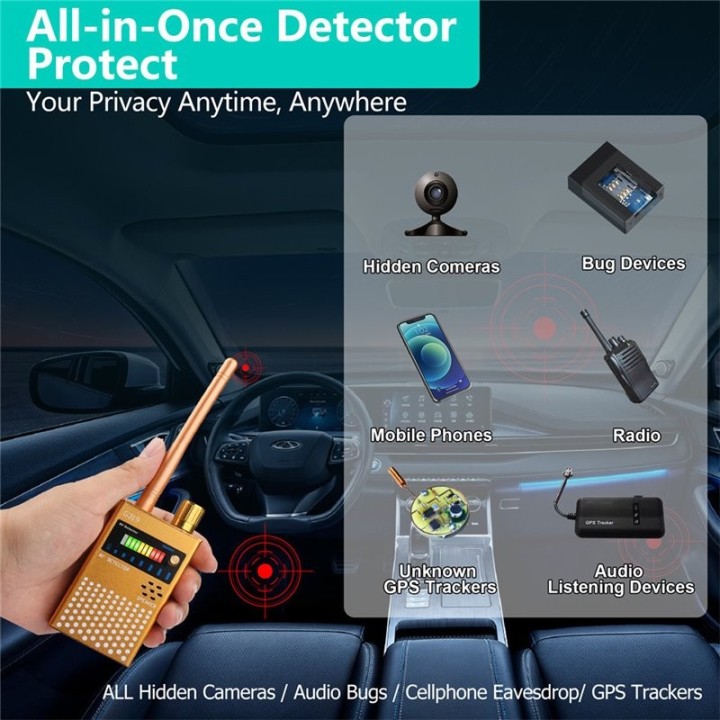
We are also seeing a trend toward legal integration. As detection becomes easier, the data provided by these alerts—such as the serial numbers mentioned by Apple—will likely become standardized evidence in digital harassment lawsuits. This turns the smartphone from a passive receiver of alerts into a tool for legal accountability.
Moreover, third-party tracker manufacturers like Tile or Samsung will likely be pressured to adopt these same transparency standards. If a device isn’t compatible with the Google-Apple alert system, it may be flagged as “malicious” by default, forcing manufacturers to prioritize user consent over stealth.
Frequently Asked Questions
No. Both Android and iOS rely on Bluetooth scanning to identify these devices. Keep Bluetooth enabled to ensure your security alerts remain active.
According to Apple and Google, the owner is not notified if you trigger the “Play Sound” feature to locate the device.
Android users need version 6.0 or higher. iPhone users need iOS 17.5 or newer to access the latest cross-platform tracking notifications.
Want to stay updated on the latest privacy tools and digital security trends? Leave a comment below with your thoughts on tracker privacy or subscribe to our newsletter for more actionable tech guides.