

iOS 27 Leak Reveals Redesigned Siri and New AI Features
The AI Transformation: How iOS 27 Redefines Your iPhone Interaction
The smartphone as we know it is undergoing a fundamental shift. With the upcoming release of iOS 27, Apple is moving beyond simple voice commands to a sophisticated, agent-based AI ecosystem. This isn’t just a minor software update. it’s a complete reimagining of how we interact with our digital lives.
Siri’s New Dynamic Intelligence
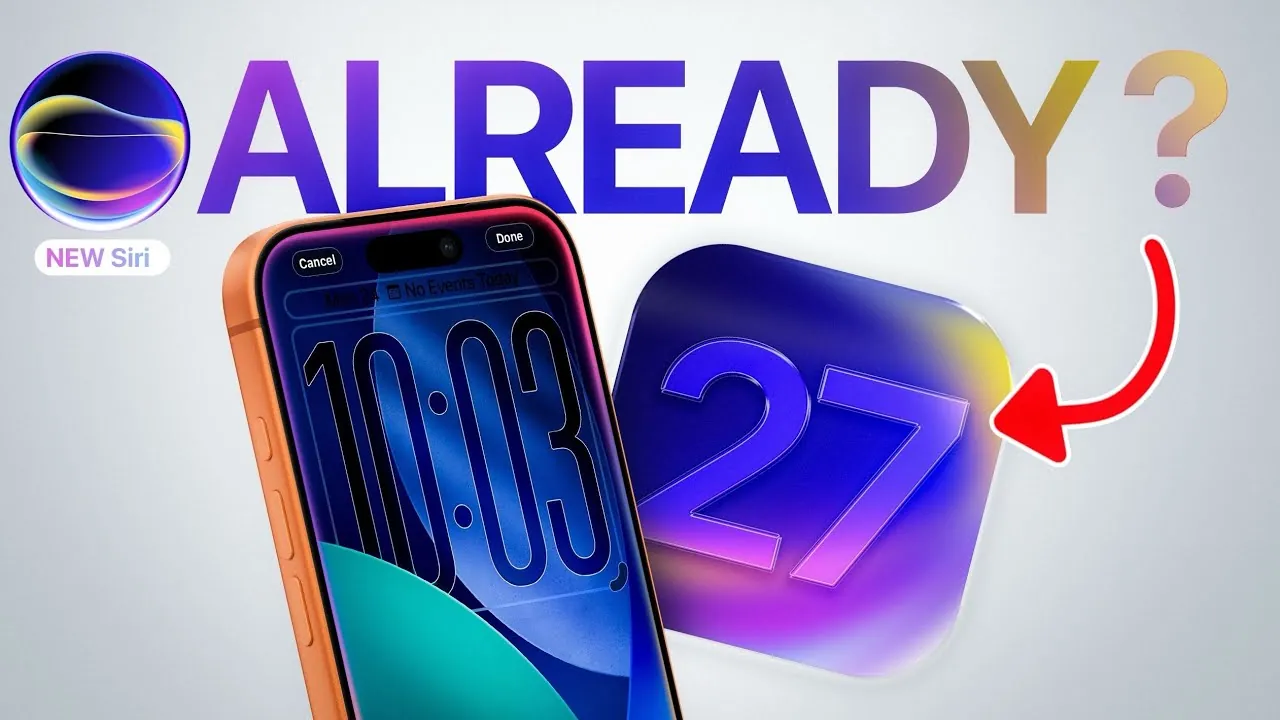
The most visible change in iOS 27 is the integration of Siri into the Dynamic Island. By moving away from a full-screen overlay, Apple is prioritizing a fluid, non-intrusive experience. Whether you trigger it via voice or the power button, the interface remains contextual and compact.
The new “Search or Ask” interface is the real powerhouse. By swiping down from the top centre, you gain access to a unified command centre. This tool doesn’t just search the web; it acts as a personal concierge, capable of parsing your emails, calendar, and notes to provide specific, actionable answers.
Pro Tip: Master the New Gestures
In iOS 27, the standard swipe-down gesture for the Notification centre has migrated to the top-left corner. Getting used to this early will save you from accidentally triggering the new AI-powered “Ask” interface when you’re just trying to check your alerts.
The Era of Third-Party AI Agents
Perhaps the most significant philosophical shift is Apple’s move toward an open ecosystem. While Apple Intelligence provides the backbone, the ability to route queries to third-party models like ChatGPT, Claude, or Google Gemini signals a “best-in-class” approach to AI.
This “Agent” model means your iPhone can now handle complex, multi-step tasks. Instead of just setting a timer, you can ask your device to organize a travel itinerary, cross-referencing your emails with real-time web data and third-party travel apps—all through a single chat interface.
Beyond Chat: AI in the Camera and Gallery
AI is also moving into creative workflows. The updated Camera app is becoming a modular workspace, allowing users to pin specific tools to the interface via a new “Add Widgets” panel. This level of customization ensures that the tools you need—whether it’s advanced grammar checking or AI-driven photo editing—are always at your fingertips.
Did you know?
The “Extend” and “Reframe” features in the updated Photos app represent a massive leap in generative AI for mobile. By allowing users to intelligently manipulate image boundaries, Apple is bringing professional-grade desktop editing suites directly to the iPhone.
Frequently Asked Questions
- Will these AI features work on older iPhones?
- While Apple often limits high-compute AI features to newer hardware, the core interface changes in iOS 27 are expected to be widely compatible. Check the final release notes for specific device support.
- How does Apple protect my privacy with third-party AI?
- Apple maintains its “privacy-first” stance by allowing users to toggle external agents. You remain in control of which data is shared with third-party services like OpenAI or Anthropic.
- Can I still use the old Siri?
- iOS 27 integrates the new chatbot interface as a primary mode, but the system is designed to handle both simple voice tasks and complex, conversational inquiries seamlessly.
Stay Ahead of the Curve
The transition to an AI-first operating system is a marathon, not a sprint. As these tools evolve, your ability to leverage them for productivity will become a critical skill. Are you ready to delegate more tasks to your device, or do you prefer the manual control of the traditional interface?
Want to keep up with the latest in Apple tech? Subscribe to our newsletter for deep dives into upcoming features and expert tips on how to master your Apple devices.