
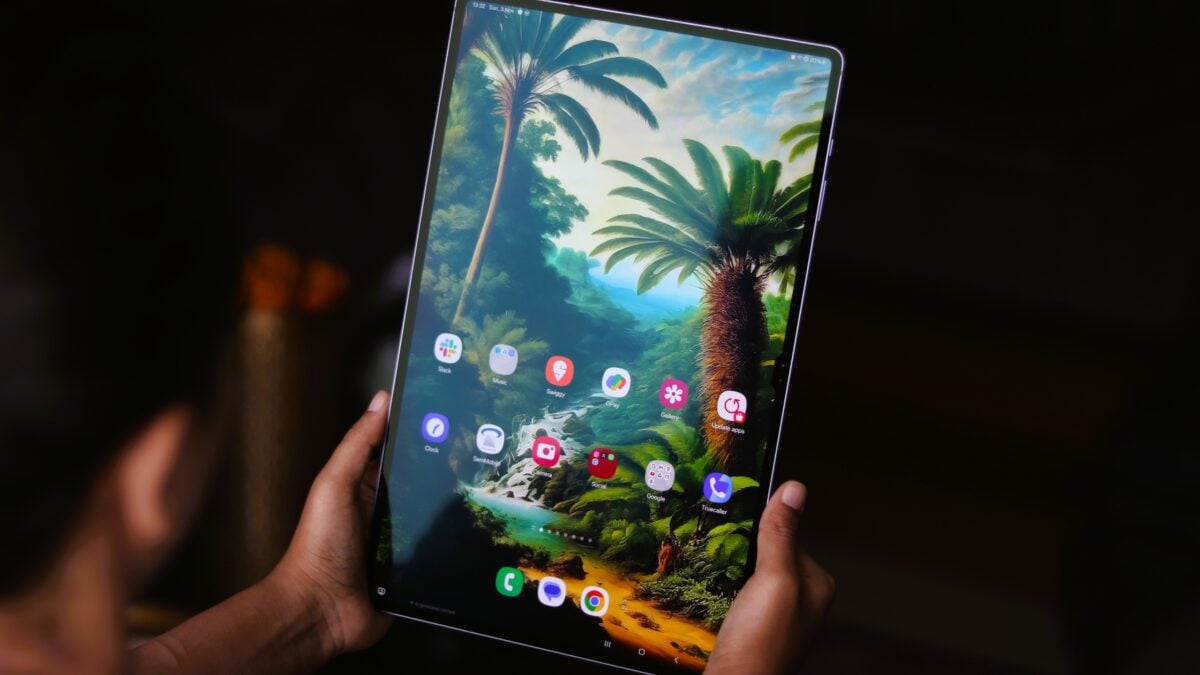
Samsung Galaxy Tab A11+ Receives Stable One UI 8.5 Update
The Evolution of Tablet Software: Why One UI 8.5 Matters for the Galaxy Tab A11+
Samsung’s rollout of the stable One UI 8.5 update for the Galaxy Tab A11+ is more than just a routine firmware patch; it represents a fundamental shift in how mid-range tablets are bridging the gap between casual media consumption and genuine productivity.
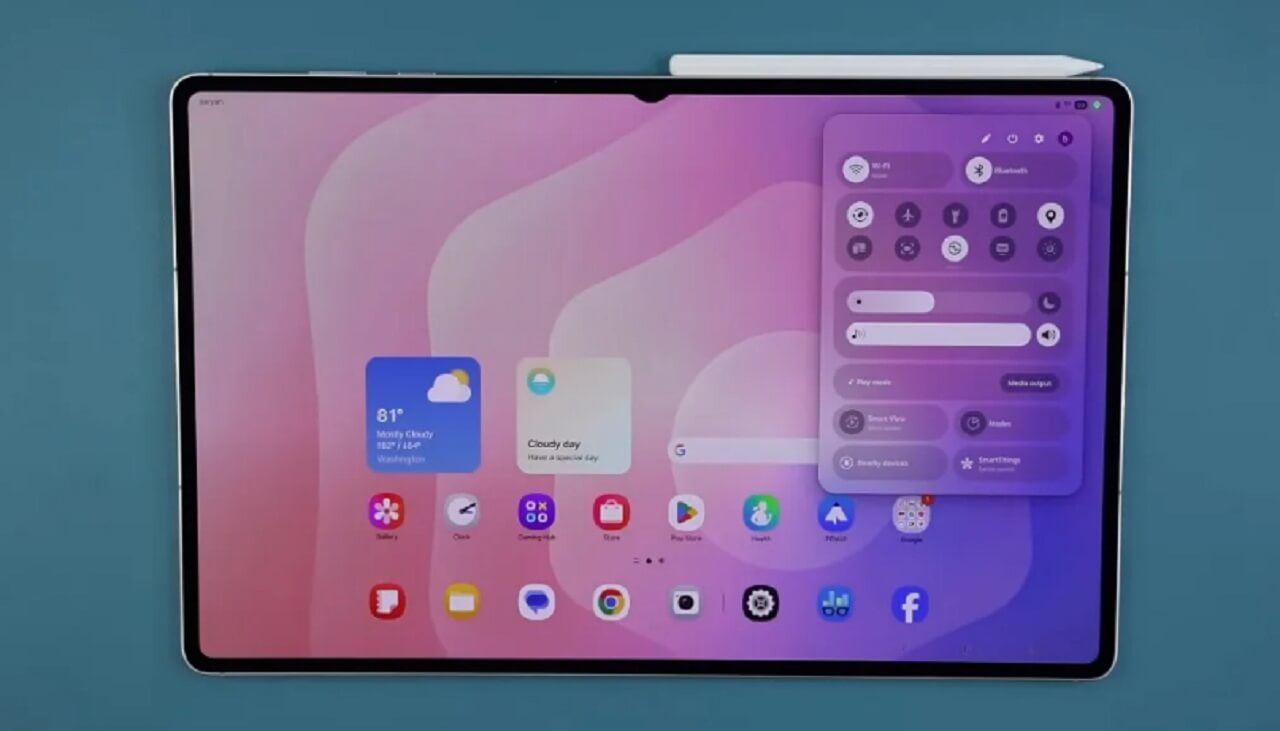
For years, the “budget-friendly” tablet market was plagued by stagnant software support. By prioritizing high-end features like DeX—Samsung’s desktop-like interface—on devices like the Tab A11+, the company is signaling that the tablet experience is no longer just about screen size, but about workflow efficiency.
The Shift Toward Desktop-Class Mobility
The integration of advanced software layers like One UI 8.5 transforms a standard tablet into a portable workstation. We are seeing a broader industry trend where tablet manufacturers are moving away from “inflated phone apps” and toward true windowed multitasking.
According to recent industry reports, the demand for “second-screen” devices that can handle light office tasks—like document editing and video conferencing—has surged. By pushing updates that optimize window management and resource allocation, Samsung is ensuring that hardware longevity matches the user’s growing demands.
What This Means for the Future of Android Tablets
The “tablet gap”—the performance difference between an iPad and an Android tablet—is closing. As Android continues to refine its “Large Screen” UI guidelines, we are likely to see more mid-range devices receiving feature-rich updates that were previously reserved for the premium S-series tablets.

- Unified Ecosystems: Seamless transitions between your Galaxy phone and tablet via features like Auto Switch and Quick Share.
- AI-Driven Optimization: Expect future updates to leverage on-device AI to manage battery life based on your most-used applications.
- Longer Lifecycle: Manufacturers are under increased pressure to provide 4+ years of security updates, making tablets a better long-term investment.
Frequently Asked Questions (FAQ)
Q: Will my Galaxy Tab A11+ get slower after the One UI 8.5 update?
A: Generally, no. Samsung optimizes these updates for specific hardware. However, it is always a good practise to clear your cache partition after a major OS update to ensure smooth performance.
Q: Is DeX available on all Galaxy Tab A11+ models?
A: Yes, the update brings the full DeX experience to both the Wi-Fi-only and 5G variants, allowing you to connect to an external monitor or use it directly on the screen.
Q: How long does it take for the update to reach my country?
A: Updates are released in regional waves. If it’s not available in your region yet, it typically arrives within 1–2 weeks following the initial South Korean release.
Stay Ahead of the Tech Curve
Keeping your tablet updated is the easiest way to ensure you aren’t leaving performance on the table. As Samsung continues to refine its software, the boundary between “budget” and “pro” hardware will continue to blur, offering more value to the consumer than ever before.
Have you received the One UI 8.5 update on your Tab A11+ yet? We want to hear about your experience! Drop a comment below to let us know if you’ve noticed improvements in multitasking or battery life, and don’t forget to subscribe to our newsletter for the latest tech updates and deep-dive reviews.