
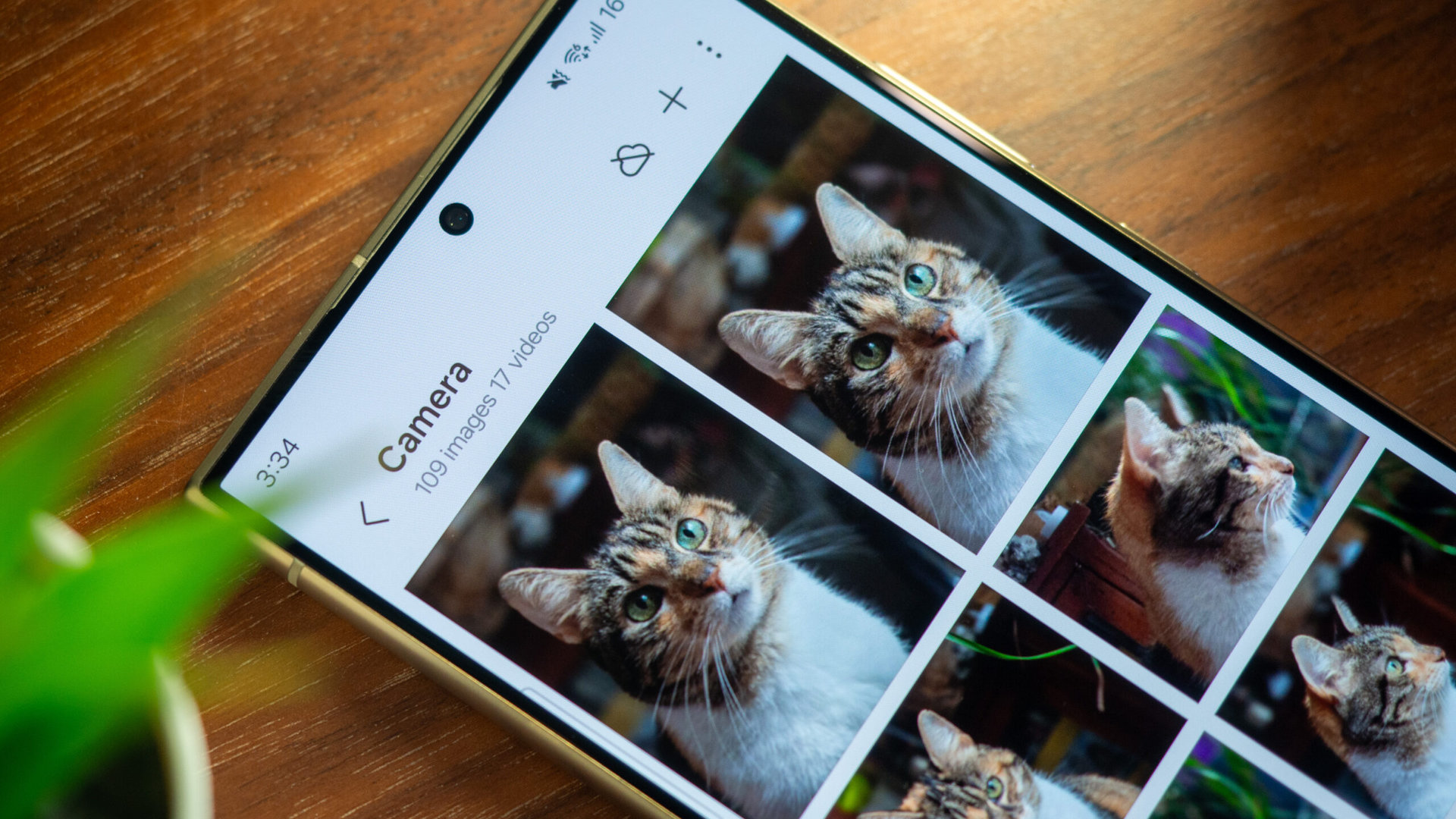
Samsung Gallery to Stop Direct OneDrive Syncing in 2026
The recent news that Samsung is distancing its Gallery app from Microsoft OneDrive isn’t just a technical tweak or a change in settings. It’s a signal of a much larger shift in how big tech views our digital memories. For years, the trend was “interoperability”—the idea that your phone, your cloud, and your computer should all talk to each other regardless of the brand.
But the wind is shifting. We are entering an era of “Ecosystem Sovereignty,” where hardware giants want to own every single touchpoint of your digital life. When a company like Samsung moves away from a partner like Microsoft, they aren’t just changing a backup destination; they are building a wall around their garden.
The Return of the Walled Garden: Why Ecosystem Lock-in is Winning
For a while, the industry flirted with openness. We saw partnerships that allowed seamless syncing across different platforms. However, the business model has shifted. Data is the new oil, and the company that controls the storage of your photos, videos, and documents controls the most intimate data you possess.
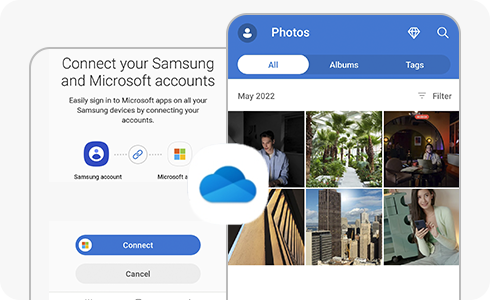
By integrating their own cloud solutions, manufacturers can ensure a “frictionless” experience that makes it psychologically and technically difficult to switch brands. Think of Apple’s iCloud; it’s so deeply woven into the iPhone experience that leaving for Android feels like moving to a different country without a passport.
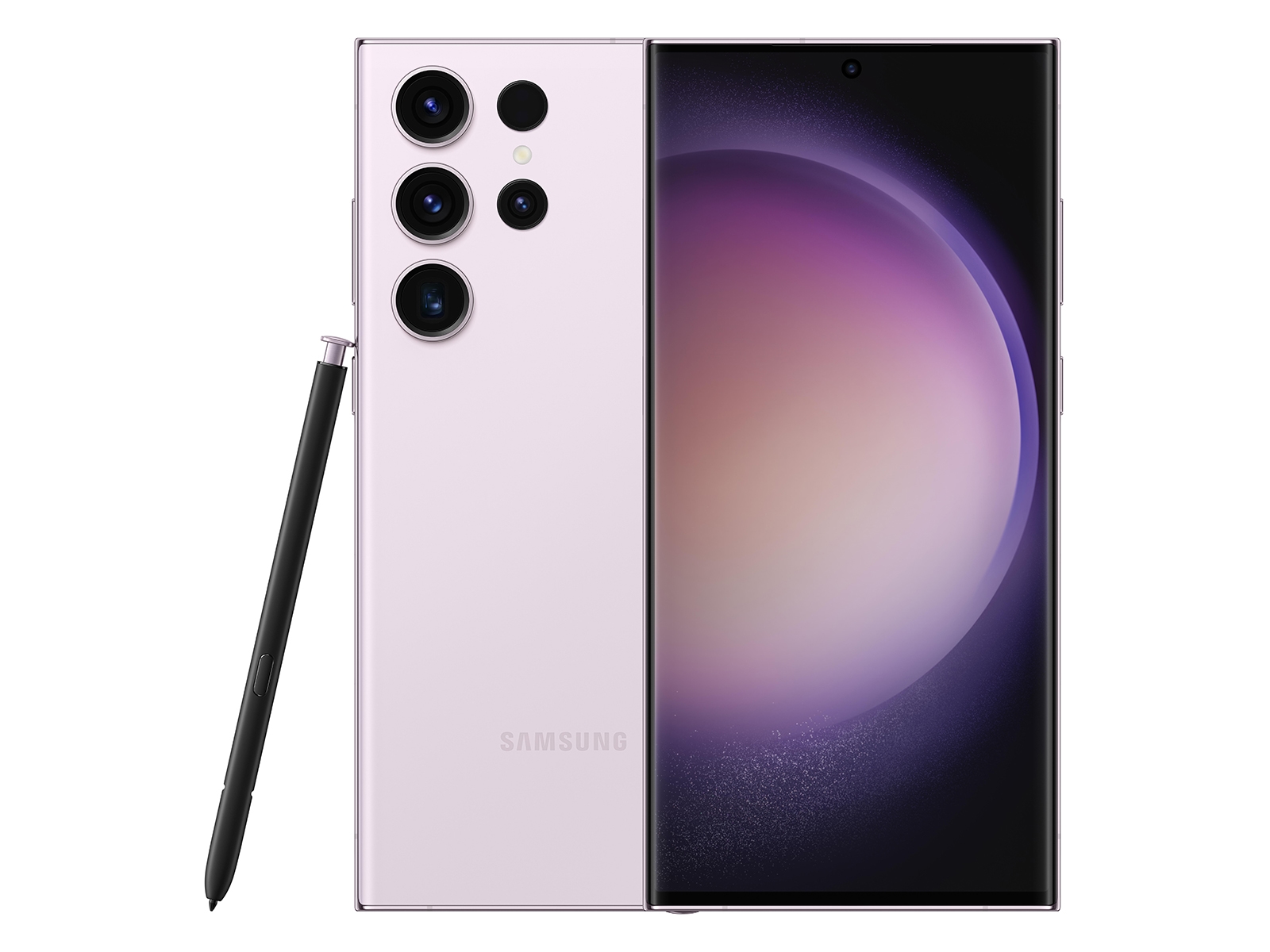
When Samsung optimizes its own cloud, they can tailor the experience specifically to their hardware—like the S-Pen or their specific AI image processing—creating a value proposition that a third-party app like OneDrive simply can’t match.
Beyond Storage: The AI-Powered “Intelligent Gallery”
The future of cloud syncing isn’t about *where* the photo is stored, but *what the cloud does* with it. We are moving from “Cold Storage” (simply saving a file) to “Active Intelligence.”
Future trends suggest that our galleries will stop being folders of images and start becoming searchable databases of our lives. We’re already seeing the beginnings of this with Google Photos, but the next step is generative integration. Imagine a cloud service that doesn’t just back up your vacation photos, but automatically compiles a cinematic movie, removes unwanted tourists from the background, and suggests the best prints for a physical album—all without you lifting a finger.

By owning the cloud infrastructure, Samsung can integrate their Galaxy AI more deeply. Instead of the AI living on your device, it lives in the cloud, allowing for massive processing power that can reorganize thousands of photos based on emotional sentiment or complex queries like, “Show me the photo of the dog at the beach from three years ago when it was raining.”
Data Sovereignty and the Rise of the Hybrid Cloud
As we lean more on these “walled gardens,” a counter-trend is emerging: the demand for data sovereignty. Users are becoming increasingly wary of where their private images are stored and who has access to them for AI training.
The future likely holds a “Hybrid Cloud” model. In this scenario, your most sensitive data stays on-device or on a private home server, while “public-facing” or less sensitive data is synced to the manufacturer’s cloud for convenience and AI enhancement.
We are seeing this trend in the enterprise sector already, where companies use a mix of on-premise servers and Azure or AWS. For the average consumer, this could manifest as “Privacy Tiers” in gallery apps, where you choose exactly which folders are “Cloud-AI enabled” and which are “Vault-Locked” and invisible to the company.
The Interoperability Paradox
While companies are building walls, regulators are trying to tear them down. The European Union’s Digital Markets Act (DMA) is a prime example, forcing tech giants to make their services more interoperable. This creates a paradox: companies want to lock you in for profit, but law is forcing them to let you out.
This tension will likely lead to the creation of new, industry-standard “data bridges.” Rather than a direct sync between two apps, we may see a universal “Data Passport” that allows you to move your entire gallery history from Samsung to Google to Apple with a single click, without losing metadata or organization.
Frequently Asked Questions
Generally, no. Your photos remain in the cloud provider’s storage (e.g., OneDrive). However, they may no longer appear automatically within the manufacturer’s gallery app, requiring you to use the cloud provider’s own app to access them.
It depends on your priority. Proprietary clouds offer deeper integration and better performance with the hardware. Third-party clouds (like Google Drive or Dropbox) offer better flexibility if you switch phone brands frequently.
The best method is the 3-2-1 backup rule: 3 copies of your data, on 2 different media types, with 1 copy stored off-site (cloud).
What’s your cloud strategy?
Do you prefer the convenience of a single ecosystem, or do you mix and match your services to keep your data independent? Let us know in the comments below!
Want more insights on the future of tech? Subscribe to our weekly deep-dive newsletter.