
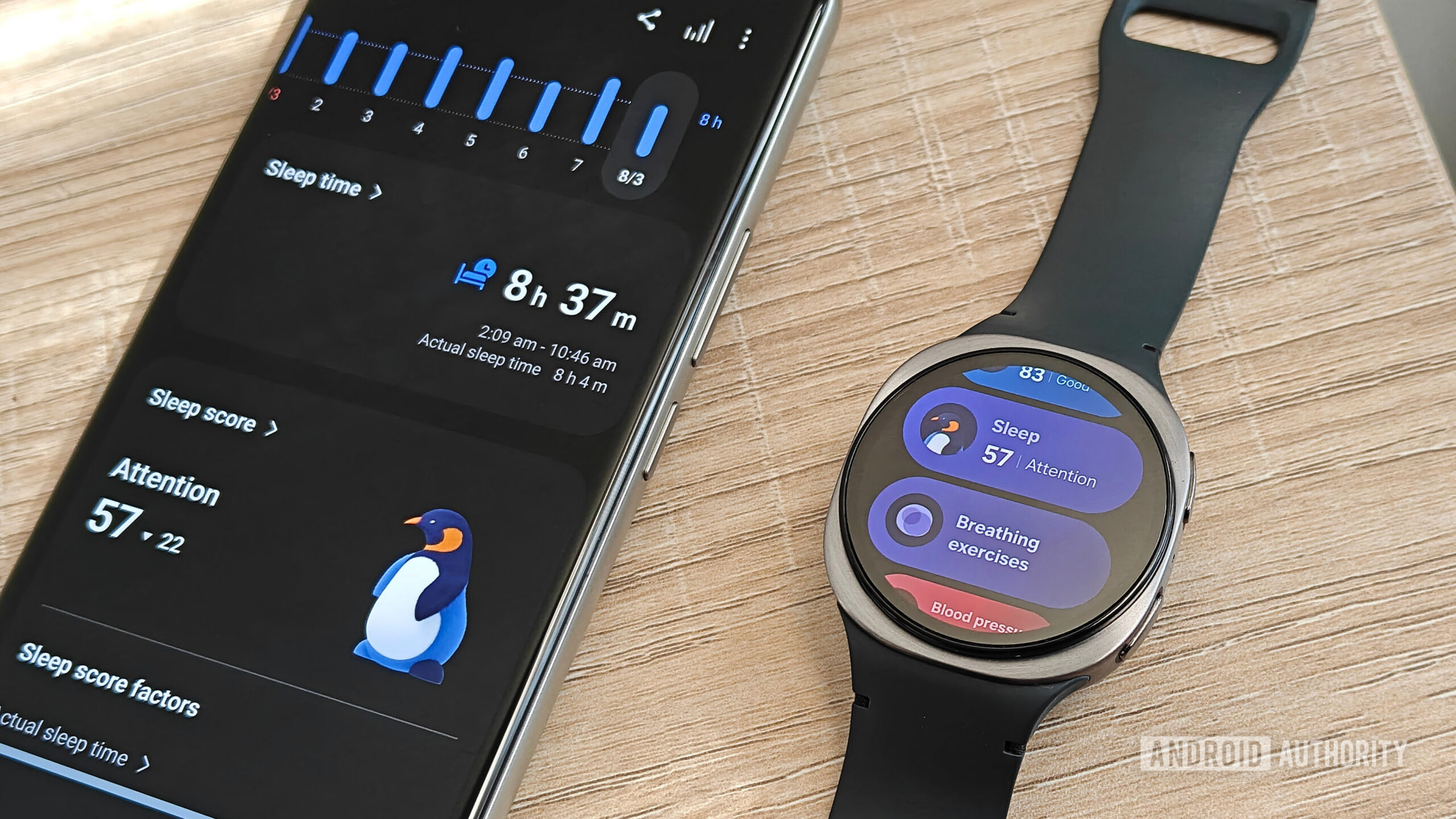
Samsung Health’s new Vitals feature could fix my biggest issue
The Future of Wearables: Why Your Smartwatch Needs to Learn When to Say “Rest”
We live in the era of the “always-on” athlete. Our wrists are adorned with sophisticated sensors capable of tracking everything from blood oxygen levels to heart rate variability (HRV). Yet, there is a glaring disconnect in the industry: while our watches are brilliant at pushing us to hit our 10,000 steps, they often fail to recognize when our bodies are actually screaming for a break.
As anyone who has tried to “push through” the flu while a watch buzzes to remind them they haven’t closed their activity rings knows, data without context is just noise. The next frontier in wearable technology isn’t just more sensors—it’s contextual intelligence.
The Shift from Activity Tracking to Health Intelligence
For years, companies like Samsung, Garmin, and Apple have focused on the “gamification” of fitness. The goal was simple: move more. But as users become more health-conscious, the demand is shifting toward recovery and illness detection.

When you are sick, your body provides clear physiological markers. Changes in skin temperature, elevated resting heart rates, and a dip in HRV are classic symptoms of the body fighting a pathogen. Competitors like the Oura Ring have already begun leveraging these metrics to offer “readiness” scores. The industry trend is moving toward a Vitals dashboard approach, where the device acts as a health monitor rather than just a pedometer.
Why “Energy Scores” Often Miss the Mark
Many users currently rely on “Energy” or “Readiness” scores provided by their apps. However, these algorithms often rely too heavily on sleep duration. A user could sleep for eight hours but have poor-quality, fragmented rest due to an underlying illness. Current software often interprets this as “good sleep” and encourages a high-intensity workout, which is exactly the wrong advice for an immune system already under stress.
Future iterations of wearable software must integrate multivariate analysis. Instead of looking at sleep alone, devices must correlate sleep data with skin temperature and HRV baseline deviations to provide a holistic view of the user’s wellness.
The Challenge of Chronic Illness and Personal Baselines
One of the biggest hurdles for AI-driven health tracking is the “one-size-fits-all” model. Fitness indices that compare a user to the “average” population often ignore the realities of chronic conditions like fibromyalgia, asthma, or autoimmune disorders.
Pro Tip: If your wearable provides generic health advice that feels off, look for settings that allow you to customize your “baseline.” Manually adjusting your activity goals during flares is a necessary step until AI becomes sophisticated enough to recognize your specific health patterns.
What to Look for in Your Next Wearable
When shopping for a new device, look beyond the spec sheet. Ask yourself: does this device offer actionable insights, or just raw numbers? Key features that define the next generation of smartwatches include:

- Automated Recovery Prompts: Does the watch suggest a “rest day” when it detects physiological stress?
- Baseline Deviation Alerts: Does it notify you when your vital signs stray significantly from your personal 30-day average?
- Holistic Data Integration: Does the app synthesize temperature, HRV, and respiratory data, or does it treat them as isolated metrics?
Frequently Asked Questions (FAQ)
- Can a smartwatch diagnose me with an illness?
- No. Wearable devices are not medical-grade diagnostic tools. They can identify trends and deviations that suggest Consider rest or consult a doctor, but they cannot replace professional medical advice.
- Why does my watch tell me to exercise when I’m clearly sick?
- Most current fitness algorithms are programmed to prioritize daily movement goals. They often lack the “contextual awareness” to recognize that a change in your HRV or skin temperature indicates illness rather than lack of motivation.
- How can I make my wearable more accurate?
- Wear your device consistently, especially during sleep. The more data the device collects on your “normal” state, the better it can identify when your body is deviating from that baseline.
Have you ever had your wearable push you to exercise when you knew your body needed rest? Share your experience in the comments below, or check out our guide on how to interpret your HRV data to get the most out of your device.