
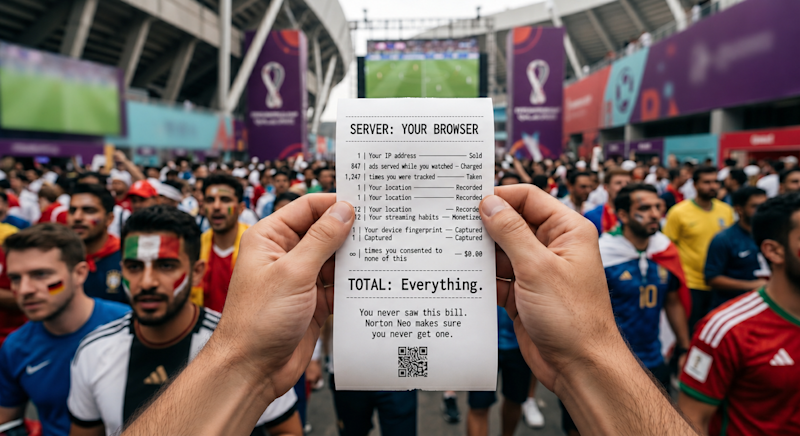
Stream the 2026 World Cup Safely with Norton Neo Browser
Norton has launched Neo, a browser designed to eliminate streaming friction and security risks for major global events like the 2026 World Cup. According to Howie Xu, Chief AI and Innovation Officer at Gen, the browser integrates VPN technology and scam detection directly into the software to provide safe, fast access to licensed content.
Why is streaming the 2026 World Cup a security risk?
Fraudsters typically target high-traffic sporting events with phishing messages and cloned resale sites before official tickets even go on sale. According to Norton, these attacks include counterfeit portals that mimic official branding and social ads promising low-cost seats that deliver only doctored PDFs.
The risk extends to streaming. Fans often encounter “free stream” links that lead to a chain of lookalike sites and dead-end links. These sites frequently attempt to harvest credit card numbers and personal data before providing access to the match.
How does the Neo browser remove streaming friction?
Most viewers currently rely on a “stack” of third-party add-ons, separate VPN accounts, and multiple subscriptions to access regional content. Norton Neo replaces this setup by folding security and connectivity tools directly into the browser software.
Howie Xu states that the browser is intended to do the “heavy lifting” so users don’t need a “PhD” to find a legitimate stream. To achieve this, Neo includes a dedicated widget that surfaces live game schedules, match reminders, and direct links to licensed sources based on the user’s market.
While traditional browsers require a separate VPN installation and billing cycle, Neo integrates Norton’s VPN technology directly into the interface. This allows users to toggle private connections on or off instantly, which Norton notes is critical when using unfamiliar hotel networks or public Wi-Fi in bars and airports.
What is “calm by design” in web browsing?
Norton describes Neo’s interface as “calm by design,” meaning security and privacy functions run in the background rather than being buried in settings menus. The browser anticipates user needs by surfacing match summaries or nudging users to resume a stream where they left off.
From a privacy standpoint, the browser is built to keep personal data on the local device unless the user explicitly decides otherwise. This contrasts with the traditional browser model where data is often synced to the cloud by default.
Comparison: Traditional Browsing vs. Norton Neo
| Feature | Standard Browser Experience | Norton Neo Experience |
|---|---|---|
| VPN Access | Separate app/subscription | Integrated toggle |
| Stream Discovery | Manual search/third-party links | Dedicated streaming widget |
| Security | Extensions or external software | Built-in anti-phishing/scam blocking |
Will integrated browsers challenge Chrome’s dominance?
Google Chrome continues to dominate the global browser market, but Norton’s strategy focuses on a specific utility: the “moment” of the live event. By targeting the 5.8 billion potential viewers of the World Cup, Neo is betting that users will switch tools if the friction of accessing content is significantly reduced.
The success of this model depends on whether users are willing to move away from their primary ecosystem for the sake of integrated security. Norton’s move marks a shift for the brand, moving from selling protection as a separate product to embedding it as a core part of the browsing experience.
Frequently Asked Questions
What is Norton Neo?
Neo is a web browser developed by Norton that integrates security, anti-phishing tools, and VPN technology directly into the software to provide safer, faster streaming.
Does Neo include a VPN?
Yes. According to the company, Norton’s VPN technology is folded into the browser, allowing users to secure their connection without a separate application.
How does Neo help find World Cup streams?
It uses a dedicated widget with live schedules and direct links to licensed streaming providers tailored to the user’s specific market.
Do you prefer a browser with built-in security tools, or do you prefer managing your own extensions? Let us know in the comments below or subscribe to our newsletter for more updates on the future of web privacy.