
watchOS 27 Drops Support for Apple Watch Series 9, Ultra 1, SE 2, and Older
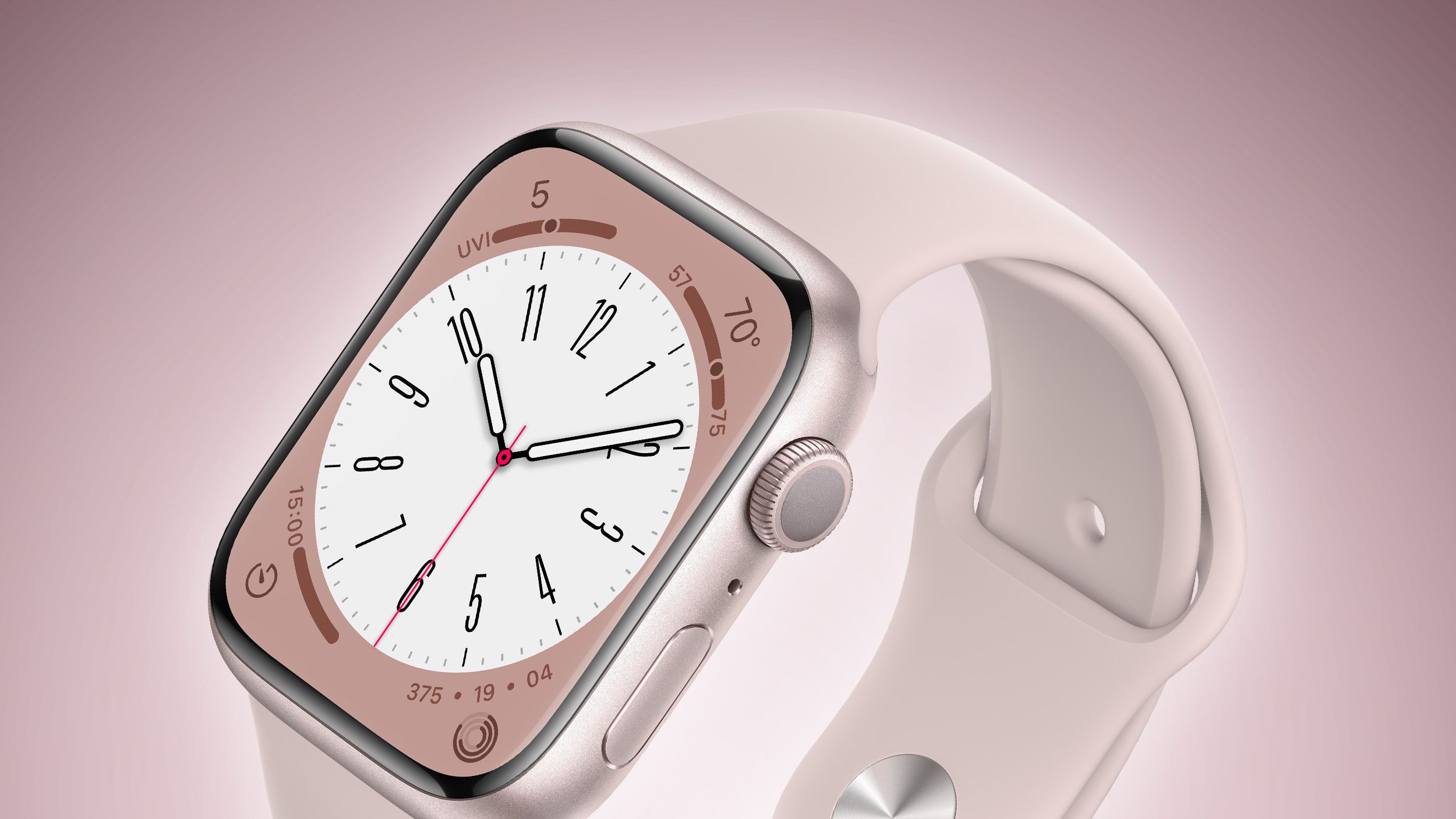
Apple’s watchOS 27 marks a significant shift in hardware support, dropping the Apple Watch Series 9, original Ultra, and SE (2nd gen). According to reports from MacRumors, this removes four years of device support in a single update, prioritizing newer S10-based hardware and advanced health sensors over legacy compatibility.
Why is Apple dropping support for the Apple Watch Series 9 so quickly?
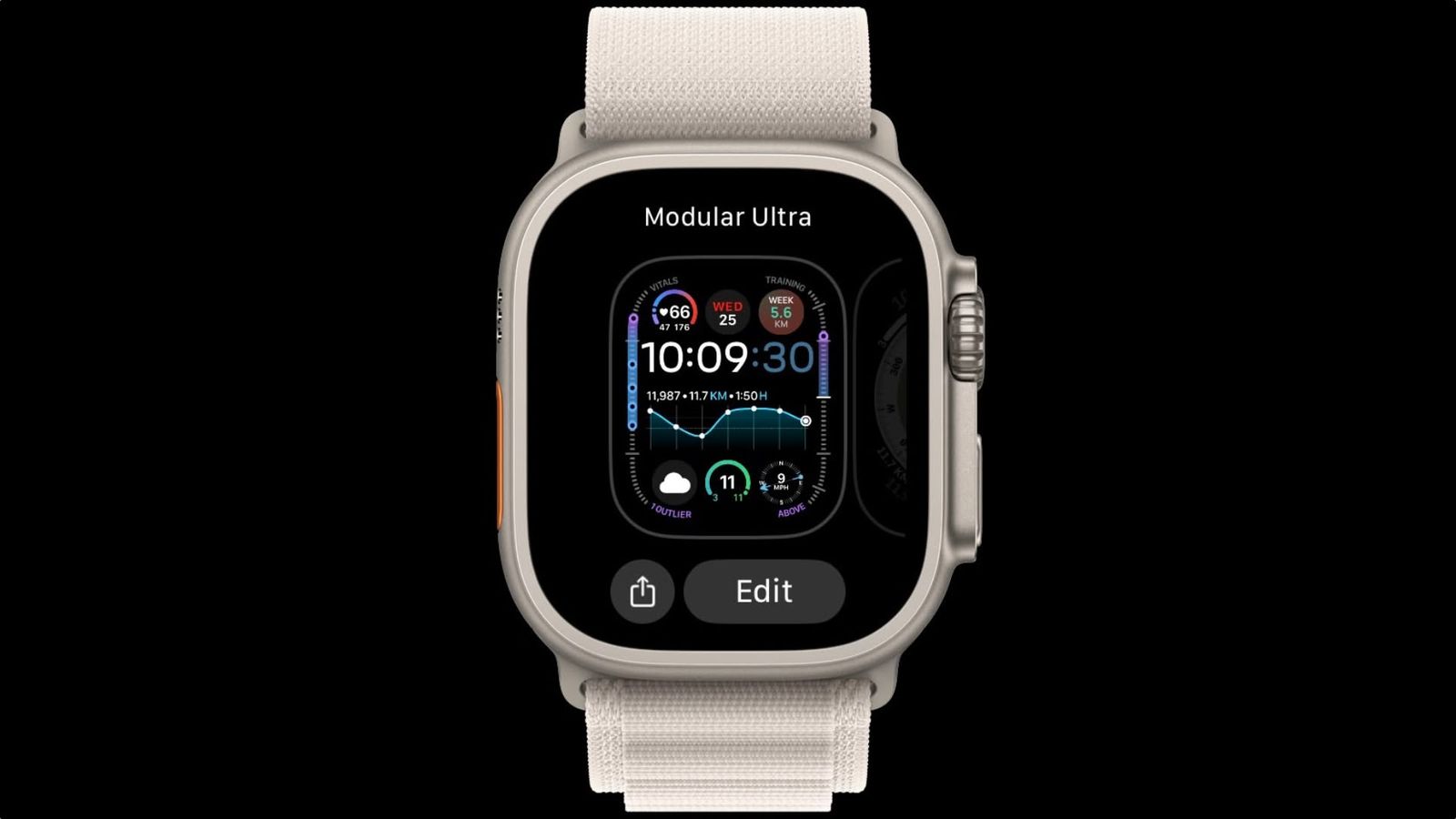
Apple’s decision to cut support for the Series 9, Ultra (1st gen), and SE (2nd gen) is the most aggressive software cull in the wearable’s history. For context, watchOS 26 maintained a wide net, supporting everything from the Series 6 onward. With watchOS 27, that window slams shut on four years of hardware.

The technical reasoning is murky. MacRumors points out a strange discrepancy: the Apple Watch Ultra 2 remains supported despite using the S9 chip—the same chip found in the now-obsolete Series 9. This suggests Apple is no longer just looking at the processor, but perhaps at RAM or specific sensor arrays that the Series 10 and 11 utilize.
Will future Apple Watches get Touch ID or better battery life?
Users have long hoped for biometric unlocking on the wrist, but it looks like battery longevity is winning the internal battle. According to a report from Chinese leaker Instant Digital via Weibo, Apple is prioritizing larger batteries and advanced health sensors over the implementation of Touch ID.
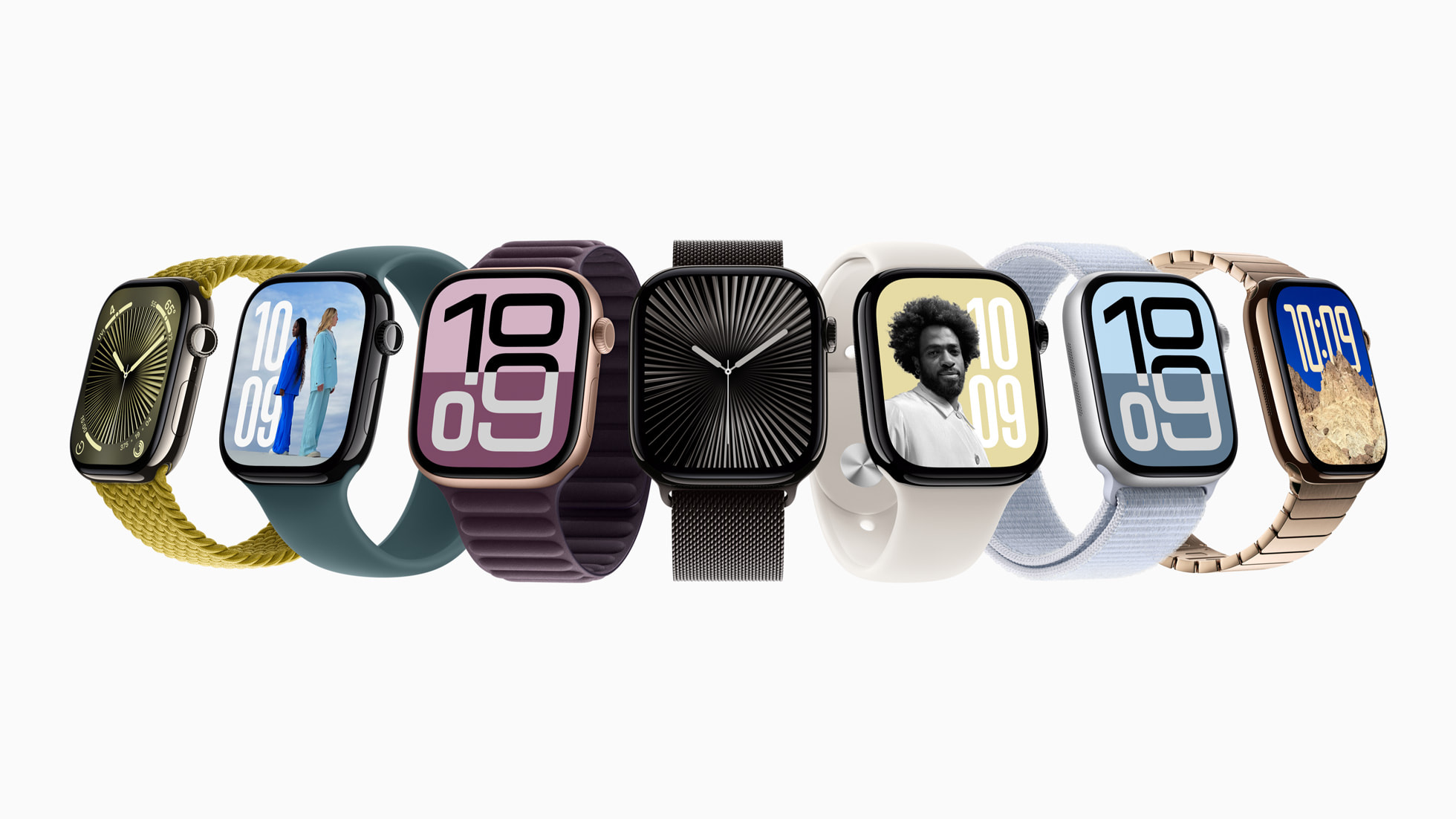
This shift makes sense. A watch that requires a charge every 36 hours is a liability for health tracking. By focusing on energy density and power efficiency, Apple ensures that “always-on” features actually stay on. For most users, the convenience of a longer-lasting charge outweighs the few seconds saved by not using a passcode or iPhone unlock.
If you’re planning an upgrade, checking the current battery specs of the Series 10 and Ultra 2 is a smart move before the next cycle hits.
How are health sensors evolving in the Apple ecosystem?
The “watch” is becoming a hub for a broader medical network. We’re seeing a trend where the Apple Watch works in tandem with other peripherals to provide a full health picture. For example, Apple recently expanded hypertension alerts to Israel and rolled out hearing aid features for AirPods Pro 2 and 3 in Italy, Romania, and Czechia.
This integration means your AirPods aren’t just for music; they’re becoming over-the-counter medical devices. When you pair this with the hypertension monitoring on the wrist, Apple is effectively building a remote clinic on your body. The trend is moving away from “fitness tracking” and toward “clinical diagnostic monitoring.”
Comparing watchOS Support: The Great Drop
The gap between the last two updates is stark. Here is how the support landscape has shifted:
| Feature/Model | watchOS 26 | watchOS 27 |
|---|---|---|
| Oldest Supported Model | Series 6 | Series 10 / Ultra 2 |
| SE Support | SE (2nd Gen) | SE (3rd Gen) |
| Support Span | Broad (Multi-Gen) | Aggressive (S10/S11 focus) |
Frequently Asked Questions
Will my Apple Watch Series 9 stop working with watchOS 27?
It won’t stop working entirely, but it cannot be updated to watchOS 27. It will remain on watchOS 26, meaning you’ll miss out on new features and some app updates.
Why does the Ultra 2 still work if it has the same chip as the Series 9?
Apple hasn’t officially explained this, but it likely relates to the Ultra 2’s superior RAM or specialized hardware components that allow it to handle the new OS requirements.
Are the new health features available everywhere?
No. Features like hypertension alerts and AirPods hearing aid capabilities are being rolled out region-by-region, starting with specific markets like Italy and Israel.
Is your Apple Watch on the chopping block? Let us know in the comments if you think Apple is pushing upgrades too fast, or if the new health features make the jump worth it.