
Why Antigravity 2.0 Is a Better AI Coding Tool Than Claude in VS Code
Antigravity 2.0 shifts AI coding from VS Code extensions to a standalone desktop app to eliminate context window bloat. According to Jorge Aguilar of HowToGeek, the tool uses a hierarchy of subagents to manage complex, multi-directory projects without the performance crashes and CPU spikes common in traditional IDE integrations.
Why are AI coding tools moving away from IDE extensions?
Traditional AI extensions in VS Code often struggle with “context window” exhaustion. These tools typically resend the entire conversation history, terminal output, and file contents with every new message, which consumes tokens rapidly and slows performance. Jorge Aguilar reports that this architecture often leads to agents forgetting previous actions or looping over resolved errors.

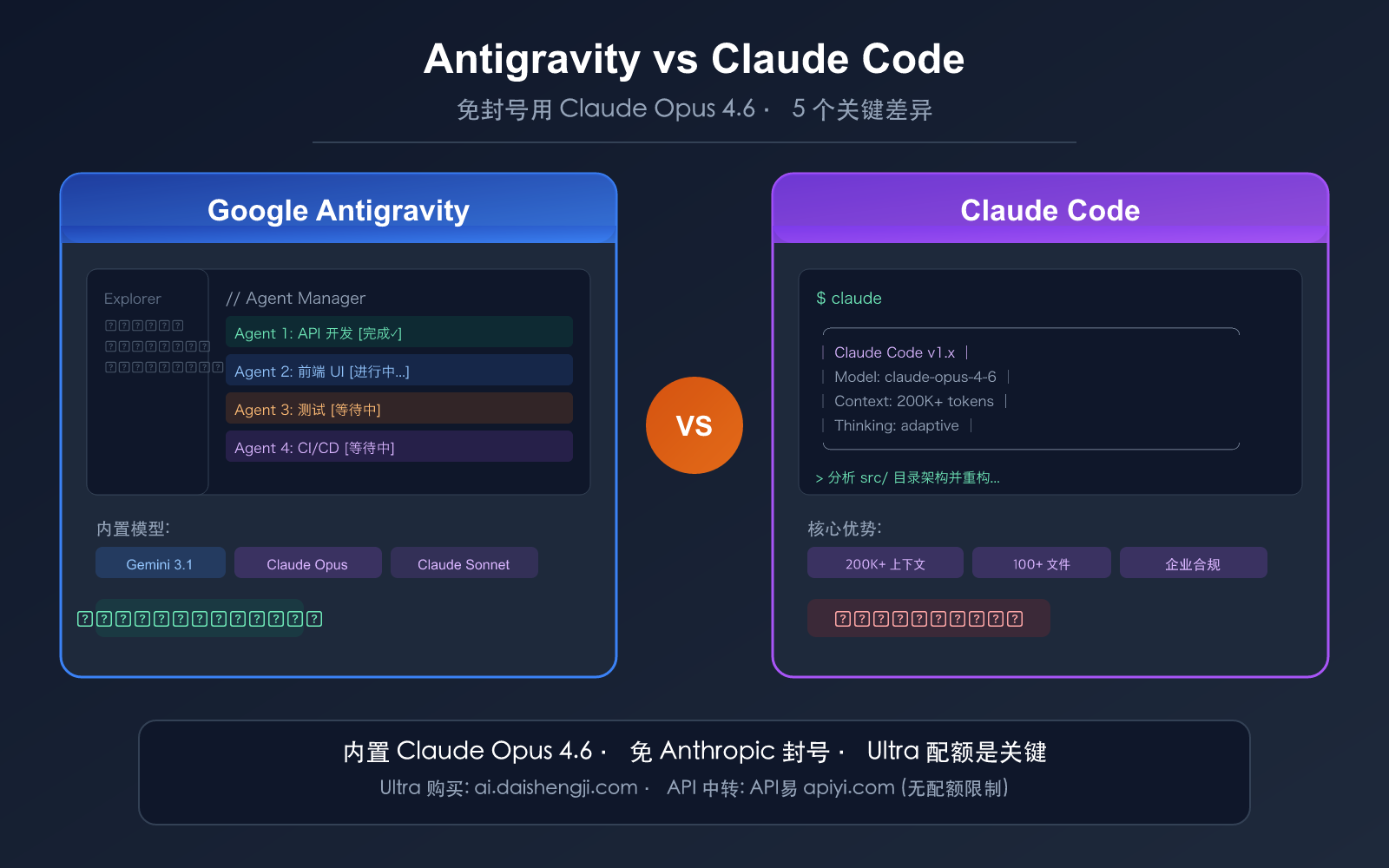
Antigravity 2.0 addresses this by separating agent orchestration from the text editor. By functioning as a standalone, agent-first desktop app, it avoids the cluttered split-screens and resource-heavy overhead of the 1.0 version. This separation prevents terminal noise from bloating the context window, resulting in a faster, lighter interface that resembles a chatbot more than a standard IDE.
How does subagent architecture solve the context problem?
The move toward hierarchical agent orchestration marks a shift in how AI handles large codebases. Instead of a single, sprawling context window, Antigravity 2.0 employs a main orchestrator that delegates focused tasks to specialized subagents. Each subagent operates in an isolated loop and provides a summary of its work back to the main agent.
This method keeps the primary context clean. According to Aguilar, this architecture allowed for the creation of a full RSS reader featuring a Go backend, a React frontend, and a live database connection without a single context crash. This contrasts with the experience of using Claude inside VS Code, which Aguilar claims is less effective for multi-directory or multi-service projects due to how extensions handle data transmission.
Can AI agents autonomously maintain live data sources?
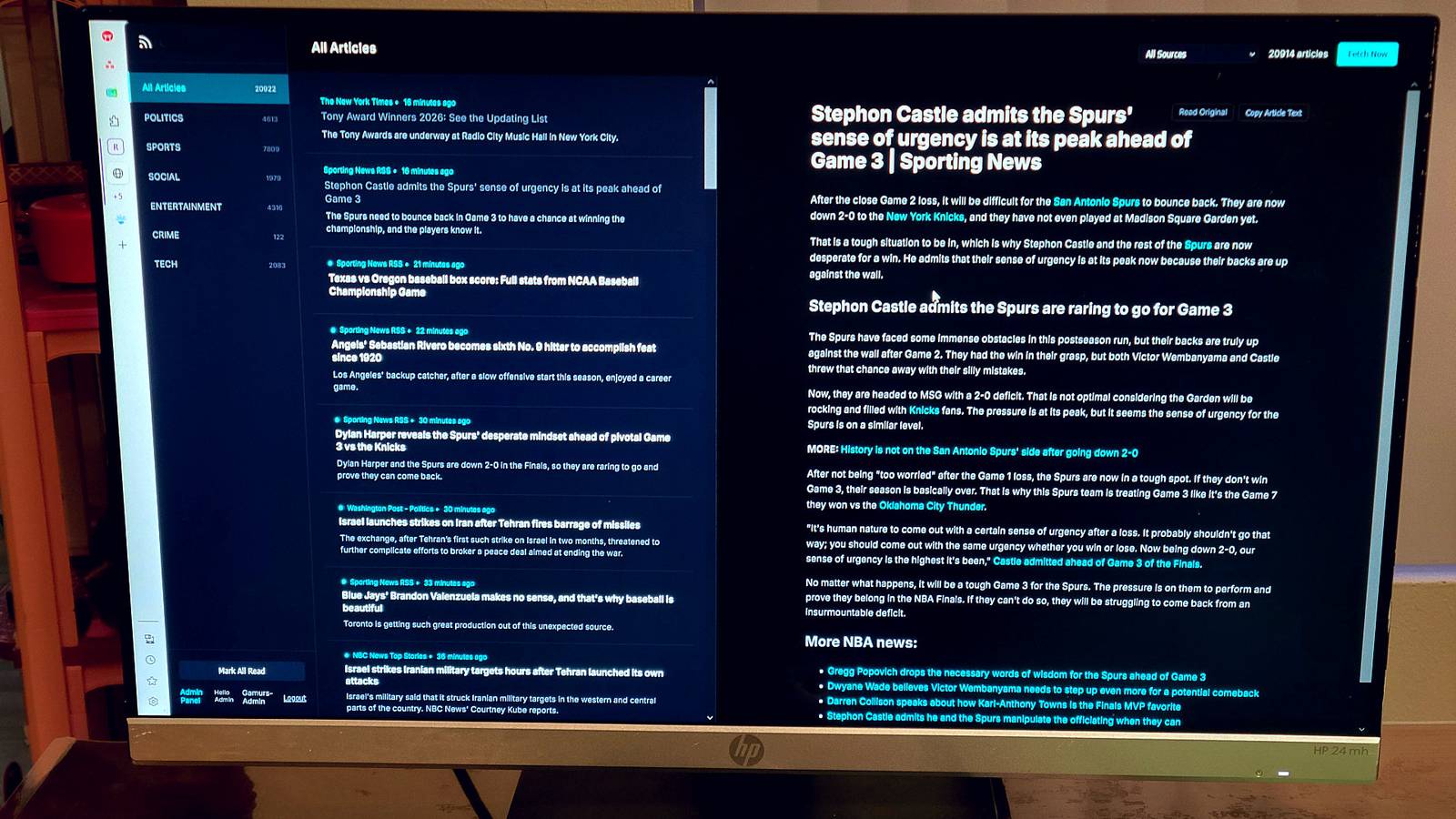
Recent developments show AI agents moving beyond code generation and into active environment verification. During a test build of an RSS reader, the Antigravity 2.0 agent used integrated browser tools to identify dead URLs in an OPML export. The agent tracked down current working endpoints and updated them before writing any code.
This capability suggests a future where AI agents do not just write code based on provided data but verify the validity of that data in real-time. The agent in Aguilar’s test compiled a master feed database JSON and synchronized naming conventions across the UI, HTML title tags, and deployment configurations automatically.
What role does human oversight play in AI-driven deployment?
Despite advancements in orchestration, human intervention remains critical during the deployment phase. In the HowToGeek test case, the AI-generated app crashed immediately upon deployment to Render.com due to module resolution errors.
Specific failures included routes searching for files in a nested src folder when the files were actually at the root level, and Express looking for HTML templates in src/routes/views/ instead of src/views/. These path strings required manual correction. This demonstrates that while AI can generate the bulk of a project, developers must still possess the expertise to debug environment-specific pathing and configuration errors.
Comparison: Standalone Agents vs. IDE Extensions
| Feature | IDE Extensions (e.g., Claude in VS Code) | Standalone Agents (Antigravity 2.0) |
|---|---|---|
| Context Management | Resends full history/terminal output | Hierarchical subagent summaries |
| Performance | Prone to bloat and token waste | Fast, uncluttered, standalone app |
| Ideal Use Case | Small, self-contained projects | Multi-directory, multi-service apps |
Frequently Asked Questions
What is the “context window” in AI coding?
It is the limit of data an AI can process at one time. When a project grows too large, the AI exceeds this limit and begins losing track of earlier instructions or code blocks.

Why is Antigravity 2.0 considered “smarter” than some extensions?
According to HowToGeek, it isn’t necessarily the underlying model, but the architecture. By using subagents, it avoids the noise and memory loss that plague extensions in VS Code.
Do I still need to know how to code when using AI agents?
Yes. As seen in the Render.com deployment example, AI can make critical errors in file pathing and module resolution that require a human developer to identify and fix.
Are you switching to standalone AI agents or sticking with your current IDE extensions? Share your experience with context window limits in the comments below.