
Windows 11 users say Microsoft account requirements are creeping into everything and they are tired of it
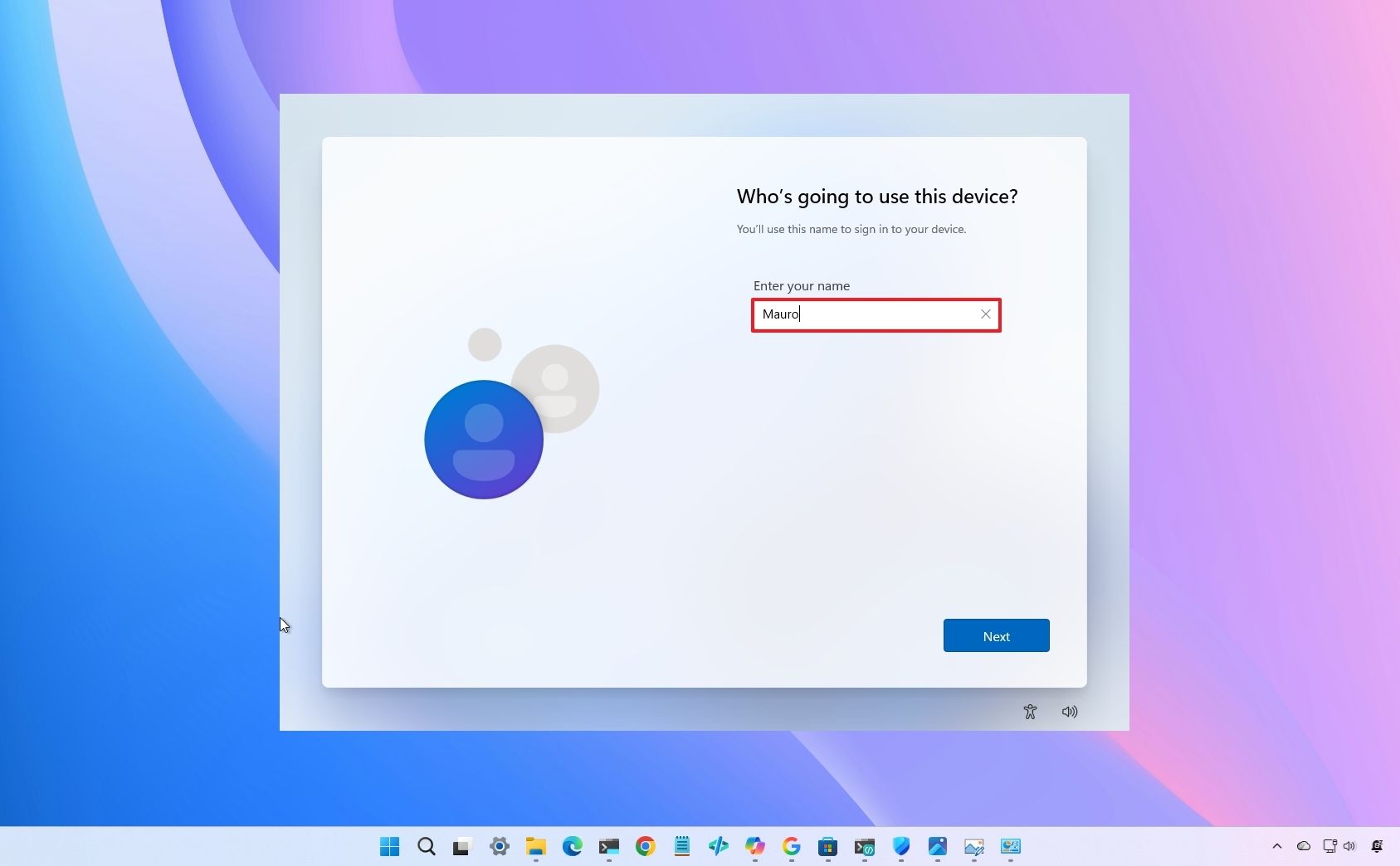
Microsoft requires a Microsoft account for Windows 11 setup, a policy that remains in place despite the company’s Windows K2 initiative to incorporate user feedback. According to reports from Windows Central, the company uses this requirement to secure BitLocker recovery keys in the cloud, though users and internal executives like VP Scott Hanselman have pushed for a return to local account options.
Why does Microsoft require an account during Windows 11 setup?
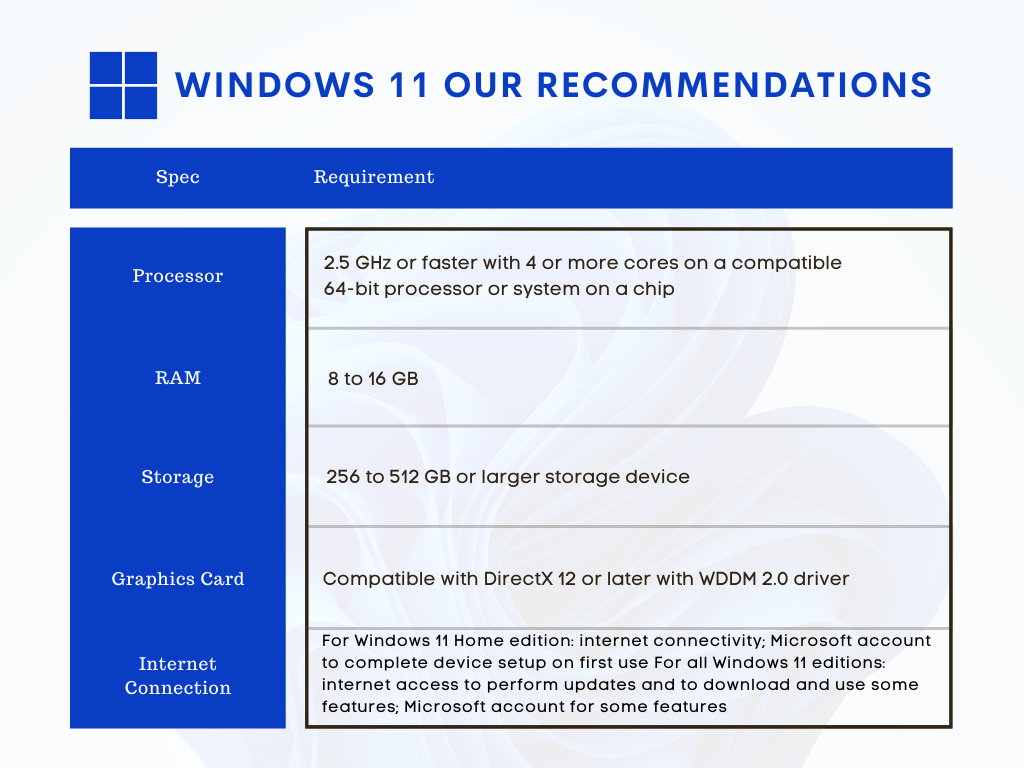
Microsoft mandates online accounts to ensure users don’t permanently lose access to encrypted data. According to a discussion on Reddit, the requirement is closely tied to BitLocker, the system’s disk encryption tool. User Timusius noted that storing recovery keys in a Microsoft account prevents the common problem of users being locked out of their own data without a backup key.
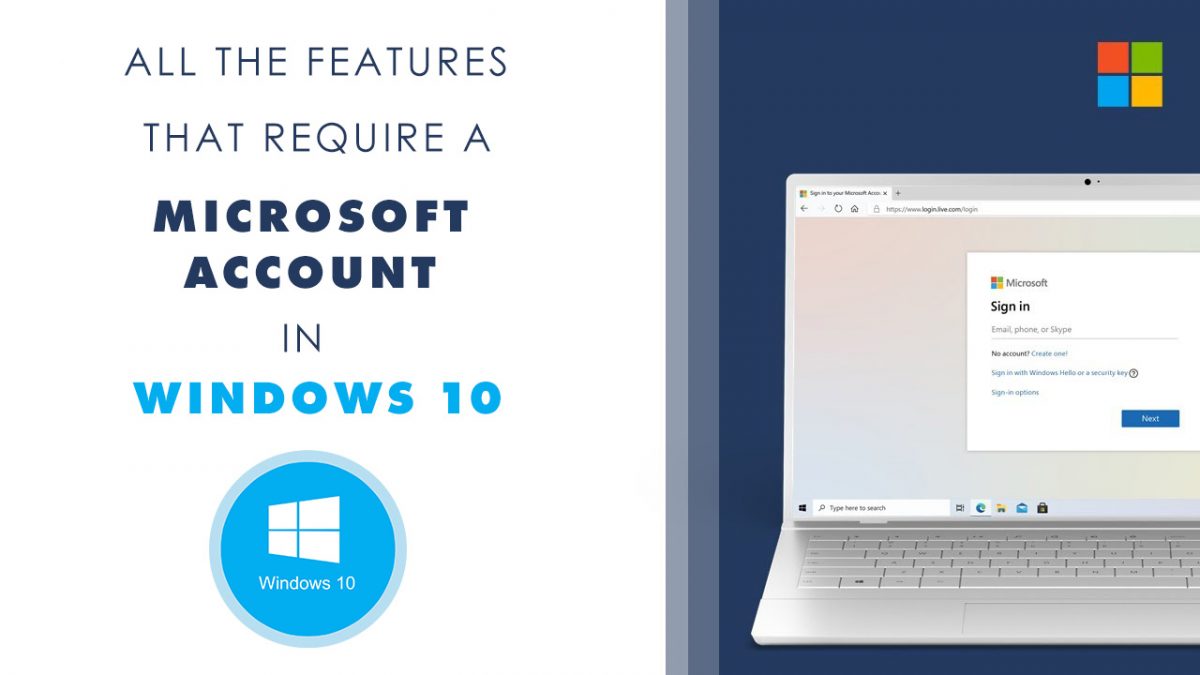
Cloud integration also allows for seamless syncing of settings and services across devices. However, this creates a dependency on the cloud for basic OS functionality. When a firmware update or hardware change triggers a BitLocker recovery screen, users often discover for the first time that their access key is tied to a Microsoft account they may have forgotten.
How are users bypassing the mandatory account requirement?
Users frequently employ third-party workarounds to avoid the Out-of-Box Experience (OOBE) restrictions. In a Reddit thread started by user 2025Fishy, community members suggested using command-line tricks, domain-join options, and the Rufus utility to force the creation of a local account.
While these methods work, users argue that the existence of workarounds doesn’t solve the underlying issue. User Affectionate_Creme48 stated that the option to choose a local account should simply exist within the standard setup process, as it did in previous Windows versions. The friction isn’t about the technical ability to bypass the system, but the loss of direct user control.
What is the Windows K2 initiative?
Windows K2 is a Microsoft initiative focused on improving Windows 11 through direct user feedback. The program targets interface refinements, better customization, and general bug fixes to rebuild trust with the user base. According to Windows Central, the program aims to make the OS feel more responsive to the people who use it daily.
Despite these efforts, the mandatory account requirement remains a primary point of contention. The contrast is sharp: Microsoft is listening to feedback on UI elements and bugs, yet it maintains a rigid stance on account ownership. This suggests a conflict between user preference and corporate security goals.
Is there internal disagreement at Microsoft?
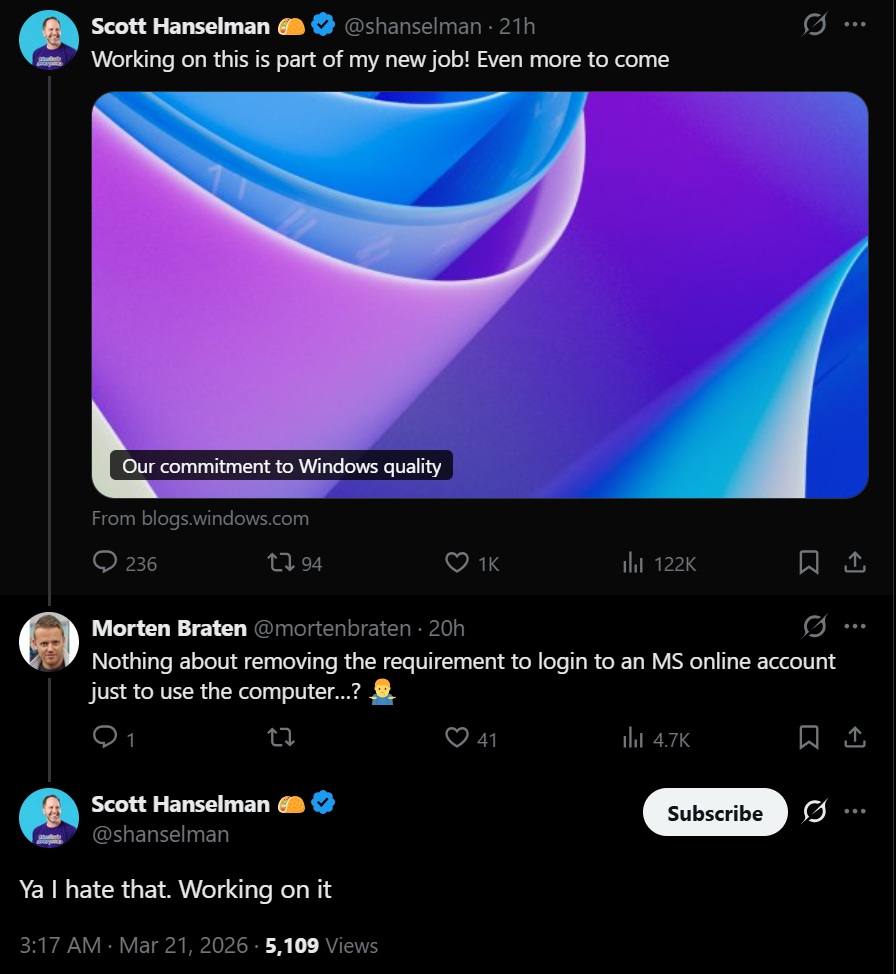
The push for local accounts isn’t limited to Reddit forums. Microsoft Vice President Scott Hanselman has previously revealed that employees within the company have urged leadership to reconsider the mandatory account requirement. This indicates that the friction felt by users is recognized by some of the software’s own architects.
The divide persists because of the “technician gap.” Reddit user Drakkaar pointed out that while IT professionals know how to navigate these restrictions, the average consumer does not. This leaves non-technical users vulnerable to data loss if they bypass the account requirement without manually backing up their BitLocker keys.
Comparison: Local Accounts vs. Microsoft Accounts
| Feature | Local Account | Microsoft Account |
|---|---|---|
| Setup Friction | Low (if available) | High (Mandatory) |
| BitLocker Recovery | Manual backup required | Stored in cloud |
| Data Syncing | None | Automatic across devices |
Frequently Asked Questions
Can I convert a Microsoft account to a local account after setup?
Yes. Users can go to Settings > Accounts > Your info and select “Sign in with a local account instead.”
Where is my BitLocker recovery key stored?
If you used a Microsoft account, the key is stored in your Microsoft account’s recovery key portal online.
Does a local account reduce system security?
Not inherently, but it removes the automatic cloud backup of the BitLocker recovery key, meaning the user is solely responsible for saving that key offline.
For more insights on OS optimization, check out our guide to Windows 11 performance or explore the latest official Windows updates.
Do you prefer a local account or the convenience of cloud syncing?
Share your experience in the comments below or join the discussion on our community forum.