
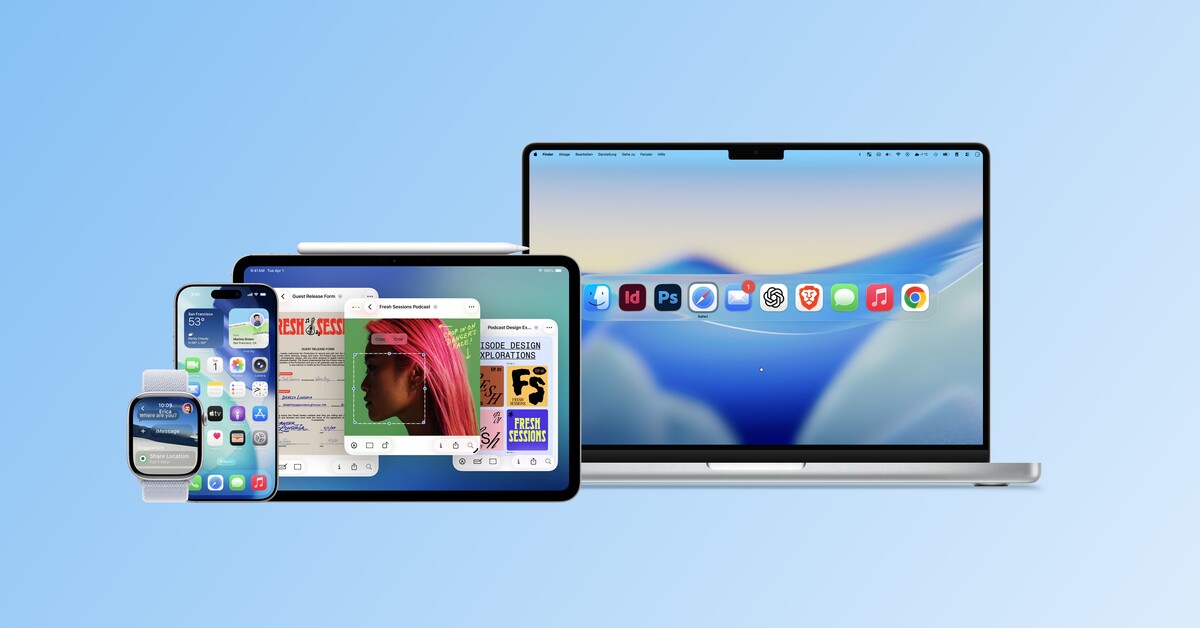
101 Essential Tips and Tricks for Your Apple Devices
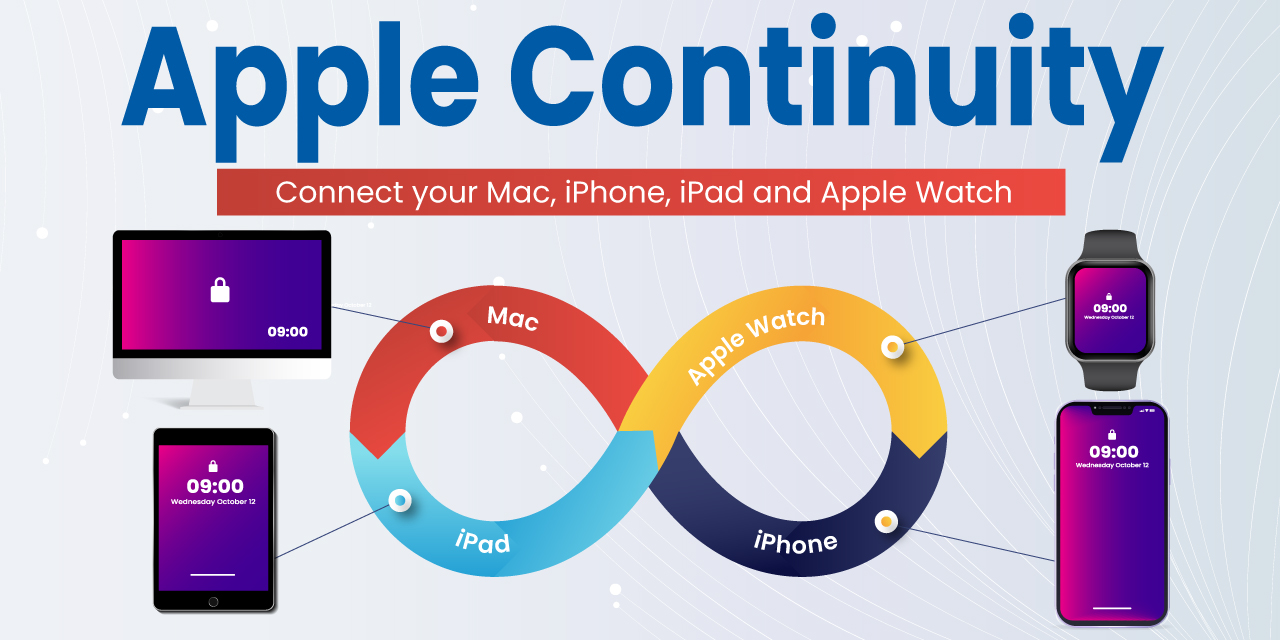
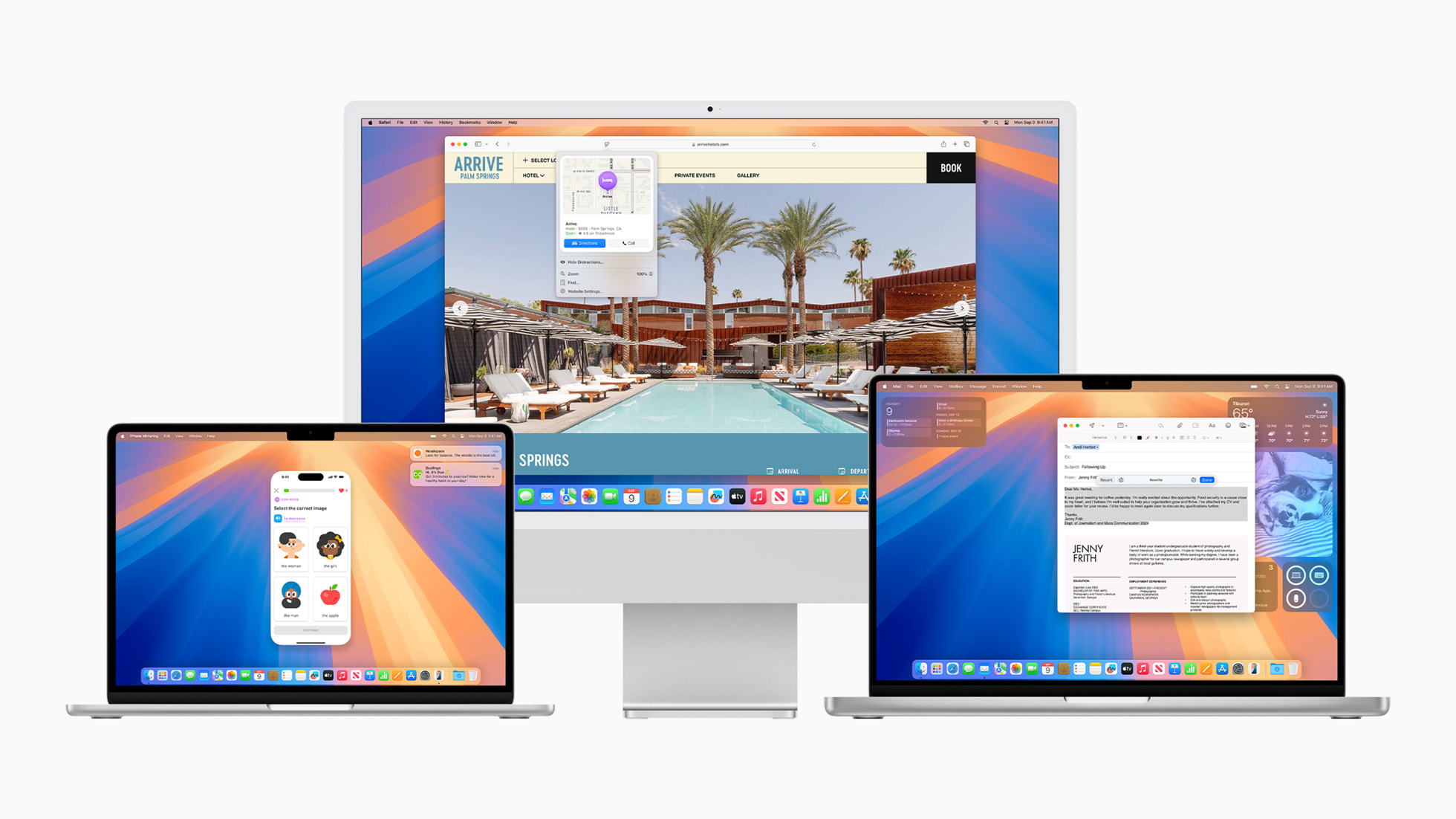
Apple device integration is evolving beyond basic file transfers, as the ecosystem increasingly leverages cross-device continuity and advanced, AI-driven search capabilities like those found in macOS Sequoia. Users can now perform tasks such as universal clipboard synchronization, granular flashlight control on iPhones, and predictive Spotlight indexing. These functional updates signify a shift toward a more unified, hardware-agnostic workflow where the boundaries between Mac, iPhone, iPad, and Apple Watch continue to blur, according to recent Apple documentation and ecosystem updates.
How cross-device continuity creates a unified workflow
Apple’s Universal Clipboard is the foundation for modern cross-device productivity. According to Apple’s support documentation, this feature allows users to copy text, images, or video on one device—such as an iPhone—and paste it instantly onto a nearby Mac or iPad. This functionality relies on Handoff, which requires devices to be signed into the same iCloud account with Bluetooth and Wi-Fi enabled. Industry analysts note that this reduces the “friction of movement” between mobile and desktop environments, effectively turning separate hardware into a single, cohesive computing unit.
What is the future of Spotlight search?
Spotlight is transitioning from a simple file-launcher into an intelligent assistant capable of parsing deep system data. Recent updates in macOS Sequoia have expanded Spotlight’s indexing capabilities, allowing it to search through specific application contents rather than just file names. By integrating more deeply with the file system, Spotlight now handles complex queries that previously required manual navigation. This mirrors trends in enterprise software where semantic search—understanding the intent behind a query—is replacing keyword-based retrieval.
Why hardware controls are becoming more granular
The evolution of the iPhone’s flashlight control demonstrates Apple’s push for user-defined hardware customization. Instead of a binary “on/off” state, modern iOS versions allow for adjustable brightness levels and, on specific models, changes to the beam’s spread. This shift toward granular control reflects a broader design philosophy: hardware should adapt to the user’s immediate environment rather than forcing the user to adapt to the hardware’s limitations. Similar trends are visible in the Apple Watch, where complications and action buttons are increasingly customizable to suit specific professional or fitness-related workflows.
Did you know?
You can change the intensity of your iPhone flashlight directly from the Control Center. Simply long-press the flashlight icon to reveal a slider that adjusts brightness levels without needing to navigate through deep system settings.
Frequently Asked Questions
Can I use Universal Clipboard between different Apple IDs?
No. Apple requires all devices to be signed into the same iCloud account to ensure the security and integrity of the clipboard data being transferred.
Why does my Mac not show up in my iPhone’s Handoff list?
Check that both devices are on the same Wi-Fi network and have Bluetooth active. Ensure “Allow Handoff between this Mac and your iCloud devices” is checked in System Settings under “General” and “AirDrop & Handoff.”
Does Spotlight search work across all my synced devices?
Spotlight indexes the local machine it is running on. While it does not perform a live search across all your devices simultaneously, iCloud Drive synchronization ensures that files stored in the cloud are indexed and searchable across your Mac, iPad, and iPhone.
Mastering these hidden features can significantly reduce your daily screen time. For more deep dives into optimizing your hardware, explore our full series on Apple productivity tips. Do you have a favorite hidden feature that saves you time? Share your top trick in the comments below.