

4 Major iPhone Issues Apple Still Refuses to Fix in iOS 27
The Disconnect Between Apple’s AI Ambitions and iOS Usability
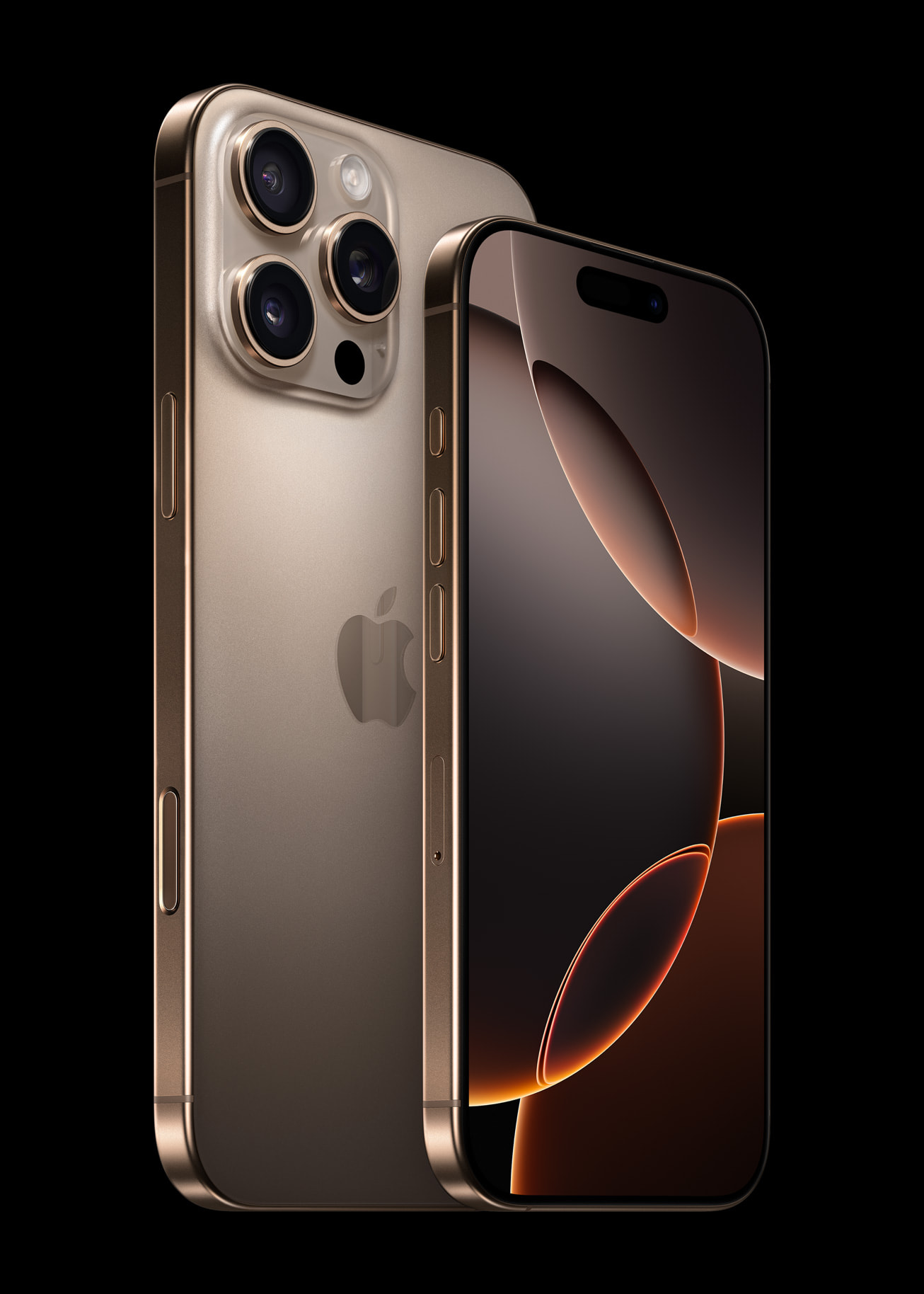
Apple’s latest software updates, including the iOS 27 reveal at WWDC 2026, prioritize generative AI features like the new Siri, yet persistent usability hurdles remain for long-term iPhone users. While Apple continues to focus on high-profile AI integration to compete with Android, core system functions—such as notification management, Wi-Fi connectivity, and background app synchronization—have seen little fundamental change, according to reports from industry analysts and long-term tech reviewers.
Why Are iPhone App Badges Still Difficult to Manage?
iPhone users currently lack a global setting to disable app notification badges, forcing manual, per-app adjustments that can take hours for those with extensive app libraries. Unlike many Android skins, which allow users to clear notification badges by dismissing the corresponding alert in the notification shade, iOS maintains a strict separation. According to user experience assessments, clearing a notification on an iPhone does not remove the badge, requiring the user to open the application to clear the visual alert. This design choice creates a persistent, distracting “FOMO” loop that critics argue is increasingly outdated in an era focused on digital wellbeing.
Does Apple Still Lack Wi-Fi Direct Support?
Despite nearly a decade of growth in camera-equipped wearables, drones, and smart accessories, Apple has yet to implement native Wi-Fi Direct support. As noted by long-term reviewers, this omission forces iOS devices to rely on slower Bluetooth connections or manual Wi-Fi network joining to transfer data from third-party cameras and smart glasses. This creates a significant performance gap compared to Android devices, which leverage Wi-Fi Direct for rapid, background data transfers. Without this protocol, Apple users face slower import speeds and a more fragmented user experience when pairing hardware from non-Apple manufacturers.
How Does iOS Handle Mesh Wi-Fi Networks?
iPhone connectivity issues often stem from how the device manages hand-offs between nodes in a mesh Wi-Fi system. While Apple announced improvements to cellular-to-Wi-Fi switching at WWDC 2026, users report that the iPhone still struggles with seamless transitions between mesh nodes. According to ongoing field observations, a device may show full signal strength while failing to pass data for up to a minute during a transition. This behavior contrasts with Android devices, which typically facilitate seamless node hopping, making the iPhone’s performance in modern smart-home environments a recurring point of frustration.
Why Do Background Apps Perform Differently on iOS vs. Android?
Apple’s aggressive “frozen” state for background apps—designed to maximize battery life—often hinders the functionality of third-party accessories. While Android allows apps to run in the background to sync health data or camera feeds, iOS often suspends these processes. As reported in comparative tech reviews, this forces users to manually open apps like Fitbit to trigger a sync, preventing the automatic, real-time data flow seen on competing platforms. Critics suggest that adding a granular “always-on” background toggle for specific apps would resolve these sync issues without compromising total system energy efficiency.
Did You Know?
/stackumbrella/media/media_files/2026/03/24/apple-wwdc-2026-2026-03-24-12-11-48.png "Did You Know?")
Closing background apps on an iPhone does not actually improve battery life. Because the system must use more CPU power to cold-start an app than to resume it from a frozen state, frequent manual closing can be counterproductive to the very power savings users intend to achieve.
Frequently Asked Questions
Can I clear all app badges at once on an iPhone?
No. Currently, iOS does not provide a global toggle to disable or clear all app badges simultaneously; they must be managed on an individual app basis through the Settings menu.
Why is my iPhone slow to connect when moving between Wi-Fi routers?
The device may be experiencing a delay in “hand-off” between mesh nodes. While Apple has released updates to improve connectivity, some users report persistent latency when moving across a home network.
Does closing background apps save battery?
No. Apple’s architecture is designed to manage background resources automatically. Forcing apps to close typically consumes more power when the system has to relaunch them from scratch.
What is the main benefit of Wi-Fi Direct for mobile users?
Wi-Fi Direct allows two devices to connect directly without a router or Bluetooth, enabling significantly faster file transfers and seamless background syncing for cameras and wearables.
***
*Are you frustrated by these persistent iOS limitations, or do you prefer Apple’s current approach to background management? Join the conversation in the comments below or subscribe to our newsletter for more deep dives into mobile tech trends.*