

Apple rolling out new AirTag 2 firmware update
The Silent Evolution of Apple’s AirTag Ecosystem
Apple has quietly pushed firmware update 3.0.49 to the AirTag 2, marking the second such refinement since the device’s debut earlier this year. While these background updates often arrive without fanfare, they represent a critical shift in how Apple manages its “Find My” network—a platform that has fundamentally changed how we track our most valuable possessions.
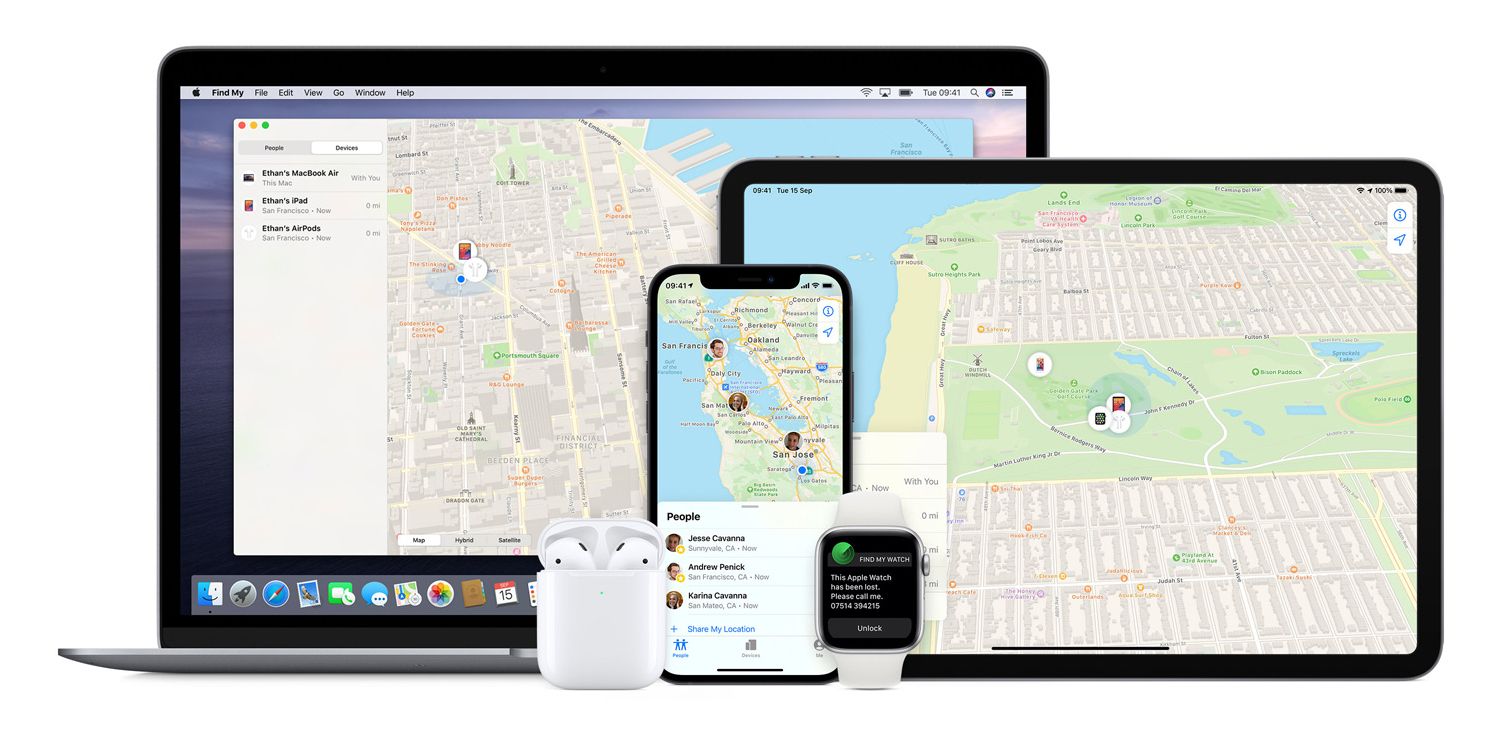
Pro Tip: You cannot force an AirTag update. To encourage your device to pull the latest firmware, ensure it is within Bluetooth range of your iPhone and that your phone is connected to Wi-Fi. Patience is key, as these updates roll out in stages.
Why Firmware Updates Matter for Asset Tracking
The transition from the original AirTag to the AirTag 2 has been defined by a focus on precision, and security. Previous updates, such as version 3.0.45, specifically targeted the “unwanted tracking” sound, making it easier for users to locate an unknown tag. What we have is part of Apple’s broader strategy to balance utility with privacy.
As we look toward the future, we expect to see more “invisible” improvements. These updates likely focus on:
- Enhanced Precision Finding: Leveraging the U2 ultra-wideband chip for higher accuracy in dense urban environments.
- Battery Efficiency: Optimizing how the device communicates with the Find My network to extend the lifespan of the CR2032 battery.
- Network Sensitivity: Improving how AirTags “handshake” with passing Apple devices to ensure location updates happen in near real-time.
The Future of Proactive Tracking
Industry data suggests that the item-tracking market is expected to grow significantly by 2030. We are moving away from reactive tracking (finding something after it is lost) toward proactive monitoring. Imagine a future where your luggage or gear alerts you the moment it leaves a “safe zone” or when it enters a high-risk area, all managed through low-latency firmware optimizations.
Did you know? The Find My network relies on hundreds of millions of Apple devices globally to act as anonymous, encrypted relays. This creates a mesh network that works even in areas without traditional GPS or cellular coverage.
How to Manage Your AirTag Firmware
Staying updated is the best way to ensure your tracking hardware functions as intended. If you are curious about your current status, follow these steps:

- Open the Find My app on your iPhone.
- Tap the Items tab at the bottom of the screen.
- Select the specific AirTag you wish to check.
- Tap the device name; the serial number and current firmware version will be displayed prominently.
Frequently Asked Questions
- Can I manually update my AirTag?
- No. Apple handles all firmware updates automatically over-the-air. There is no manual “check for updates” button.
- Why don’t I see the latest firmware version?
- Apple uses a staggered rollout. If your device hasn’t updated yet, it will likely happen automatically within a few days.
- Do firmware updates improve battery life?
- Often, yes. Apple frequently includes “bug fixes and improvements” that streamline communication between the AirTag and your iPhone, which can reduce power consumption.
Have you noticed any changes in your AirTag’s performance since the latest update? Or are you waiting for a specific feature, like better integration with third-party smart home systems? Let us know in the comments below, or subscribe to our newsletter for the latest Apple hardware deep dives.