
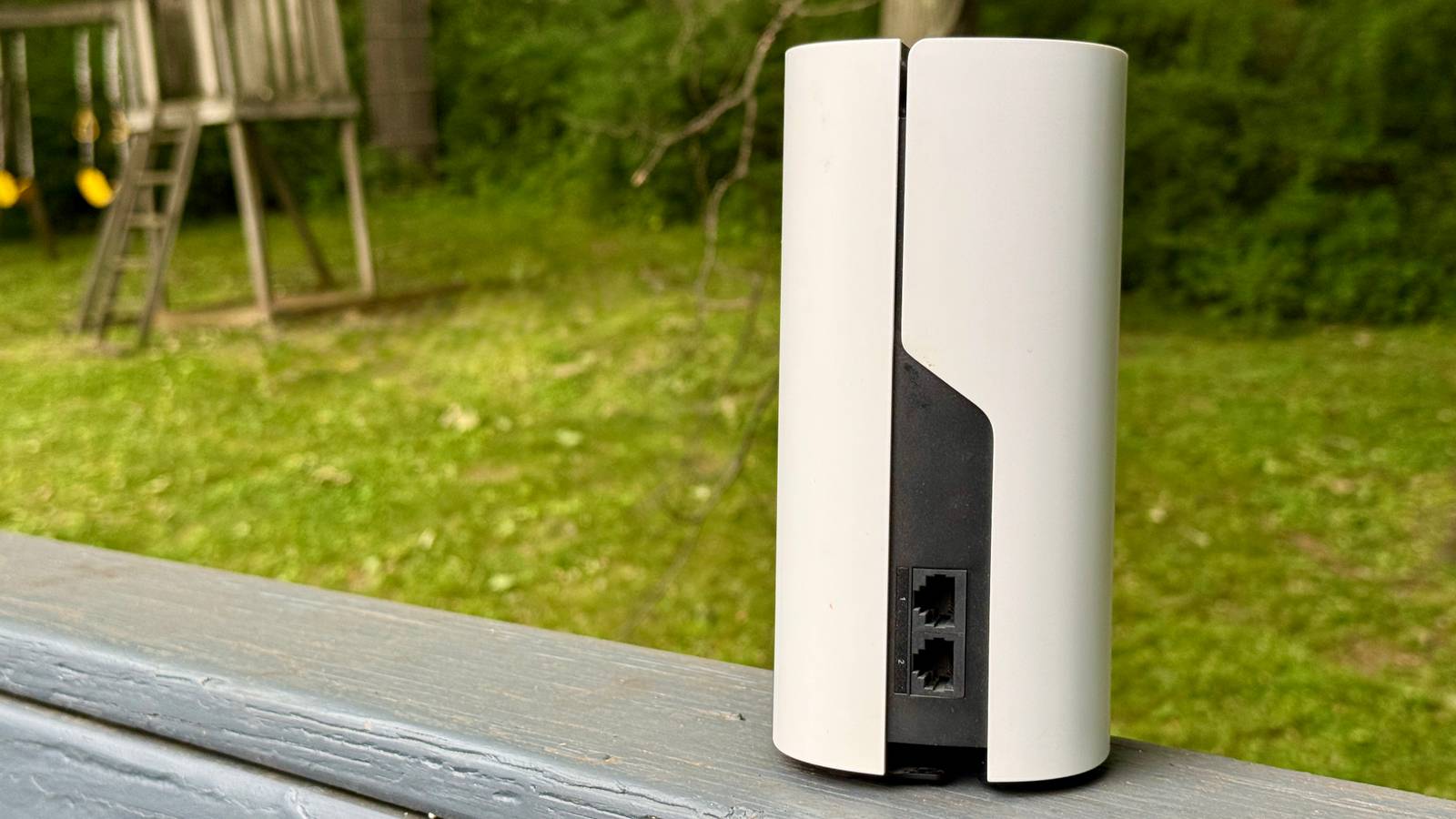
How to Extend Wi-Fi to Your Backyard Using an Old Router
How to Extend Your Wi-Fi to the Backyard Without Buying New Hardware

Homeowners can extend Wi-Fi coverage to outdoor spaces by repurposing an old router as a wireless access point, a method that avoids the cost of expensive mesh networking systems. According to Nathaniel Pangaro of *How-To Geek*, this process involves connecting a secondary router to a primary one via Ethernet or a Powerline adapter, then configuring the secondary unit to bridge the connection rather than act as a standalone router. While this setup lacks the seamless roaming of a dedicated mesh system, it provides a cost-effective solution for eliminating signal dead zones.
Why Repurpose an Old Router Instead of Buying Mesh?

The primary advantage of using an old router is cost-efficiency. Mesh systems, such as those from Eero or Netgear, often require purchasing multiple units to cover a home and its surrounding property, which can cost hundreds of dollars. By contrast, repurposing existing hardware turns a device that might otherwise be discarded into a functional network node.
However, there is a technical trade-off. Mesh systems use a dedicated backhaul channel—a specific frequency band—to communicate between nodes, according to tech industry analysts. This allows devices to switch connections automatically as you move from the house to the yard. When using an old router as an access point, this “handoff” is not automated. Users may need to manually select the backyard network on their devices, though this can be mitigated by keeping the network name and password consistent with the main router.
How to Configure an Access Point
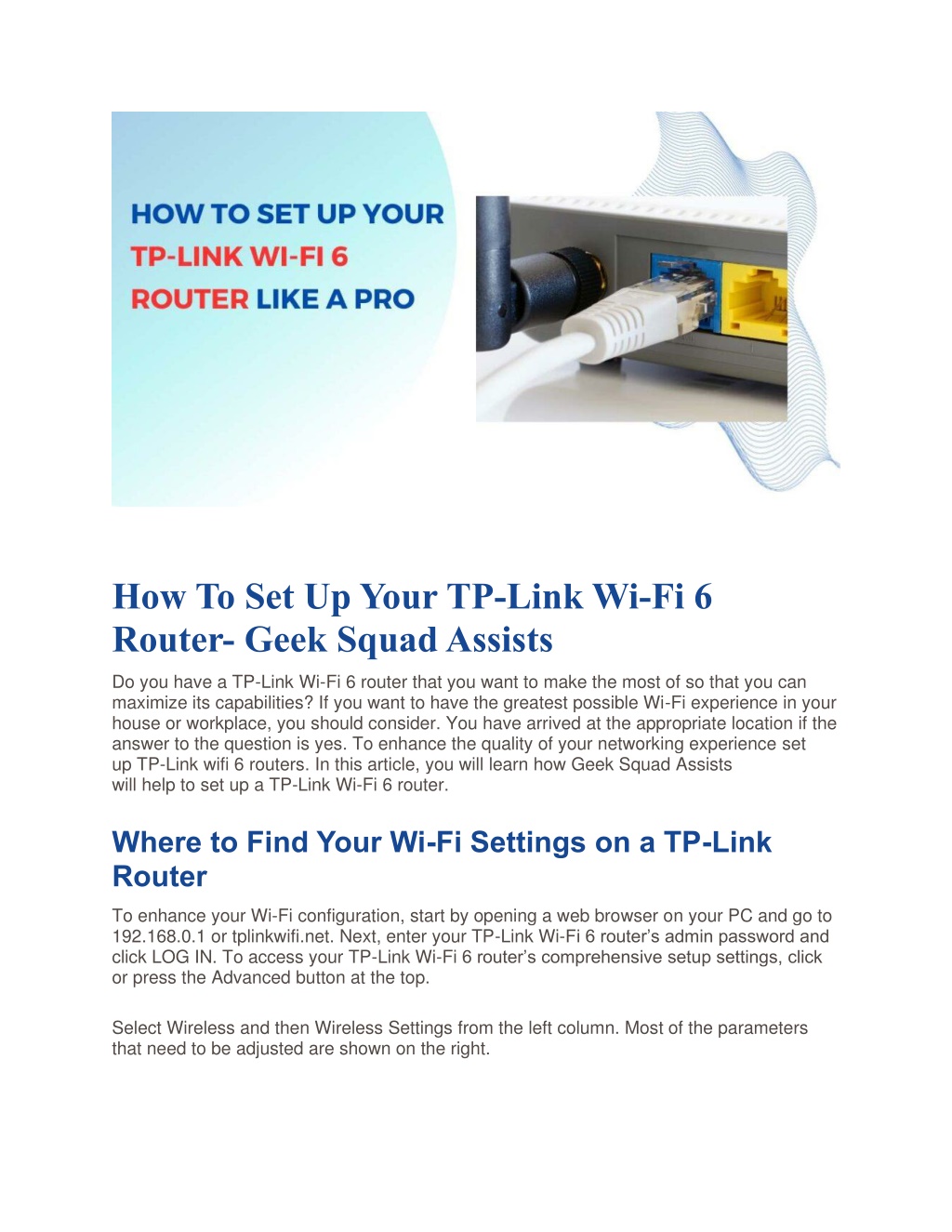
To turn an old router into an access point, you must establish a wired connection to your main network. If your home lacks pre-installed Ethernet wall ports, experts suggest using a Powerline adapter kit, such as the TP-Link AV1000. These kits transmit data through your home’s existing electrical wiring.
Once connected:
- Access your secondary router’s management interface through a web browser or its dedicated app.
- Locate the “Operation Mode” settings.
- Select “Access Point Mode” instead of “Router Mode.”
- Save your settings and reboot the device.
By switching to access point mode, the device stops acting as a firewall and DHCP server, allowing your primary router to manage the network while the secondary unit simply extends the wireless signal.
The Future of Home Connectivity
The future of home networking is moving toward decentralized, self-organizing systems. According to industry standards organizations, the rise of the Internet of Things (IoT) is pushing development toward protocols like Thread and Matter. These technologies allow smart devices—lights, sensors, and thermostats—to form their own mesh networks without relying on a central router.
While today’s DIY access points rely on cables, future systems may lean heavily on the 6 GHz band introduced with Wi-Fi 6E and Wi-Fi 7. This band offers significantly less interference than the traditional 2.4 GHz or 5 GHz bands, providing a “clean highway” for data transmission that could eventually make outdoor connectivity as fast as indoor browsing without the need for complex wiring.
Frequently Asked Questions
Can I use any old router as an access point?
Most routers manufactured in the last decade include an “Access Point” or “Bridge” mode in their settings. Check your manufacturer’s support page to confirm your specific model supports this feature.
Will a powerline adapter work if my home has old wiring?
Performance depends on the quality of your electrical circuits. Powerline adapters work best when both units are on the same phase of the electrical panel, according to hardware reviews.
Is my outdoor router safe from the weather?
No. Most consumer routers are not weather-sealed. If you place a router in a backyard, ensure it is kept in a dry, shaded area, such as a gazebo or an enclosed porch, to prevent humidity and heat damage.
***
Do you have a DIY networking project that saved you money? Share your experiences or ask a question in the comments below to help other readers optimize their home setups.