

Design resources for iOS 27, iPadOS 27, macOS 27 now available
Apple has updated its Developer Design Resources portal to include Sketch files for iOS 27, iPadOS 27, and macOS 27 Golden Gate. These UI Kits provide developers with updated assets for buttons, headers, and system app icons, according to the official Apple Developer website. Figma resources for these systems are expected to arrive shortly.
Why did Apple update the iOS 27 design assets?
Apple provides these resources to ensure third-party applications maintain visual consistency with the latest operating system updates. According to the Apple Developer portal, the new UI Kits include light and dark mode assets for headers, lists, input fields, and alerts.
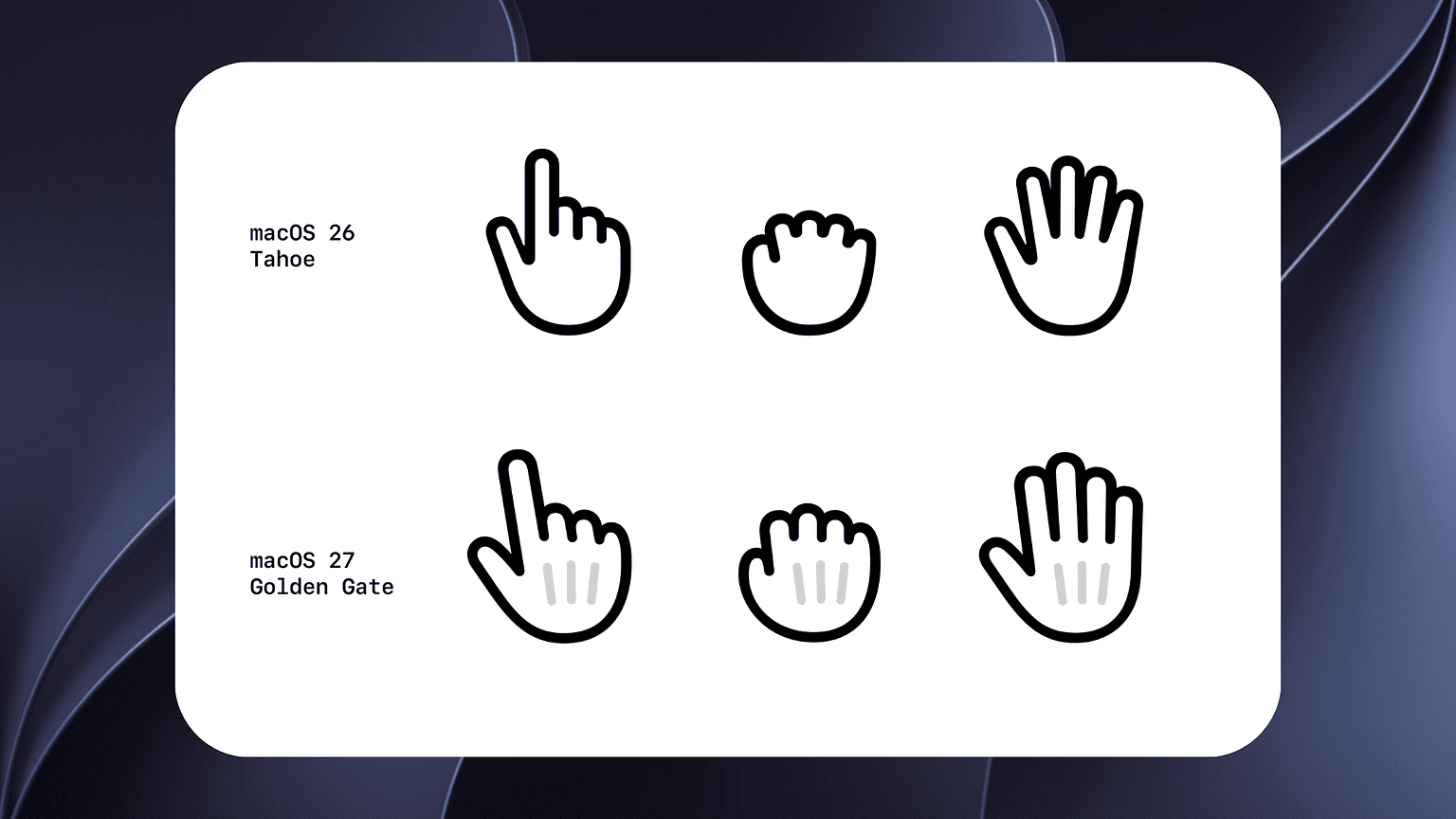
This release follows the announcements made during WWDC26. By providing these files, Apple allows developers to prototype interfaces that match the system-level aesthetics of iOS 27 and macOS 27 Golden Gate before the final public releases.
What changed in the app icon templates for iOS 27?
The physical shape and structure of the app icon remain unchanged from iOS 26 and iPadOS 26. However, Apple has released updated App Icon Template assets to ensure compatibility with the new OS versions.
These templates are available in four primary formats: Figma, Photoshop, Illustrator, and Sketch. While the geometry hasn’t shifted, updating to the latest templates prevents rendering errors and ensures the icons align with the updated system grid used in iOS 27.
Which platforms currently have available UI Kits?
Sketch is the primary format available for the new iOS 27, iPadOS 27, and macOS 27 kits. Apple has stated that Figma resources will be added soon to the portal.
For those supporting older devices, the portal maintains legacy assets. According to the developer site, UI Kits for iOS 26, iPadOS 26, and macOS 26 remain downloadable, alongside assets for tvOS 18, watchOS 26, and visionOS 2.
The portal also hosts specialized assets for hardware-integrated features. This includes templates for Camera Control and AirPlay, as well as App Clips. While new Siri artwork was announced this week, the Siri Icons in the portal haven’t been updated to reflect those changes yet.
Comparison: Design Asset Availability
| Asset Type | Current Status (iOS 27) | Legacy Status (iOS 26) |
|---|---|---|
| Sketch Files | Available | Available |
| Figma Resources | Coming Soon | Available |
| Icon Templates | Updated | Available |
How do these updates impact the broader app ecosystem?
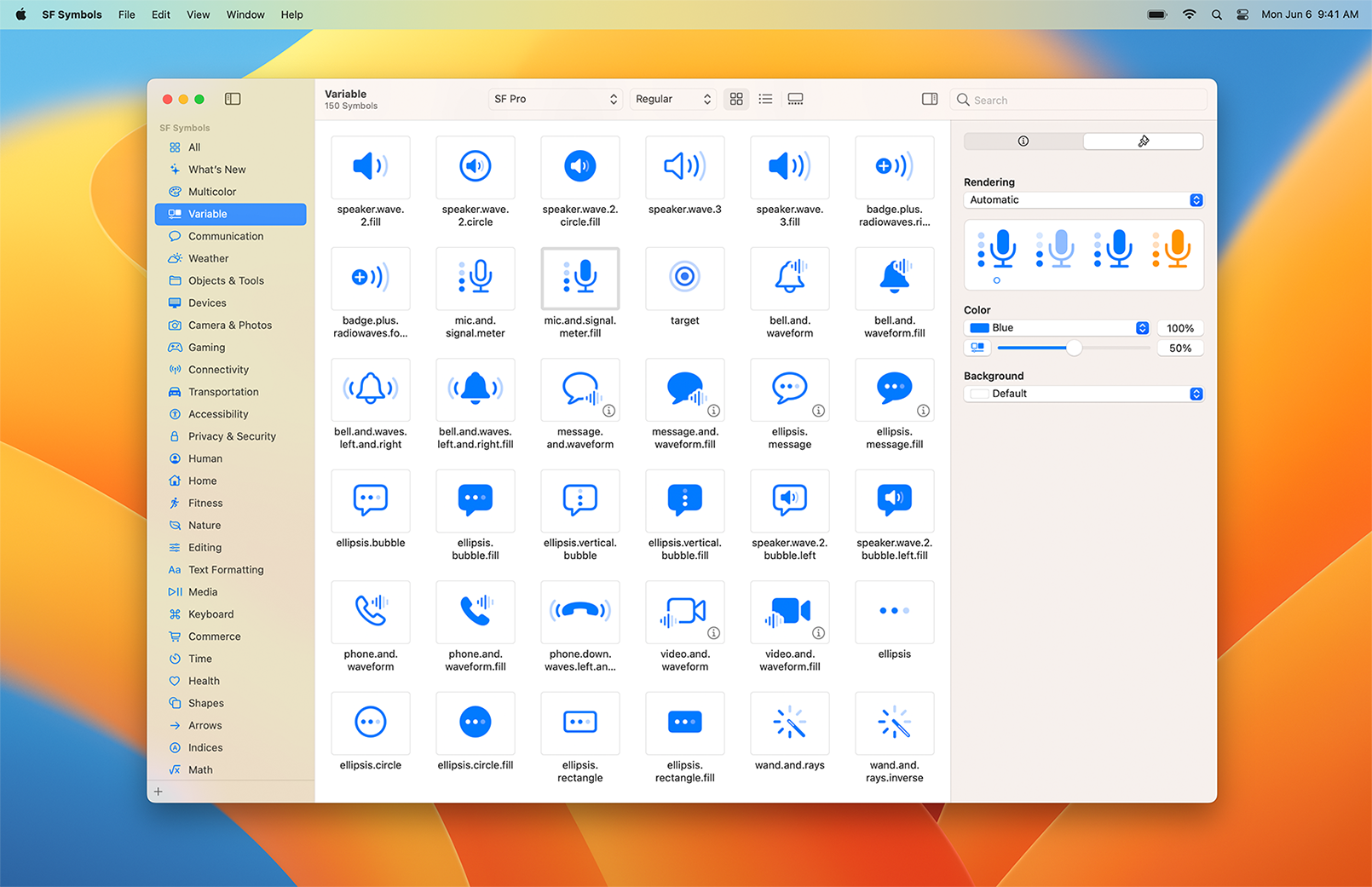
The release of these assets typically marks the start of a visual refresh across the App Store. When Apple updates its system app icons, third-party developers often follow suit to avoid looking dated. This trend is particularly evident with the introduction of SF Symbols 7, which provides a new library of iconography for developers to implement.
The continued support for multiple formats—Photoshop, Illustrator, and Figma—shows Apple’s commitment to a diverse design workflow, though the “Figma coming soon” tag suggests a slight delay in the transition to web-based collaborative design tools for the latest OS version.
Frequently Asked Questions
Do I need to change my app icon for iOS 27?
No. The shape and structure are the same as iOS 26. However, using the updated templates is recommended for technical compatibility.
When will Figma files be available for iOS 27?
Apple has not provided a specific date, but the Design Resources portal notes that Figma resources are expected soon.
Where can I find the new SF Symbols?
SF Symbols 7 are available for download directly through the Apple Design Resources portal.
Are you updating your app’s UI for the new macOS Golden Gate? Let us know which new design element you’re most excited about in the comments below.