

Fixing Mac Spotlight Slowdowns and Managing WhatsApp Privacy
The Invisible Tug-of-War: Why Your Device Slows Down While “Helping” You
We’ve all been there: your Mac is suddenly humming like a jet engine, the cursor is lagging, and your battery is draining faster than usual. Often, the culprit isn’t a virus or a failing hard drive, but a system process like mds_stores. This is the engine behind Spotlight, the search tool that makes finding a file instant. But when that engine misfires, it transforms from a helper into a resource hog.
This highlights a growing tension in modern computing: the trade-off between instant accessibility and raw performance. As our local data grows—thousands of high-res photos, massive PDF libraries, and endless email archives—the effort required to index that data increases. We are reaching a tipping point where traditional “brute force” indexing is no longer sustainable for the average user.
The Shift Toward “Intelligent” Indexing
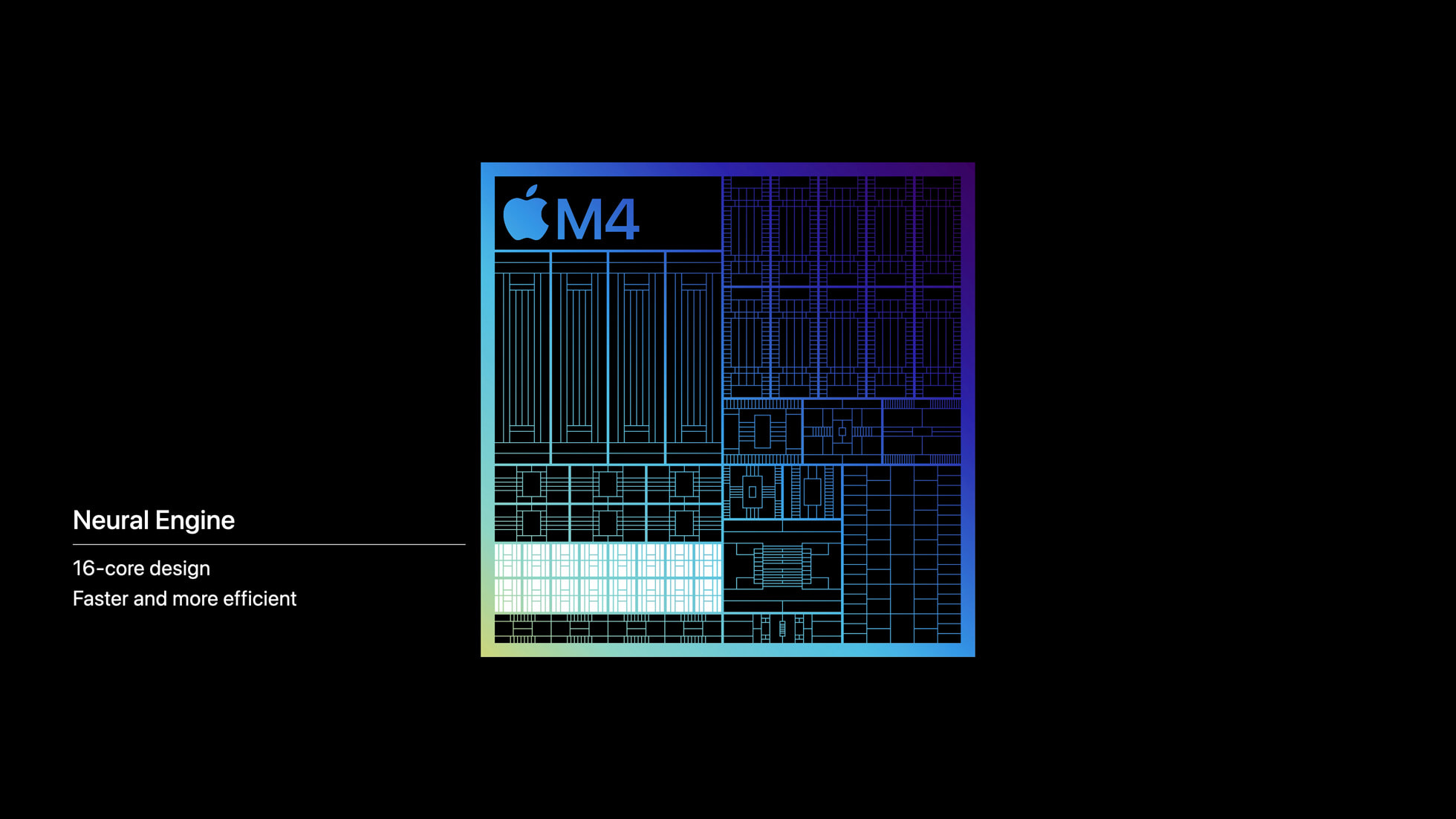
Looking ahead, we can expect a move away from linear indexing toward AI-driven, predictive indexing. Instead of the system scanning everything indiscriminately, future OS updates will likely leverage dedicated hardware, such as Apple’s Neural Engine (ANE), to index data more efficiently.
Imagine a system that learns your habits. If you rarely search for files from 2018, the OS might “hibernate” those indexes, reducing the load on your CPU and RAM. This shift toward contextual awareness will prevent the dreaded mds_stores spikes and ensure that background processes don’t kill your productivity.
mds_stores or mds is at the top, try adding your largest, least-searched folders to the “Privacy” tab in Spotlight settings to stop the system from indexing them. The Privacy Paradox: When Apps “Reach Back” Into Your Data
While we battle system performance, a quieter battle is happening over our personal data. The recent move by WhatsApp to re-integrate local address book photos on Android is a perfect example of the “Privacy Paradox.” On one hand, it’s a convenience—you see a familiar face instead of a grey silhouette. On the other, it’s a reminder that apps are constantly seeking deeper integration with our system-level data.
For years, the trend was toward sandboxing—isolating apps so they couldn’t peek at other data. Now, we are seeing a “feature creep” where apps attempt to bridge those gaps to create a more seamless user experience. The danger isn’t necessarily the photo itself, but the permission architecture it reinforces.
The Rise of Zero-Trust Permissions
The future of mobile privacy isn’t just about “Allow” or “Deny.” We are moving toward Zero-Trust Architecture and Ephemeral Permissions. Instead of granting WhatsApp permanent access to your contacts, future operating systems will likely offer “Just-in-Time” access.
We are already seeing glimpses of this with “Approximate Location” settings on iOS and Android. The next step is Selective Data Masking. In the future, an app might be able to verify that a contact exists without actually “seeing” the photo or the full name unless the user explicitly triggers that action for a specific contact.
Balancing Digital Hygiene with Modern Convenience
As we move toward an era of integrated AI and deep app synchronization, “digital hygiene” will become a critical skill. We can no longer assume that “default settings” are in our best interest. Whether it’s managing the Spotlight index or auditing Android permission managers, the power must return to the user.
The most successful tech ecosystems of the next decade will be those that offer transparency without friction. We want the speed of a perfectly indexed drive and the convenience of a synced contact list, but not at the cost of a frozen computer or a compromised identity.
Quick Audit Checklist for Your Devices
- Check Background Tasks: Once a month, check your Activity Monitor (Mac) or Task Manager (Windows) for processes consuming >20% CPU while idle.
- Audit App Permissions: Go to Settings > Privacy > Permission Manager. Remove access for apps you haven’t used in 30 days.
- Optimize Indexing: Exclude cloud-synced folders (like Dropbox or OneDrive) from local system indexing to reduce disk thrashing.
Frequently Asked Questions
Q: Is mds_stores a virus?
A: No. It is a legitimate macOS system process used by Spotlight to index your files for fast searching. However, if it’s constantly using high CPU, it may be stuck on a corrupted file.
Q: Why does WhatsApp need access to my contact photos?
A: It is primarily for user experience (UX). By showing photos from your local address book, the app makes it easier to identify people who haven’t set a WhatsApp profile picture.
Q: How can I stop an app from accessing my contacts without deleting the app?
A: In both iOS and Android, you can go to Settings > Apps > [App Name] > Permissions and toggle “Contacts” to “Don’t Allow.” Note that this may disable some app features.
Q: Will disabling Spotlight indexing slow down my Mac?
A: No, it will actually speed up your Mac’s performance by freeing up CPU and RAM. The only downside is that searching for files via Spotlight will be slower or incomplete.
What’s your take? Do you prioritize a seamless experience, or are you willing to sacrifice a few features for better privacy and system speed? Let us know in the comments below or share this guide with a friend whose Mac is currently sounding like a vacuum cleaner!
Want more deep dives into system optimization and privacy? Subscribe to our weekly tech briefing.