

Google Pixel Buds App Gets New Icon and Enhanced Landing Page
The Psychology of the Gradient: Why Visual Unity is the New Tech Gold Standard
At first glance, a new icon for the Pixel Buds app might seem like a minor cosmetic tweak. A shift from colorful sound waves to a blue-purple gradient isn’t exactly a revolutionary hardware leap. However, if you look closer, this is a calculated move in the larger war for ecosystem loyalty.

Google is doubling down on a unified design language. By aligning the Pixel Buds app with the Pixel Watch and Pixel Journal, they are reducing the “cognitive load” on the user. When every app in your ecosystem feels, looks, and breathes the same way, the technology disappears into the background, leaving only the experience.
We’ve seen this strategy work with Apple’s strict HIG (Human Interface Guidelines). When your earbuds, watch, and phone share a visual DNA, it creates a psychological “lock-in.” You aren’t just using a tool; you’re inhabiting a curated digital environment. As Google pushes this “signature modern color palette,” they are signaling that the Pixel experience is no longer a collection of separate gadgets, but a singular, cohesive organism.
From Companion Apps to Ecosystem Hubs
The introduction of a dedicated landing page for users with multiple pairs of Pixel Buds reveals a growing trend: the rise of the “Power Wearable User.” For years, the industry assumed most people owned one pair of buds and called it a day. But the reality is changing.
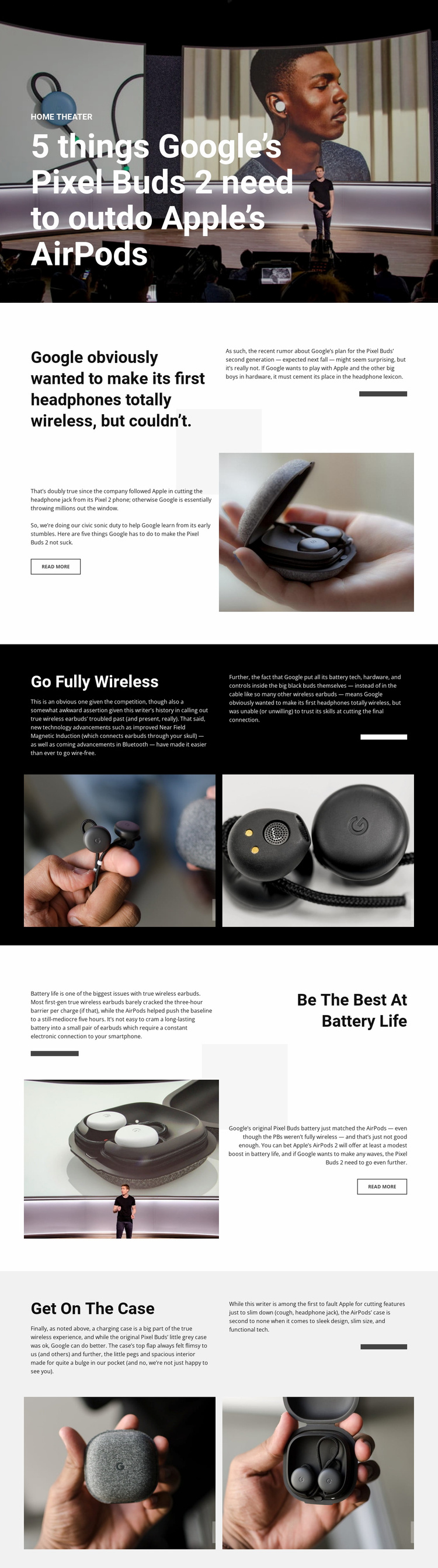
Between specialized “workout” buds and “professional” noise-canceling sets, users are diversifying their audio hardware. Google’s move to allow users to select and manage multiple devices from a single, visually distinct screen is a nod to this behavior. We are moving away from the “one-to-one” pairing model toward a “one-to-many” hub model.
This shift mirrors what we see in the smart home space. Just as the Google Home app became the central nervous system for lights, cameras, and thermostats, the Pixel Buds app is evolving into a command centre for wearable audio. The next logical step? Seamless, AI-driven switching that knows you’ve moved from your desk (Pro buds) to the gym (Active buds) without you touching a single setting.
For a deeper dive into how this integrates with other wearables, check out our complete guide to the Pixel Watch ecosystem.
The Next Frontier: Predictive Audio and AI Integration
If a unified icon and a multi-device landing page are the foundation, where does the road lead? The future of wearable UX isn’t just about better menus—it’s about the disappearance of menus entirely.
With the integration of Gemini and advanced on-device AI, we are heading toward Contextual Audio. Imagine your earbuds automatically adjusting their EQ and noise-cancellation levels based on your calendar event or your heart rate. If the app knows you’re in a high-stress meeting, it might prioritize voice clarity and dampen background chatter without being asked.
We are also likely to see “Cross-Device Intelligence.” If your Pixel Watch detects you’ve started a workout, your Pixel Buds app shouldn’t just be a place to change settings; it should proactively suggest a high-energy playlist or activate “Transparency Mode” for safety while running near traffic.
How Google is Competing with the ‘Walled Gardens’
For a long time, Samsung and Apple held the crown for seamless integration. Google’s current trajectory suggests they are finally closing the gap. By focusing on Material You principles—where the software adapts to the user’s personal style—Google is offering something the competitors aren’t: personalization at scale.
The “beautiful background gradients” mentioned in the update aren’t just for show. They are part of a broader effort to make technology feel more human and less industrial. When your app interface reflects the physical color of your hardware, it creates a tactile connection between the digital and physical worlds.
Frequently Asked Questions
A: To align the app with the overall Google ecosystem design language, creating a consistent look across the Pixel Watch, Pixel Journal, and other first-party apps.
Q: How do I access the new multi-device landing page?
A: This feature is rolling out with version 1.0.915175631 of the Pixel Buds app. Once updated, users with multiple paired buds will see the new selection screen upon opening the app.
Q: Will these updates improve the actual sound quality of my earbuds?
A: No, these specific updates focus on User Experience (UX) and User Interface (UI). However, they often accompany firmware updates that can refine audio performance.
Q: Is this update available for all Android users?
A: The update is specifically for the Pixel Buds app on Android and is currently rolling out in stages via the Play Store.
What do you think about Google’s new design direction? Does a unified look make you more likely to stick with one brand, or do you prefer mixing and matching your tech? Let us know in the comments below!
Want to stay ahead of the curve on wearable tech? Subscribe to our weekly newsletter for expert insights delivered straight to your inbox.