
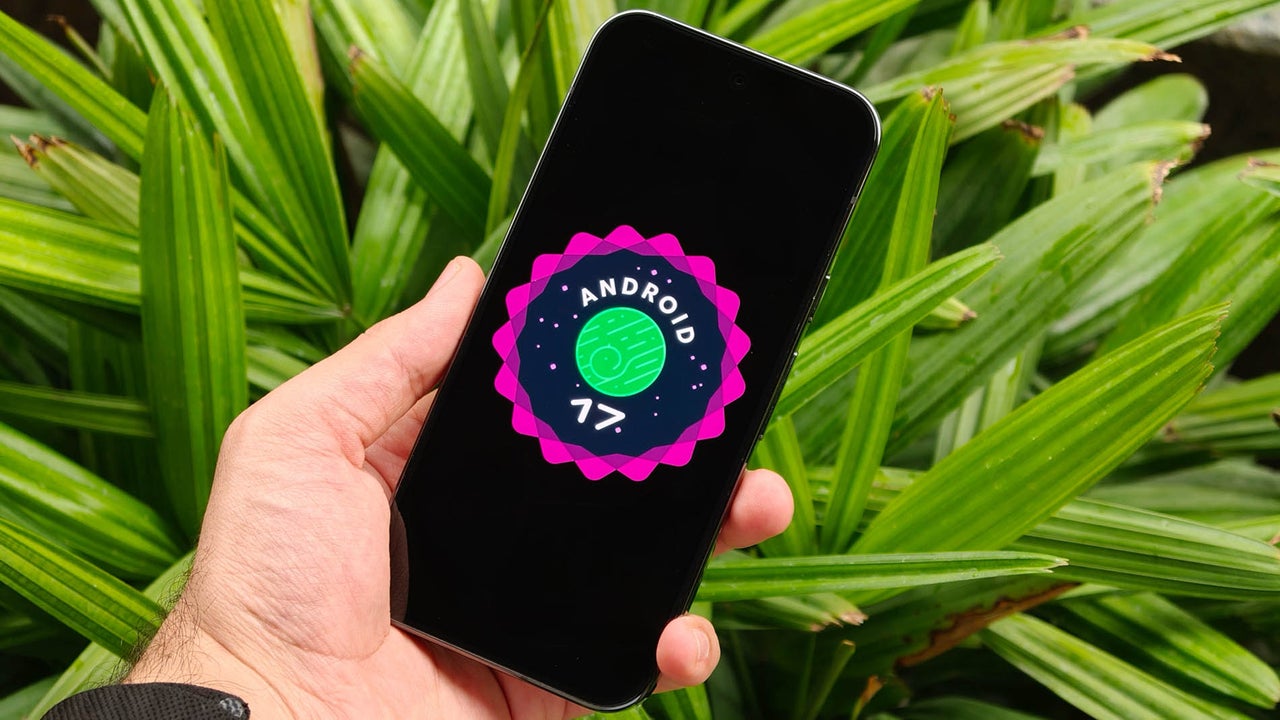
Google Releases Android 17 Beta 4.1 to Fix Bugs and Improve Stability
The Final Stretch: What Android 17’s Polish Phase Means for the Future of Mobile OS
Google has officially rolled out Android 17 Beta 4.1, a release that might seem underwhelming to feature-hunters but is, in reality, a masterclass in software maturity. By shifting focus from “shiny new toys” to critical stability, Google is signaling a broader industry trend: the transition from experimental feature-bloat to a refined, “AI-first” ecosystem that prioritizes reliability above all else.
Stability as the New Competitive Edge
For years, mobile operating systems competed on who could pack the most features into a single update. Today, the narrative has flipped. As smartphones become the central hub for our digital lives—managing banking, smart home controls, and high-stakes communication—software stability is the new premium feature.
With the latest beta, Google is addressing granular issues like visual glitches in the status bar and Bluetooth connectivity drops. While these sound minor, they represent the “last mile” of software development. By cleaning up these bugs, Google is preparing the Android ecosystem to support more complex Gemini-powered AI integrations that require a rock-solid foundation to function without crashing.
The AI Integration Pivot
We are moving toward an era where the operating system acts as an intelligent agent rather than a simple app launcher. Android 17 is the bridge to this future. The focus on performance improvements in the current beta cycle suggests that Google is clearing “headroom” in the system architecture.

By optimizing memory management and background task handling, Google isn’t just fixing bugs—they are creating the necessary system overhead to allow for more aggressive, on-device AI processing. Expect future Android updates to rely less on cloud computing and more on local, real-time AI assistance that doesn’t sacrifice battery life or system responsiveness.
Pro Tips for Beta Testers
- Back up first: Even in late-stage betas, always perform a full backup of your device before updating.
- Report, don’t just complain: If you encounter a bug, use the built-in feedback tool. It is the single most effective way to ensure your specific device configuration is addressed before the stable launch.
- Monitor battery life: Post-update, allow 24-48 hours for the system to re-optimize battery usage patterns.
Frequently Asked Questions
- Is Android 17 Beta 4.1 safe for daily drivers?
- As a late-stage beta, it is significantly more stable than early versions. However, minor bugs may still exist; use caution if you rely on your phone for mission-critical work.
- When will the stable version of Android 17 arrive?
- While official dates fluctuate, the release of Beta 4.1 typically indicates a final polish phase, pointing to a public release within the coming weeks.
- How do I get the latest Android 17 update?
- If you have an eligible Pixel device, you can enroll in the Android Beta programme via Google’s official portal to receive the OTA update.
What are your thoughts on the current state of Android? Are you prioritizing system stability over new feature drops? Join the conversation in the comments section below or subscribe to our weekly tech newsletter for the latest mobile OS updates.