
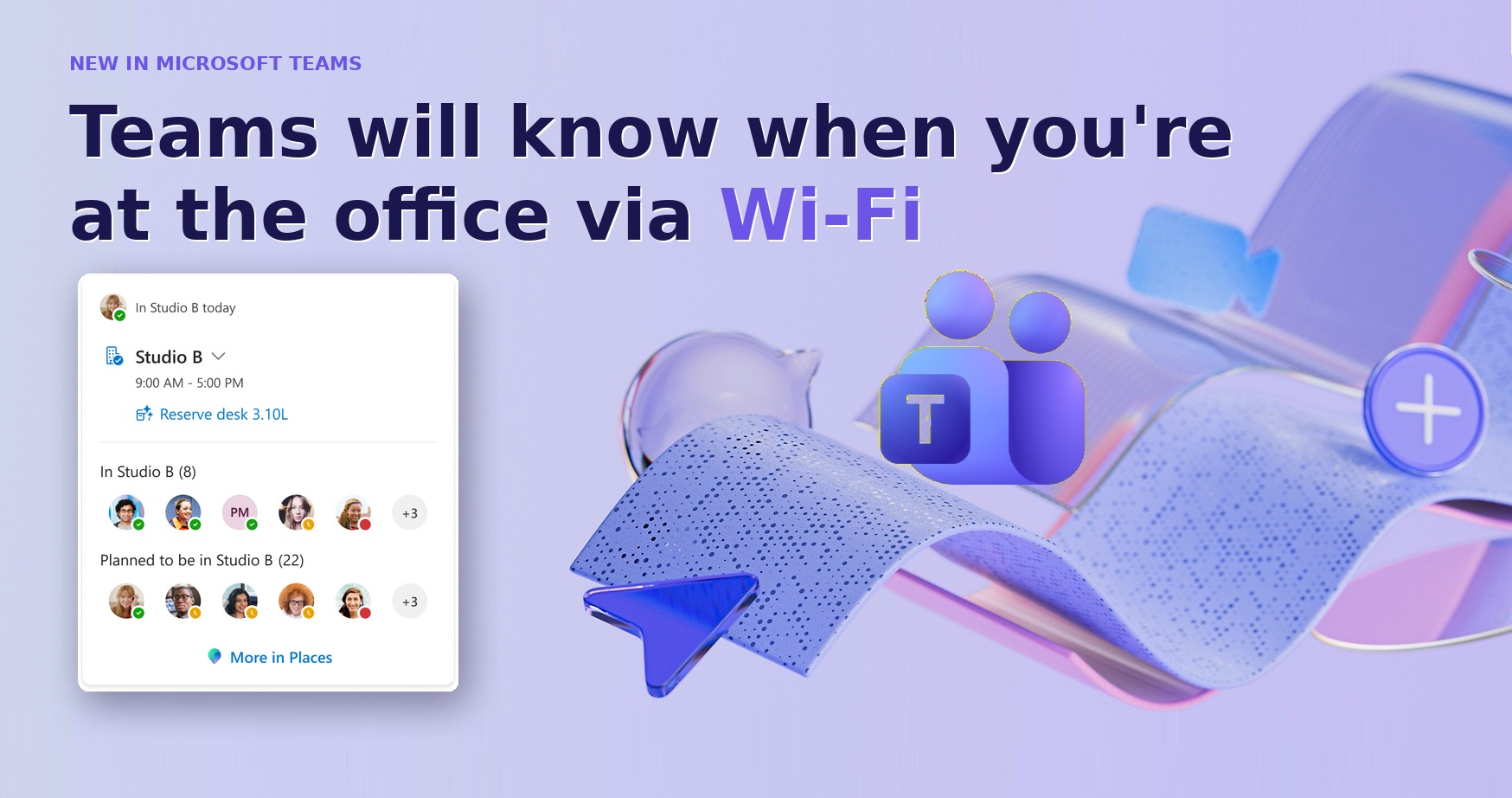
Microsoft Teams will auto-detect when you’re at the office via Wi-Fi, roll out confirmed, but you can opt-out
Microsoft is deploying “Workplace check-in” for Microsoft Teams, enabling organizations to track employee office presence via Wi-Fi connectivity. As reported by Windows Latest, the feature integrates with Microsoft Places and requires both operating system and app-level location permissions to function, allowing companies to identify which building or floor a worker is occupying.
How does Microsoft Teams’ Workplace check-in actually work?
The feature identifies a user’s location by detecting the specific Wi-Fi network they’ve joined. According to Microsoft documentation, the system uses BSSIDs—the unique identifiers for physical wireless access points—to flag a user’s presence in a specific area. For instance, if an employee connects to the Wi-Fi in “Building C,” Teams automatically updates their status to reflect that location.

This isn’t a constant GPS stream. Microsoft states the tool provides an “in-the-moment signal” rather than real-time tracking. It doesn’t monitor a worker’s movement between floors over time, but it does confirm they are physically on-site rather than connected via a VPN.
Can employees opt out of location tracking?
Microsoft claims users will have technical control over the integration. The feature isn’t enabled by default at the tenant level. When an IT administrator activates it, they must choose between two deployment profiles:
- Ask mode: Users see a banner requesting permission to share their location via Teams.
- Inform mode: Users are notified the feature is active and must manually opt out.
There’s a critical safeguard at the OS level. For Windows 11 users, the app requires location permission from the operating system’s API. According to the technical documentation, if a user denies location access at the OS level, an IT policy cannot override that setting to force the feature on.
Why did Microsoft delay the rollout of this feature?
The “Workplace check-in” tool first appeared on Microsoft’s roadmap in September 2025, initially framed as a way to increase “flexibility” and coordination. However, the company later postponed the launch, citing “design changes.”
Industry analysis suggests this was a response to massive privacy pushback. While Microsoft now insists the tool isn’t for monitoring “time theft,” the ability to verify physical presence creates a potential loophole for managers to penalize remote workers or those using VPNs to appear online from home.
How does this differ from standard GPS tracking?
Unlike Google Maps or Apple Maps, which use a combination of GPS, cell towers, and Wi-Fi to track a device’s precise movement in real-time, Workplace check-in is binary. It asks: “Is this device connected to a recognized corporate access point?”

| Feature | Standard GPS Tracking | Teams Workplace Check-in |
|---|---|---|
| Data Source | Satellites / Cell Towers | Corporate Wi-Fi (BSSID) |
| Precision | Exact coordinates | Building/Floor level |
| Movement | Real-time pathing | Presence signal |
What other changes are coming to Microsoft Teams?
Location tracking is one part of a broader update. Microsoft is currently testing a new, less crowded user interface (UI) for meetings. This update allows users to move buttons and items to reduce accidental clicks during calls. Additionally, the company is rolling out performance updates intended to make the overall application run faster.
Frequently Asked Questions
Will my boss know the second I leave the building?
According to Microsoft, the tool is an “in-the-moment signal” based on Wi-Fi connection. It is not designed for real-time movement tracking, though it does confirm if you are currently connected to the office network.
Can my company force me to use this?
While a company can make a policy “mandatory” in their employee handbook, they cannot technically override a Windows 11 OS-level location block. If you deny location access in your system settings, the feature cannot function.
Does every Teams user have this feature?
No. Windows Latest reports that the initial rollout is limited to organizations using the Microsoft Places directory. Many users may not see these changes immediately.
What do you think about Wi-Fi-based presence tracking? Is it a helpful tool for coordination or an unnecessary privacy risk? Let us know in the comments below or subscribe to our newsletter for the latest updates on workplace technology.