

Secure Boot Key Expiration: Protect Windows and Linux From UEFI Malware
Windows and Linux users must update cryptographic keys by June 24 to maintain Secure Boot protections against firmware-level malware. According to Ars Technica, the expiration of three Microsoft-signed certificates threatens the “chain of trust” that verifies firmware and software during the system boot process, potentially leaving devices open to UEFI bootkits.
Why do Secure Boot certificates expire?
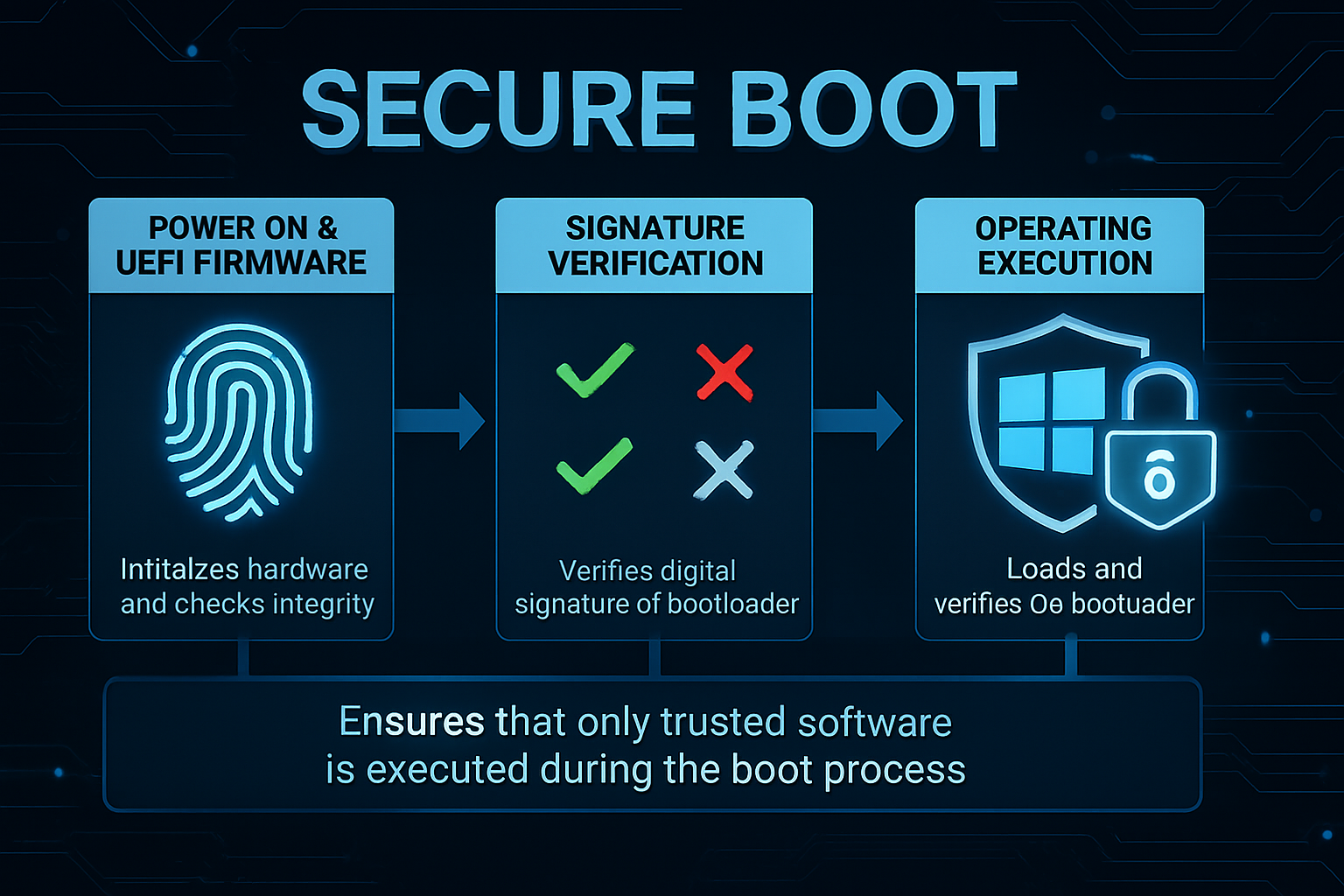
Certificates expire to ensure that the cryptographic standards protecting a system remain current and secure. Secure Boot relies on a chain of trust where Microsoft-signed certificates verify that every piece of firmware loading during startup comes from a trusted provider, such as a motherboard manufacturer.
When these certificates expire, the system can no longer cryptographically verify the authenticity of the boot components. This break in the chain allows unauthorized or malicious code to execute before the operating system even starts.
How do UEFI bootkits bypass traditional security?
UEFI bootkits load before the operating system and anti-malware protections. Because they reside in the firmware, they operate in a layer of the computer that most security software cannot see or scan. According to Ars Technica, these bootkits alter the boot sequence to gain total control over the machine.
Once a bootkit is active, it typically installs malware into the OS to steal credentials or create backdoors. The most dangerous aspect of these infections is their persistence. Even if a user wipes their hard drive and reinstalls the operating system, the bootkit remains in the firmware and can reinfect the new OS immediately.
What happens if users miss the update deadline?
Systems that don’t update their keys by June 24 risk losing the ability to verify the boot sequence. This doesn’t mean a computer will instantly stop working, but it does mean the primary defense against firmware-based infections is gone.
Without active certificates, the “linchpins” of the Secure Boot process fail. This creates a window of opportunity for attackers to deploy bootkits that are nearly impossible to detect using standard Windows Defender or third-party antivirus tools.
Where is firmware security heading?
The industry is moving toward more automated key management to avoid the “deadline panic” associated with manual certificate updates. We’re seeing a shift toward hardware-rooted trust, where security is baked into the silicon rather than relying solely on software certificates.
Expect to see a tighter integration between the TPM (Trusted Platform Module) and UEFI. By tying the boot process to a physical hardware chip, manufacturers can create a more resilient defense that doesn’t rely on a handful of expiring certificates. This evolution is necessary as state-sponsored actors increasingly target the firmware layer to maintain long-term espionage access to high-value targets.
For more on protecting your system, see our guide on hardening your OS against advanced threats or visit the Microsoft Security portal for official updates.
Frequently Asked Questions
What is Secure Boot?
Secure Boot is a security standard developed by Microsoft that ensures a PC boots using only software that is trusted by the Original Equipment Manufacturer (OEM).
Can I just disable Secure Boot to avoid the update?
You can, but it’s risky. Disabling Secure Boot removes the primary barrier preventing bootkits from infecting your firmware, making your system significantly more vulnerable to persistent malware.
Will my computer stop booting after June 24?
Generally, no. However, the security verification process will fail, which may trigger warnings during startup or leave the system open to the UEFI infections described by Ars Technica.
Do you have questions about updating your UEFI keys? Let us know in the comments below or subscribe to our newsletter for the latest security alerts.