
What Does the Green Dot Mean on Snapchat? (I Tested It in 2026)
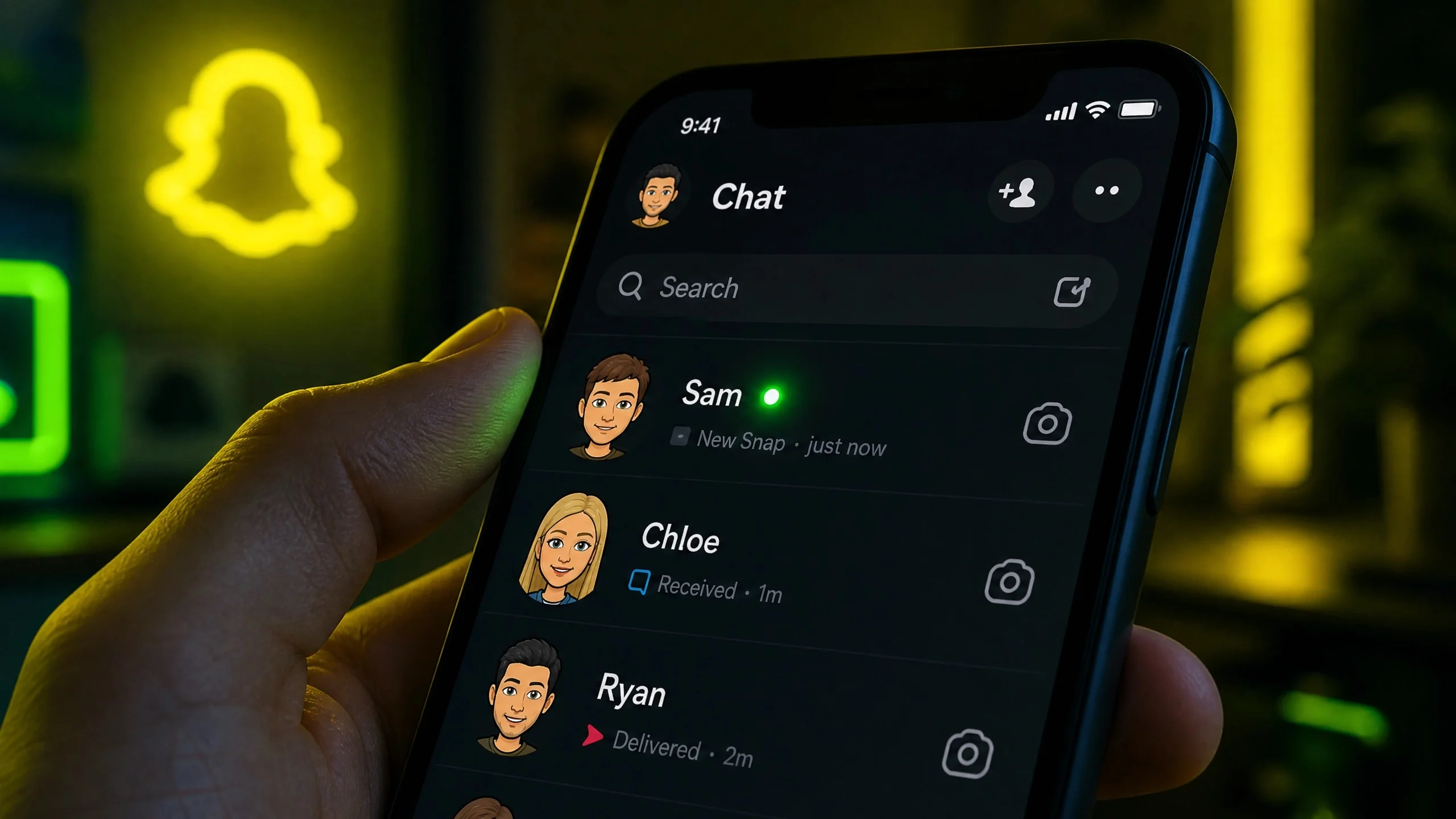
The green dot on Snapchat is an Activity Indicator that signals a user is currently online or was active within the last few minutes. Testing confirms the dot appears in chat lists, profiles, and search results, typically vanishing 60 to 180 seconds after the app is closed.
Where does the green dot appear on Snapchat?
Snapchat displays the green activity indicator in four primary locations: the main chat list next to a friend’s Bitmoji, individual profile pages, the “Add Friends” or “Quick Add” suggestions, and within search results when looking up a username.

While older documentation suggested the indicator was limited to the “Add Friends” section, current app versions have integrated it directly into the chat interface. This allows users to see a friend’s recent presence without leaving their conversation thread.
Does the green dot mean someone is active right now?
The green dot indicates recent presence rather than a guaranteed live connection. While it usually means a user is in the app, it isn’t a real-time heartbeat monitor.
Four specific factors can cause the green dot to appear even when a user isn’t actively messaging:
- Background Activity: The app may remain “active” for a short window while the phone is locked.
- Rapid App Switching: Users who jump between Snapchat and other apps may retain the active status briefly.
- Status Lag: Testing shows a consistent 60 to 90-second delay before the dot disappears after the app is fully closed.
- Non-Chat Usage: A user might be viewing stories or using camera filters without checking their messages.
How long does the Snapchat activity indicator last?
The green dot typically lasts between one and three minutes after a user closes the application. It does not indicate activity from earlier in the day or a 24-hour window.
This short duration distinguishes Snapchat’s indicator from “last seen” timestamps found in other messaging apps. Because the dot vanishes quickly, it serves as a signal for real-time conversation potential rather than a historical log of usage.
How do you turn off the green dot on Snapchat?
Users can hide their active status through the privacy menu. To disable the feature, tap the Bitmoji profile icon, select the gear icon for Settings, navigate to “Privacy Controls,” and toggle off the “Activity Indicator.”
Snapchat employs a reciprocal privacy model. If you disable your own activity indicator, you lose the ability to see the green dots on your friends’ profiles. This “two-way street” approach prevents users from monitoring others while remaining invisible themselves.
Snapchat vs. Other Apps: Activity Tracking Comparison
Snapchat’s approach to activity signaling is more restrictive than its primary competitors, focusing on recent presence over exact timestamps.

| App | Online Indicator | Shows “Last Seen”? | Can Be Hidden? |
|---|---|---|---|
| Snapchat | Green Dot | No | Yes |
| “Online” Label | Yes | Yes | |
| Green Dot | Yes (X min ago) | Yes | |
| Messenger | Green Dot | Yes | Yes |
Frequently Asked Questions
Does the green dot mean they are active?
Yes, it typically means the user is currently in the app or was active within the last 1 to 3 minutes.
Why is there a green dot but no reply?
The dot can stay visible for 60-90 seconds after the app is closed, or the user may be viewing stories rather than chats.
Can I see the green dot if I have mine turned off?
No. Snapchat requires your Activity Indicator to be on to see the status of others.
What does the green dot mean for non-friends?
It indicates that the person is active and has their privacy settings configured to allow non-friends to see their status.
Want to master your privacy settings? Share your thoughts in the comments below or subscribe to our newsletter for the latest updates on social media features.