

WhatsApp Tests Animated Message Bubbles on iPhone
WhatsApp is testing the return of animated message bubbles for iPhone users in a current iOS beta update. According to beta reports, the feature replaces static message appearances with bubbles that gradually expand into view. This update includes a toggle in settings to enable or disable these animations.
How do the new WhatsApp iPhone animations work?
The latest iOS beta introduces smoother visual effects that change how messages enter a chat. Instead of appearing instantly, message bubbles now expand gradually before settling into their final position. This transition replaces the static appearance found in current public versions of the app.

Users can manage these effects through a dedicated settings menu. This allows individuals to keep the animations active for a dynamic feel or disable them to maintain a traditional, static interface.
How does the iOS update compare to the Android version?
WhatsApp previously introduced similar animation functionality in its Android beta version. According to the reports, the Android rollout was broader, including animation settings not just for message bubbles, but also for emojis, stickers, and GIFs.
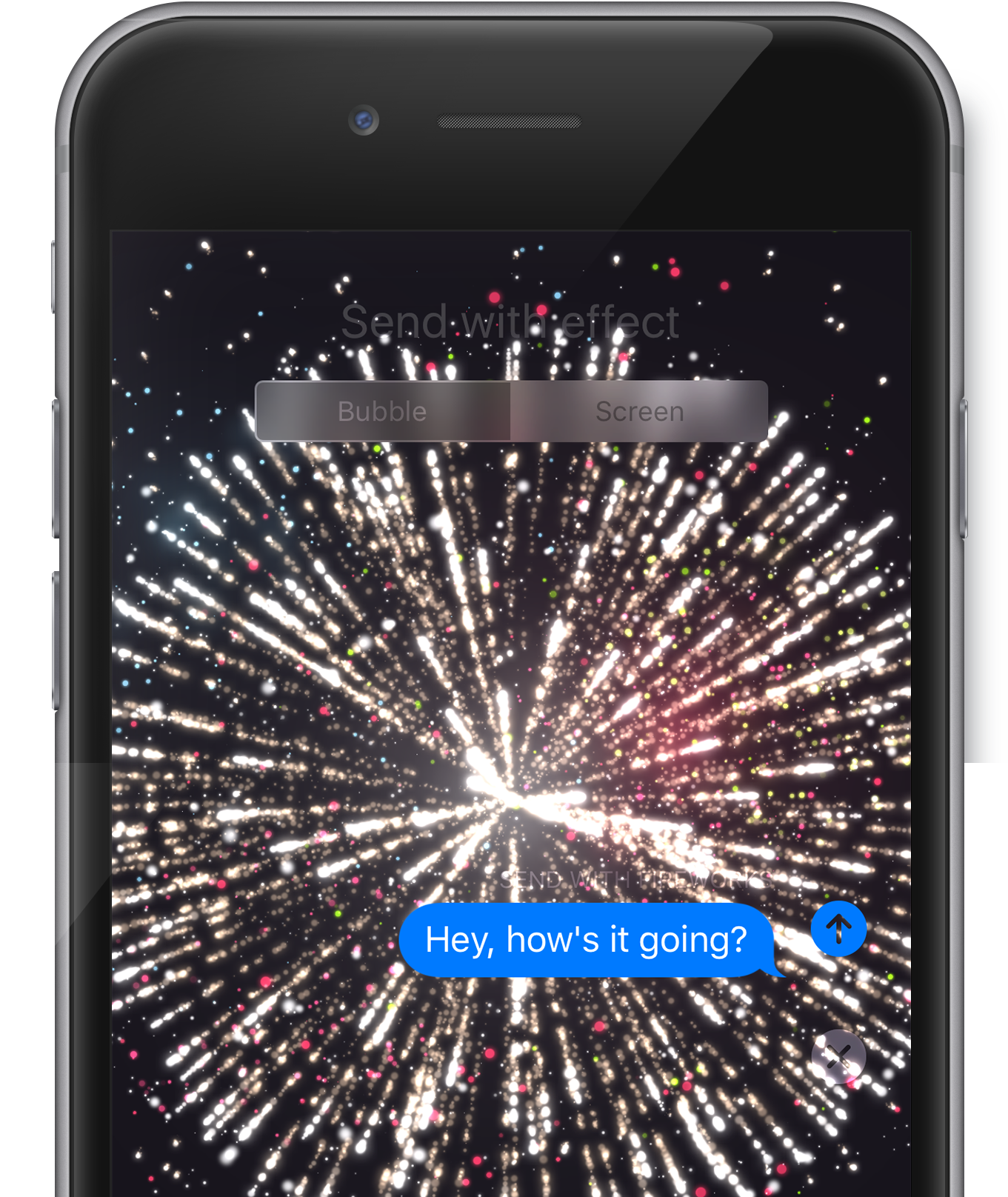
The return of these bubbles to iPhone marks a move toward parity between the two operating systems. While iPhone users previously had access to these animations, the feature was removed in an earlier update before this current re-introduction.
| Feature | iOS Beta | Android Beta |
|---|---|---|
| Animated Bubbles | Testing/Returning | Implemented |
| Emoji/GIF Animations | Not specified | Implemented |
| User Toggle | Available | Available |
Why is WhatsApp prioritizing dynamic UI elements?
The shift toward “micro-interactions”—small visual responses to user actions—is a growing trend in mobile design. By making messages expand rather than pop, the app reduces the visual jar of incoming text, creating a perceived sense of fluidity.

This focus on customization follows a wider industry trend where users demand control over their sensory experience. Providing a toggle to disable animations is essential for accessibility, particularly for users with motion sensitivities who find sliding or expanding elements distracting or nauseating.
What happens next for the wider rollout?
Currently, these animated bubbles are limited to a small group of beta testers. WhatsApp typically uses these limited releases to monitor app stability and battery impact before a general release. A wider rollout is expected in a future public update.

The return of a previously removed feature suggests that WhatsApp has optimized the code to prevent the performance lags that may have led to the feature’s initial removal from the iPhone version.
Frequently Asked Questions
Can I turn off the animated bubbles?
Yes. According to the beta reports, WhatsApp has included a dedicated settings option to enable or disable these effects.
Is this update available for all iPhone users?
No. It is currently available only to a limited number of beta testers. Public users will need to wait for a future official update.
Does Android have these animations?
Yes, similar animation settings for message bubbles, emojis, and stickers were introduced in the Android beta version previously.
Why was the feature removed and then brought back?
While WhatsApp has not officially stated the reason, the removal and return of features in beta cycles usually indicate performance optimization or a redesign of the user interface.
Do these animations slow down the app?
The inclusion of a toggle suggests that while the animations are designed to be smooth, the company wants to provide an option for those prioritizing maximum speed or accessibility.
What do you think about animated chat bubbles—do they make the experience better or just more distracting? Let us know in the comments below or subscribe to our newsletter for the latest app updates.