
Why Claude Is a Better AI Assistant for Microsoft 365 Than Copilot
Microsoft 365 users are increasingly integrating third-party artificial intelligence tools like Anthropic’s Claude to supplement or replace native Copilot features. While Microsoft Copilot offers deep system-level integration, users report that Claude’s specialized “Skills” for copyediting, formula auditing, and template-aware presentation design provide superior performance for specific professional workflows. Transitioning to Claude requires an active paid subscription—such as Claude Pro or Team—and the installation of specific add-ins via the Microsoft Marketplace.
How does Claude compare to Microsoft Copilot for document editing?
According to users testing the Claude for Microsoft 365 add-in, the primary advantage lies in the use of “Skills”—reusable instruction sets that standardize output. Unlike standard prompts, these skills allow users to execute complex tasks like /copy-edit, which can automatically scan documents for style consistency and grammar. In tests conducted by tech journalist Tashreef Shareef, Claude successfully applied fixes across 27 paragraphs as tracked changes, a feature that provides more transparency than Copilot’s direct text replacements. While Copilot offers native proofreading, Claude’s ability to perform web-based fact-checking on specific document claims offers an additional layer of verification that Microsoft’s built-in editor currently lacks.

What are the advantages of using Claude for Excel and data analysis?
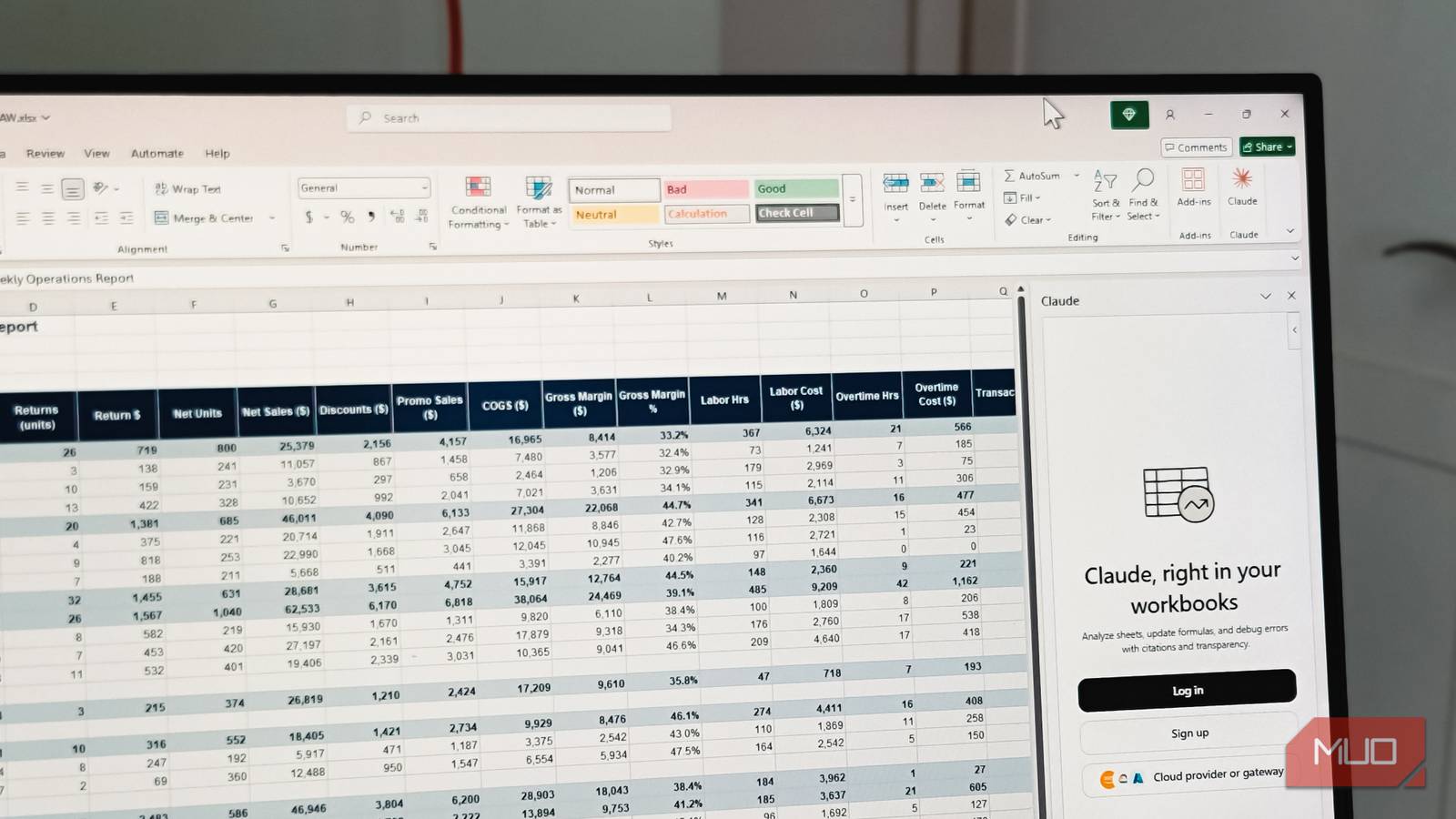
Claude minimizes the “AI math problem”—where language models struggle with arithmetic—by writing Excel formulas rather than performing the calculations itself. This approach ensures that Excel handles the math, maintaining accuracy within the spreadsheet. The Claude add-in excels at auditing inherited workbooks; it can parse tabs, cells, and complex formulas to explain how sheets connect in plain English. Additionally, the tool provides self-auditing capabilities, such as cross-checking vendor PDF data against subtotals in a spreadsheet to ensure tax values and line items align correctly, according to findings from Anthropic users.

Will Claude maintain my presentation’s formatting in PowerPoint?
Unlike generic AI generators that often disregard existing styles, Claude operates with “template awareness.” The tool reads the slide master, font selections, and color palettes before generating or editing content. This allows users to convert bullet points into native charts or merge overlapping slides without the new content appearing “bolted on.” Users can also specify the intensity of a makeover—light, medium, or heavy—before the AI applies changes, ensuring the output aligns with corporate branding requirements.
Future trends in AI-integrated office suites
The trend toward “model-agnostic” productivity suggests that users will increasingly prioritize specialized AI capabilities over all-in-one ecosystem solutions. As Anthropic and other developers release more robust add-ins, the barrier between proprietary platforms like Microsoft 365 and external intelligence is thinning. The next phase of this evolution likely involves deeper cross-app context sharing, where an AI can pull data from an Excel analysis directly into a PowerPoint slide or an Outlook email draft without manual copy-pasting. However, users must weigh these benefits against the added costs of maintaining multiple subscriptions and the potential for increased friction regarding data permission prompts.

Frequently Asked Questions
- Do I need a free or paid Claude account to use the add-ins?
You must have a paid subscription, such as Claude Pro, Max, Team, or Enterprise. The free tier does not support these integrations. - Can I use Claude add-ins on the web version of Office?
Yes, the add-ins are compatible with web versions of Word, Excel, and PowerPoint, as well as desktop versions for Windows and Mac (2016 or later). - Does Claude have access to my entire Windows system?
No. Unlike Microsoft Copilot, which is deeply woven into the Windows operating system, Claude’s access is limited to the specific Office applications where the add-in is installed.
Are you currently using an AI assistant to streamline your daily office tasks, or do you prefer sticking to native tools? Share your experiences in the comments below or subscribe to our newsletter for more deep dives into AI workflow optimization.