
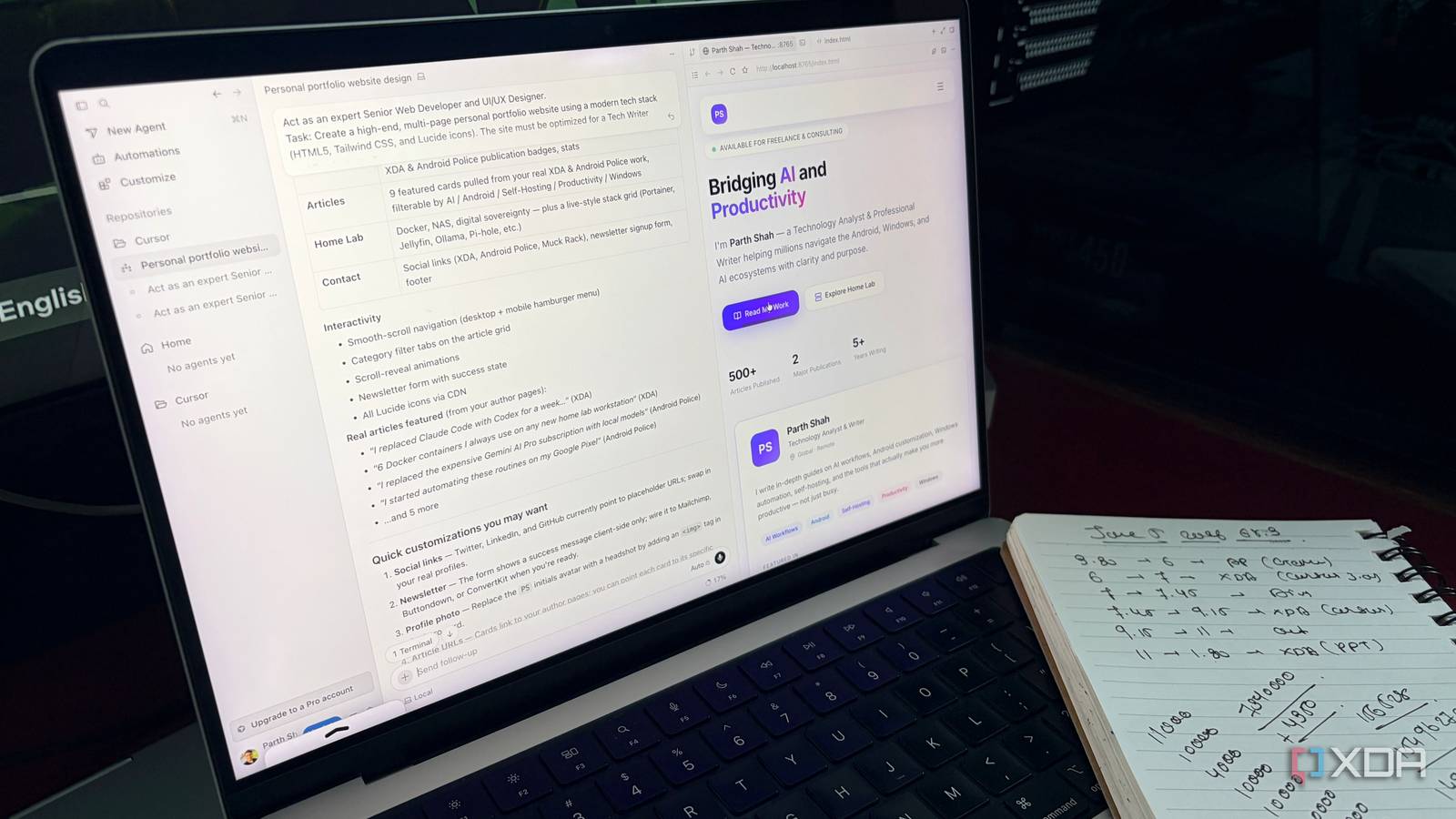
Why Cursor 3.0 Is Replacing VS Code and Claude Code for Developers
The Shift Toward AI-Native IDEs: Why Coding Is Changing
The evolution of Cursor 3.0 marks a transition from AI as a plugin to AI as an operating system for developers. By integrating autonomous agent workflows directly into the editor, tools like Cursor are replacing the fragmented “copy-paste” cycle of standard VS Code setups with a unified, context-aware environment. This shift suggests that the future of software development lies in local-to-cloud agent handoffs and visual self-validation, fundamentally altering how engineers interact with their codebases.
How AI-Native Agents Replace Manual Workflow
Modern developers are moving away from the “sidebar-only” AI experience. In a traditional VS Code environment, developers often rely on extensions that act as simple chat wrappers. However, Cursor 3.0 introduces a dedicated Agents Window that treats AI as a first-class citizen of the IDE. Instead of juggling multiple terminal windows and external LLM browser tabs, developers can now prompt an agent to execute full-stack tasks—like building a Stripe checkout flow—across multiple repository files simultaneously.
The Power of Local-to-Cloud Handoffs
The most significant trend in developer tooling is the move toward asynchronous, cloud-backed execution. According to early adopters of Cursor 3.0, the ability to initiate a heavy codebase audit or a complex refactor locally and then “hand off” the process to a cloud agent is a major efficiency leap. This allows the AI to work autonomously while the developer is offline. When the developer returns, they are presented with a ready-to-review list of changes rather than a blank screen.
Visual Validation: Closing the Feedback Loop
One of the biggest hurdles in AI coding has been “hallucinated” UI components. To solve this, newer platforms are integrating secure browser instances that allow agents to view their own output. When an agent creates a new frontend component, it now captures a live screenshot of the rendered result. If the agent detects a layout shift or a broken button, it corrects the CSS before the developer even performs a code review. This “self-healing” loop is reducing the time spent on manual QA by an estimated 30% in web-based development cycles.
The Future of IDE Wars
The competition between VS Code and AI-native forks like Cursor is accelerating the pace of innovation. While VS Code remains the industry standard for sheer extensibility, the market is tilting toward tools that minimize friction. As these agents become more autonomous, the role of the developer is shifting from a “writer of code” to an “architect of intent.” We are moving toward a world where the IDE acts as a project manager, a tester, and a developer all at once.

Frequently Asked Questions
- Is Cursor 3.0 a replacement for VS Code? It is built on the VS Code architecture, meaning it supports most extensions, but it replaces the core AI interaction model with a more integrated agent-first system.
- How does cloud-based agent execution affect security? Most enterprise-grade tools, including Cursor, provide options to keep code within local environments or utilize secure, isolated cloud instances for specific tasks.
- Do I need to learn new languages to use AI agents? No. These agents are designed to understand natural language prompts, allowing you to describe features in plain English while the agent handles the syntax of your chosen framework.
Are you still tethered to a traditional plugin-based setup, or have you made the switch to an AI-native environment? Share your experiences in the comments below or subscribe to our newsletter for the latest updates on the future of development tools.