
Why Debian Is the Ultimate Everything Linux Distro
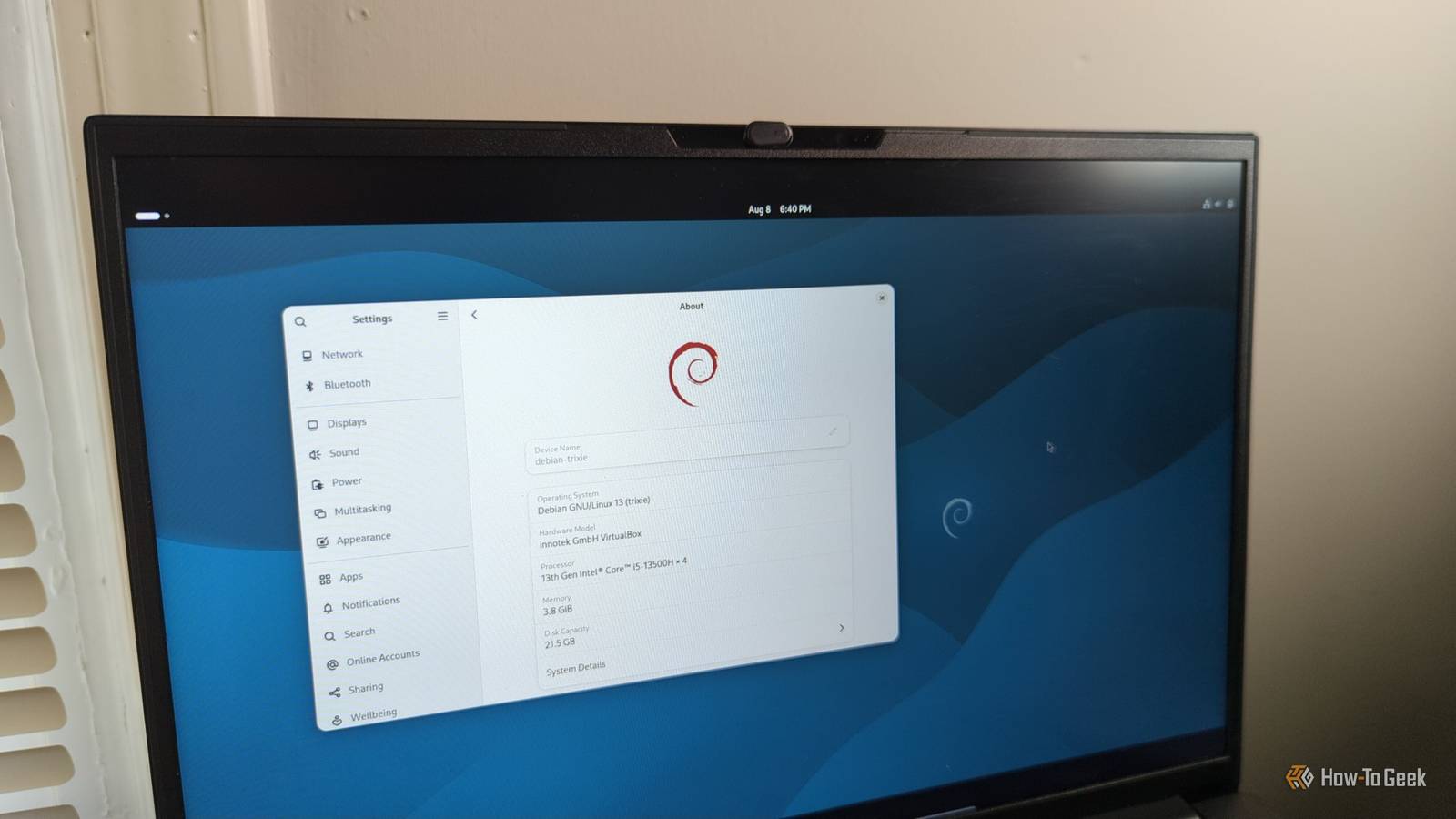
Debian, long recognized as the “universal operating system,” is increasingly challenging the dominance of Ubuntu and Fedora as the preferred choice for both desktop newcomers and enterprise developers. While Ubuntu historically served as the primary entry point for Linux users, recent shifts in installation accessibility and hardware support have positioned Debian as a more flexible, reliable alternative for diverse computing needs.
Why is Debian becoming easier for beginners to install?
Debian has shed its reputation for being strictly for power users by introducing a graphical installer that simplifies the setup process. According to reports from users and community documentation, the inclusion of proprietary Wi-Fi firmware within the official installation images has eliminated one of the most significant hurdles for laptop users. By allowing these drivers during the initial setup, the project enables a functional internet connection immediately upon boot, making the “netinst” images more viable for modern hardware.
Debian’s “universal” moniker stems from its ability to run on everything from low-power Raspberry Pi boards to massive, high-performance rack-mount servers.
How does Debian compare to other Linux distributions?
Unlike distributions that force a specific desktop environment, Debian provides users with a clean slate. During installation, users can select from GNOME, KDE Plasma, Cinnamon, MATE, or Xfce. This neutrality is a core philosophy; Debian makes fewer assumptions about the user’s workflow. In contrast, while distributions like Fedora are often touted as “everything distros,” Debian’s ability to function as a stable base for projects like MX Linux and Linux Mint Debian Edition (LMDE) highlights its foundational role in the Linux ecosystem.
Package management flexibility
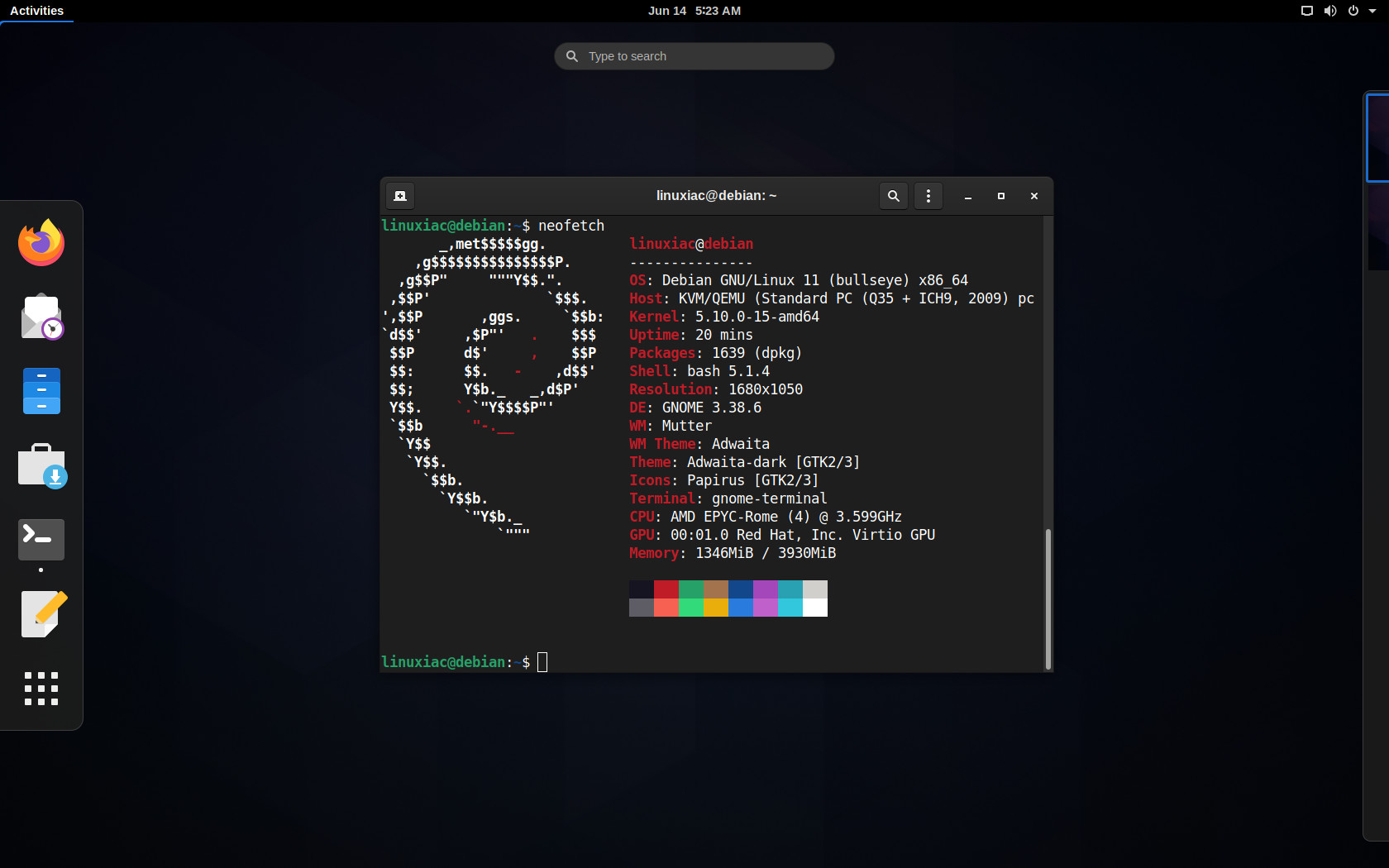
Debian’s package management has evolved beyond the traditional Advanced Package Tool (APT). While APT remains the bedrock for system updates, developers now frequently integrate newer technologies such as Flatpak, Snap, and language-specific managers like Pixi. This multi-layered approach allows users to maintain a rock-solid, stable base system while running the latest versions of specific programming tools or desktop applications, effectively bridging the gap between conservative stability and bleeding-edge development requirements.
Can you use Debian as a rolling-release distribution?
Users are not restricted to the “stable” branch of Debian. By modifying configuration files, administrators can switch to “testing” or “unstable” branches to access newer software versions. This flexibility allows Debian to compete directly with rolling-release distributions like Arch Linux. Unlike Arch, however, Debian provides a more structured, automated housekeeping process, which appeals to users who want current software without the manual maintenance overhead often associated with more minimalist systems.
If you need the latest Python libraries for data science but require a stable OS, use a tool like Pixi to manage your development environment. This keeps your core system clean while giving you immediate access to the newest tools.
Frequently Asked Questions
Is Debian still considered difficult to use?
No. While it was once considered challenging, modern graphical installers and improved hardware detection have made Debian accessible to anyone familiar with basic operating system installation.

Can I install a desktop environment later if I choose not to during setup?
Yes. Debian’s modularity allows users to add or remove desktop environments at any time using the terminal, making it highly customizable for both servers and workstations.
Why do developers prefer Debian over other distributions?
Developers favor Debian for its massive software repository, its role as the upstream source for Ubuntu, and its ability to act as a stable, predictable foundation for complex development environments.
Are you considering a switch to Debian for your primary workstation? Share your experiences with different desktop environments in the comments below, or subscribe to our newsletter for more deep dives into Linux infrastructure.