

Xbox Series X|S Update: New UI Features and Energy Saving Mode
Microsoft is updating the Xbox Series X|S interface to include poster-style game artwork, direct wishlist integration, and mutual friend visibility, according to the official Xbox blog. A new energy-saving mode also reduces power consumption by up to 20 times compared to standard sleep settings when the console is powered down.
How is the Xbox game library changing?
The “My games and apps” section is shifting to a vertical poster-style layout. This replaces traditional tiles with larger, movie-style artwork to make libraries more legible, according to Microsoft. Users can now customize which status icons appear on these posters to reduce visual clutter.
Microsoft has also decoupled the customization settings for the Home screen and the library. This allows players to manage their layout via dedicated shortcuts in the menus rather than a single, unified setting.
Why is the wishlist button moving?
Microsoft is adding an “Add to wishlist” button directly onto game cards. This allows users to track titles—even those not yet available for purchase—without opening the Microsoft Store or performing a manual search, according to the Xbox blog.
This move mirrors trends seen in digital storefronts like Steam and the PlayStation Store, where reducing the number of clicks between discovery and intent to buy increases conversion rates. By placing the button on the card, Xbox streamlines the tracking of titles announced during showcases.
What is changing with Xbox social profiles?
Player profiles will now display mutual friends when viewed. This feature relies on the individual privacy settings of each user to determine visibility, according to official documentation.
Adding mutual friend data provides a social verification layer. This helps players vet new friend requests and provides parents with a quicker way to see how their children are connected within the gaming ecosystem.
How does the new energy-saving mode work?
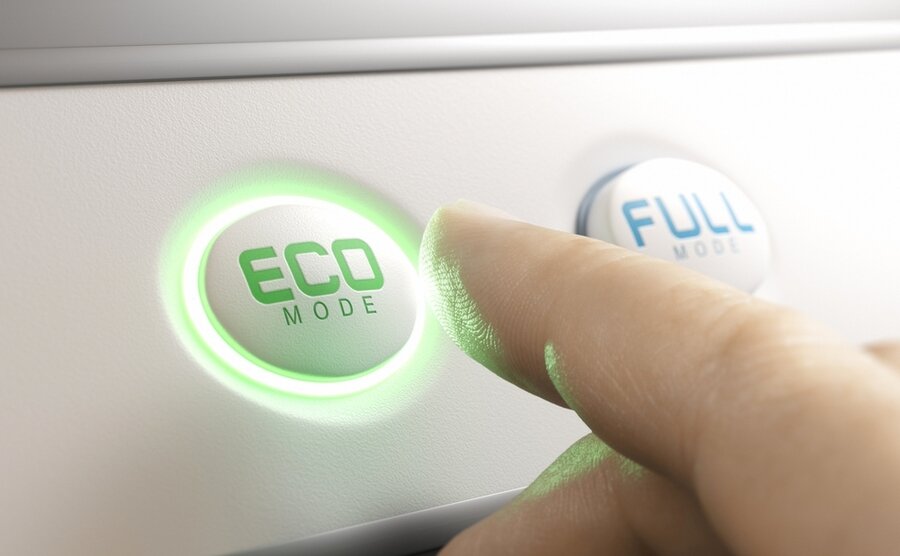
The update introduces an automatic toggle that moves the console from Sleep mode to an “Energy Saver” shutdown option. This change targets the power consumed while the console is ostensibly “off.”
ComicBook reports that a general public rollout is targeted before the end of the year. Users can track the availability of this feature under Settings > System > Updates.
Comparison of Power States
| Mode | Function | Energy Impact |
|---|---|---|
| Sleep | Fast boot, background updates | Higher consumption |
| Energy Saver | Automatic shutdown | Up to 20x lower |
Frequently Asked Questions
When will these features be available to everyone?
Testing began June 10, 2026, for Xbox Insider members. A full public release is expected in the coming months, with energy settings specifically targeted for release by the end of the year per ComicBook.

Which consoles support this update?
The update targets Xbox Series X, Xbox Series S, and select Xbox One consoles.
Does the mutual friends feature override my privacy settings?
No. According to Microsoft, the display of mutual friends is governed by the privacy settings of the users involved.
What do you think about the shift to poster-style artwork? Does it make your library easier to manage? Let us know in the comments or subscribe to our newsletter for the latest console updates.