

Your iPad, now with Siri AI
The Future of iPadOS: AI Integration and System Efficiency
iPadOS 27 marks a shift in Apple’s development strategy, prioritizing deep system-wide AI integration through Apple Intelligence and significant performance optimizations over radical user-interface changes. According to early developer beta testing, the update focuses on stabilizing the core experience, with refinements to Spotlight search, file transfer speeds, and automation tools serving as the primary improvements for power users.
How Does Apple Intelligence Change the iPad Workflow?
Apple Intelligence introduces a suite of five foundation models designed to operate both on-device and via cloud processing, according to Apple’s WWDC keynote. These models, ranging from the 3-billion parameter “AFM Core” to the complex “AFM Cloud Pro,” are engineered to handle tasks like proofreading and data retrieval without relying on third-party search engines like Google Gemini. By keeping data processing localized, Apple aims to address privacy concerns while providing context-aware assistance.

Why Is Spotlight Search Faster in iPadOS 27?
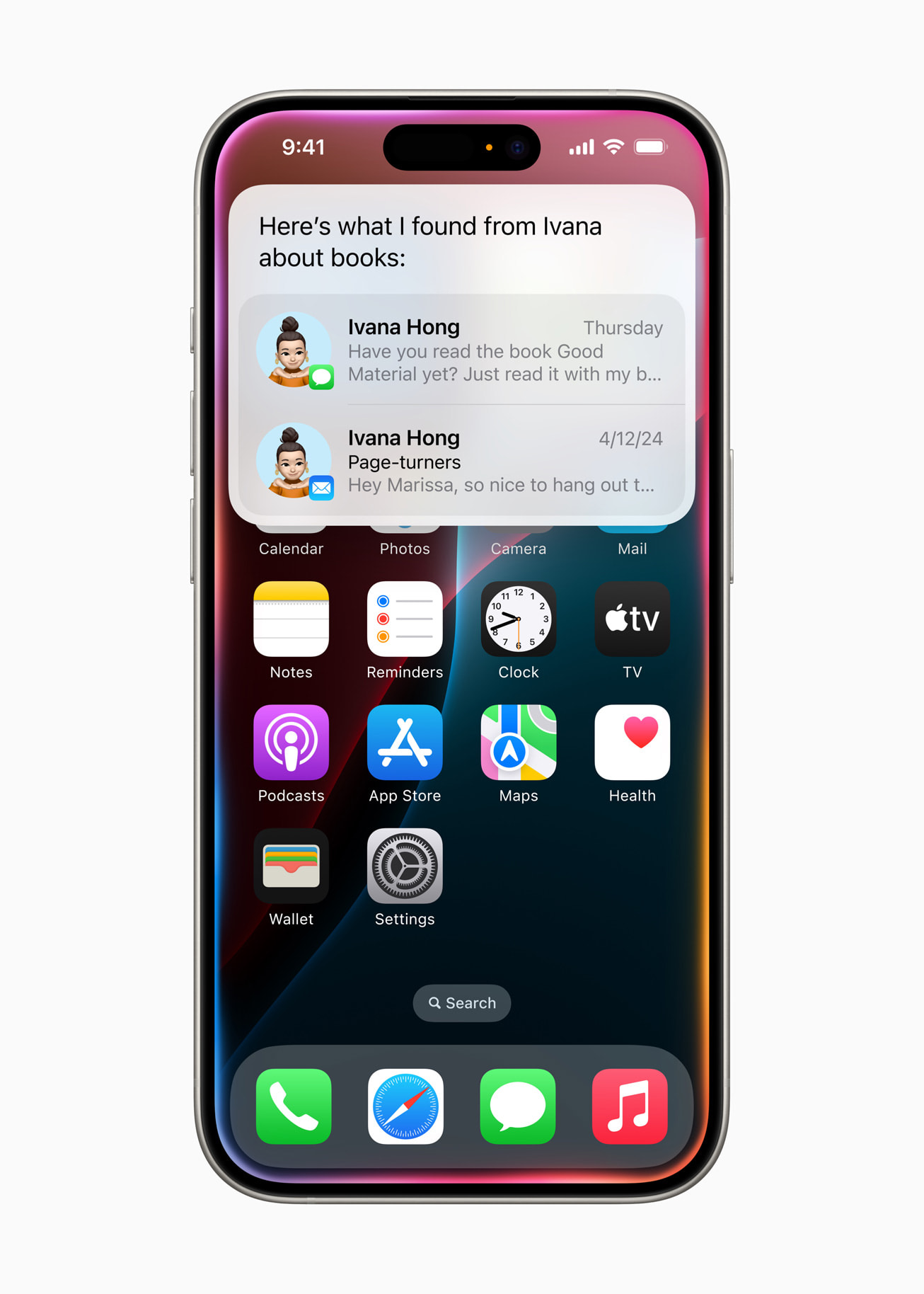
Spotlight search performance has improved due to a complete re-indexing of local device data, ranging from Contacts to Journal entries. Apple has implemented a background crawling process that ensures search results populate instantly. While this indexing can take up to a week depending on local storage volume, early reports indicate that once completed, the search tool is significantly more responsive than in previous versions of the operating system.
How Are System Optimizations Affecting Productivity?
Users will notice tangible speed improvements in daily tasks, specifically regarding file management and text handling. According to internal testing, transferring files from the Files app to external storage is now up to five times faster. Additionally, the introduction of paste suggestions within the typing interface—available for both virtual and physical keyboards—streamlines clipboard management. The menu bar has also been redesigned to display active app names, allowing for quicker access to window controls and app-specific menus.
Can Shortcuts Become More Accessible to Casual Users?
The Shortcuts app is becoming more intuitive through generative automation. Users can now describe a desired task in plain language, and the system will generate the corresponding shortcut sequence. While this feature is currently limited to native Apple apps, it lowers the barrier to entry for users previously intimidated by complex automation. A new automation trigger also allows shortcuts to run automatically when a physical keyboard is attached or removed, enabling a seamless transition between tablet and workstation modes.
Did You Know?
The new Apple Foundation Models were developed in partnership with Google, yet the final implementation remains entirely within the Apple ecosystem, excluding third-party AI assistants from the core interface.
Frequently Asked Questions
- Will iPadOS 27 make my old iPad faster?
The update focuses on system-wide optimizations, which typically improve responsiveness on supported hardware by streamlining background processes and indexing. - Is Apple Intelligence mandatory?
No. According to developers, the AI features remain optional, allowing users to maintain a traditional interface if they prefer to avoid automated tools. - What is the biggest change for power users?
The combination of faster external file transfers and the new keyboard-aware automation triggers provides the most significant boost to professional workflows.
Have you tested the new developer beta? Share your experience with the new Spotlight indexing or your favorite shortcut automations in the comments below.