
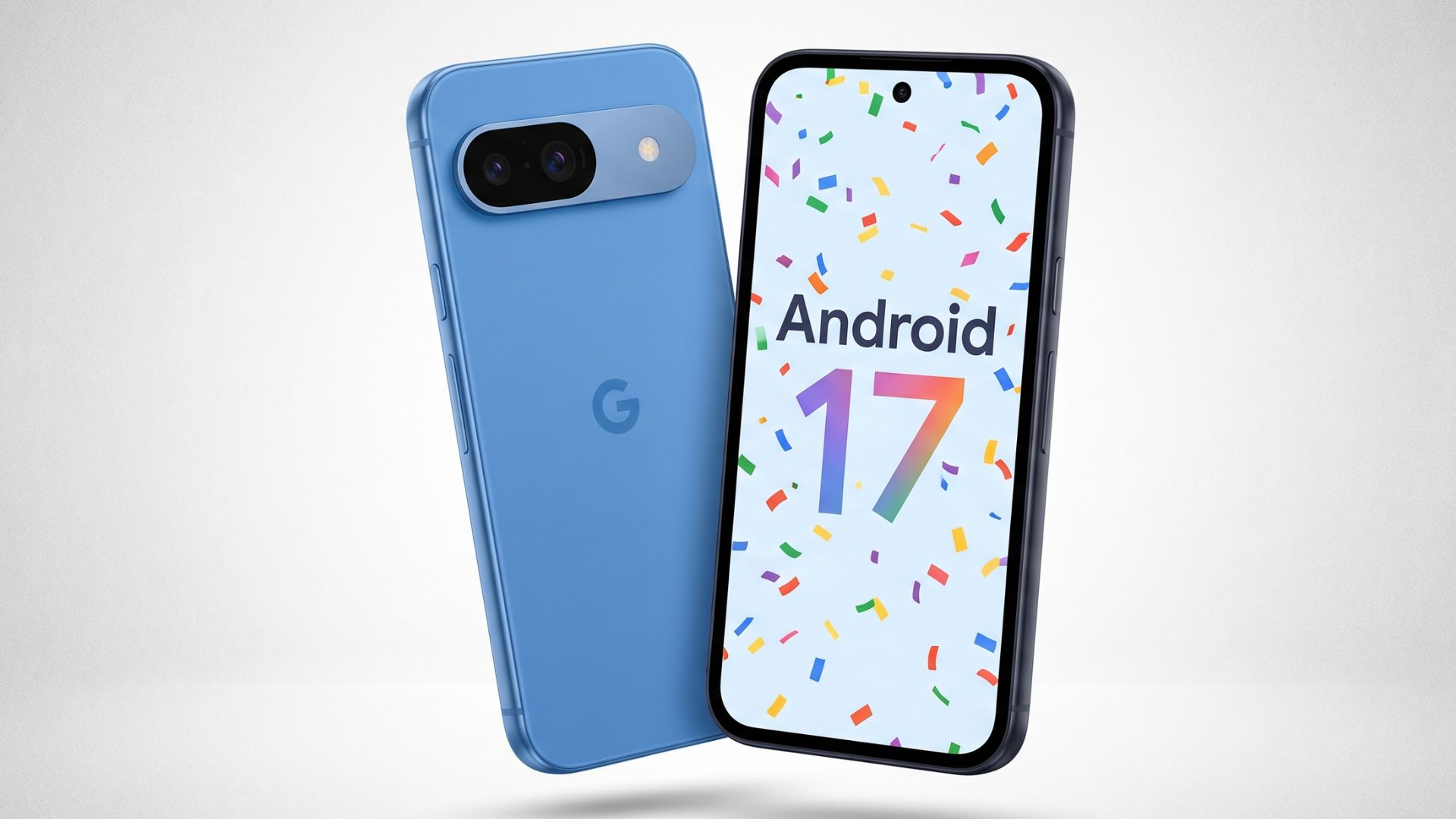
Google Pixel 9a is getting Android 17: Here’s what’s new
Google has begun the rollout of Android 17 to Pixel 9a devices as part of the June Pixel Drop, a major software update that introduces cross-platform file sharing, enhanced security protocols, and new multitasking capabilities. The update, identified by build number CP2A.260605.012, is available via a 1.5GB over-the-air (OTA) download in the system settings menu, according to official Google release documentation.
How to access the latest Pixel features
Users can pull the update manually by navigating to Settings > System > System update and tapping Check for updates. Because Google implements a phased rollout, the update may not appear on every device simultaneously. Users currently enrolled in the Android Beta Program should opt out before updating to the stable build to avoid potential data loss or the necessity of a factory reset, per Google’s support guidelines.
What is the significance of the June Pixel Drop?
A Pixel Drop represents Google’s strategy to extend the lifecycle of its hardware through periodic feature enhancements rather than limiting improvements to the initial launch date. This month’s release is broader than typical updates, as it bundles the stable version of Android 17 and Wear OS 7. According to Google, the update extends to all officially supported hardware ranging from the Pixel 6 through the Pixel 10a.
New multitasking and privacy tools
Android 17 introduces several functional changes to the Pixel 9a, most notably the “Bubbles” multitasking feature. Users can now long-press app icons to shrink them into floating, movable chat heads, with a limit of five active bubbles at once. Unlike the Pixel 10 Pro Fold, the 9a does not feature the dedicated “Bubble Bar” dock, keeping the interface cleaner for standard slate devices.
Privacy controls have also been tightened. Android 17 now enforces a one-time location access permission, which expires as soon as an app is closed. Additionally, a new “Contacts Picker” allows users to share only specific contacts with an app rather than granting access to an entire address book. These changes follow Google’s ongoing effort to limit background data harvesting by third-party applications.
Cross-platform file sharing and scam protection
The Pixel 9a now supports Quick Share with Apple devices, including iPhones, iPads, and Macs. To facilitate this, the Apple device must have AirDrop set to “Everyone for 10 Minutes,” as the “Contacts Only” mode is incompatible with Google’s protocol. Furthermore, the Phone by Google app now includes “Fake Call Detection.” This feature uses encrypted signals to verify if an incoming call is genuinely from a saved contact. If a scammer spoofs a number, the system pings the contact’s actual device; if the device confirms it is not active, the phone displays an on-screen warning.
Why the Pixel 9a misses “Gemini Intelligence”
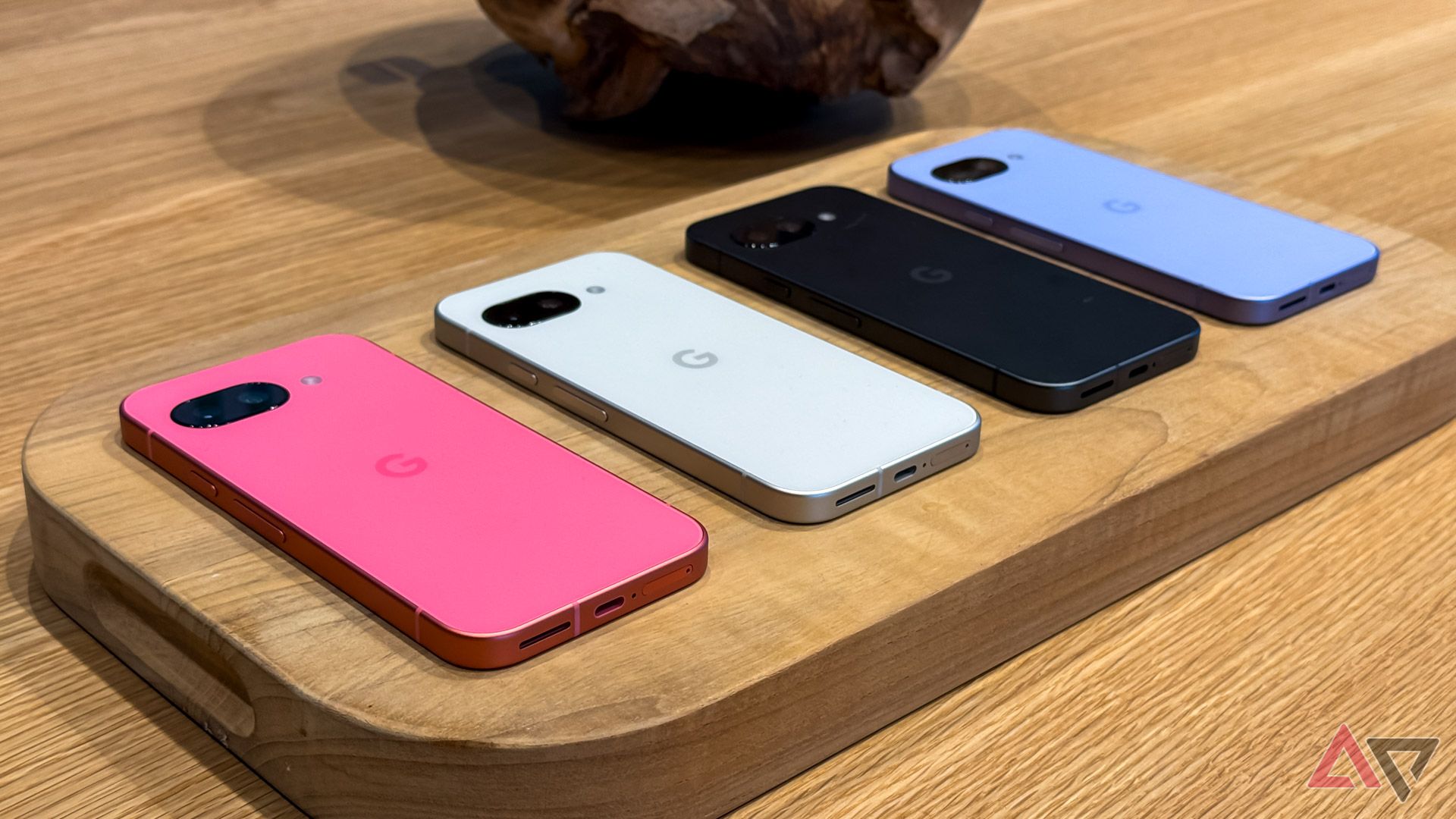
While Android 17 brings widespread upgrades, the “Gemini Intelligence” agentic AI layer is reserved for future hardware. According to Google’s hardware requirements, this feature demands a flagship processor, at least 12GB of RAM, and support for Gemini Nano v3. The Pixel 9a, which utilizes 8GB of RAM and Nano v2, does not meet these specifications. By comparison, the Pixel 10 series is currently the only line confirmed to support the full agentic AI suite, highlighting a growing hardware-software divide in the smartphone market.
Frequently Asked Questions
Can I use the new Bubble Bar on my Pixel 9a?
No. While the 9a supports the Bubbles multitasking feature, the dedicated Bubble Bar dock is exclusive to foldable devices like the Pixel 10 Pro Fold.
Does Fake Call Detection work with third-party dialers?
No. The detection system requires both the caller and the recipient to use the Phone by Google app with RCS enabled.
How do I record my screen with my face included?
Swipe down twice to open Quick Settings, tap the screen record icon, and toggle “Show selfie camera” before starting the recording.
Are you seeing the update on your device yet? Share your experience with the new multitasking features in the comments below, or subscribe to our newsletter for the latest Android software deep-dives.