
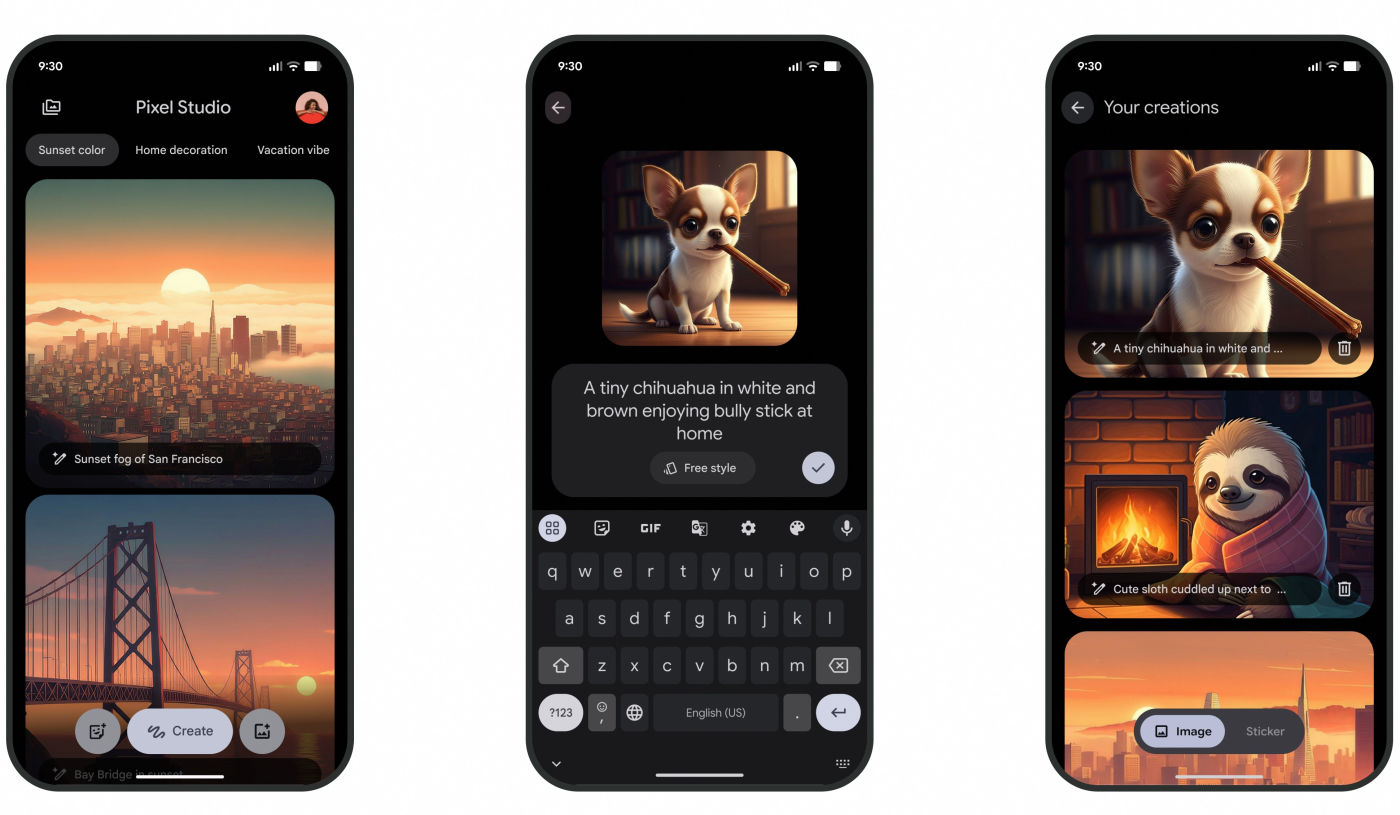
Google Discontinues Pixel Studio AI Image Generation in Favor of Gemini
The Death of the Niche AI App: Why Google is Consolidating
The recent shift of Pixel Studio from a standalone creative powerhouse to a mere gateway for Gemini and Nano Banana isn’t just a software update—it’s a signal. For the past year, we’ve seen a gold rush of “single-purpose” AI apps: one for headshots, one for background removal, and another for stylized art.
But the era of the niche AI app is ending. Google’s move suggests that the future isn’t about having a dozen different tools; it’s about having one “Omni-tool” that understands context across your entire digital life.
When you move image generation into Gemini, you aren’t just changing the icon you click. You’re integrating your creative process into a conversational flow. Instead of jumping between apps to find a reference, write a caption, and generate an image, everything happens in one thread. This is the “Super App” philosophy applied to Generative AI.
The Rise of the AI Super-Hub: Efficiency Over Variety
Industry giants are realising that “app fatigue” is real. Users don’t want a cluttered home screen; they want results. By absorbing Pixel Studio’s capabilities into Gemini, Google is reducing friction. This mirror’s Microsoft’s strategy with Copilot, where coding, writing, and image generation all live within a single ecosystem.
This consolidation allows for better data continuity. When your AI assistant knows your calendar, your emails, and your creative preferences, the images it generates become more personalized. We are moving toward a world where the AI doesn’t just follow a prompt, but understands the intent behind the project.
For example, imagine telling your AI, “Prepare a presentation for tomorrow’s meeting,” and having it automatically generate cohesive visuals, slide text, and data charts without you ever leaving the chat interface. That is the endgame of the Super-Hub model.
Nano Banana and the Shift Toward On-Device Intelligence
The mention of “Nano Banana” points to a critical trend: the push for on-device AI. While massive models live in the cloud, “Nano” models are designed to run locally on your smartphone’s NPU (Neural Processing Unit).
Why does this matter? Three reasons: Privacy, Speed, and Cost.
- Privacy: Your prompts and images don’t need to travel to a server; they stay on your hardware.
- Speed: No more “waiting for the server” spinners. Generation happens in real-time.
- Cost: It reduces the massive electrical and financial overhead for companies like Google.
We are likely to see a future where your phone has a “creative core” that handles basic edits and animations instantly, only pinging the cloud for high-complexity, photorealistic renders. This hybrid approach is the only way to make AI truly seamless.
From Static Images to Dynamic Animations
The transition toward Gemini and Nano Banana also highlights a shift from static imagery to dynamic content. The ability to create “animations” mentioned in the update suggests that the line between a photo and a video is blurring.
We are entering the age of “Living Assets.” Instead of a static sticker, we will generate micro-animations that react to user input. This will revolutionize social media communication, making “stickers” feel more like personalized, AI-generated GIFs that are created on the fly based on the conversation’s mood.
If you want to stay ahead of this curve, keep an eye on Google DeepMind’s latest research on video generation, as these capabilities will inevitably trickle down into the Gemini mobile experience.
Frequently Asked Questions
Will I lose my old Pixel Studio creations?
No. Google has positioned the remaining Pixel Studio app as an archive, meaning your previous work remains accessible even if you can no longer create new images within that specific app.
Is Gemini better for image generation than Pixel Studio?
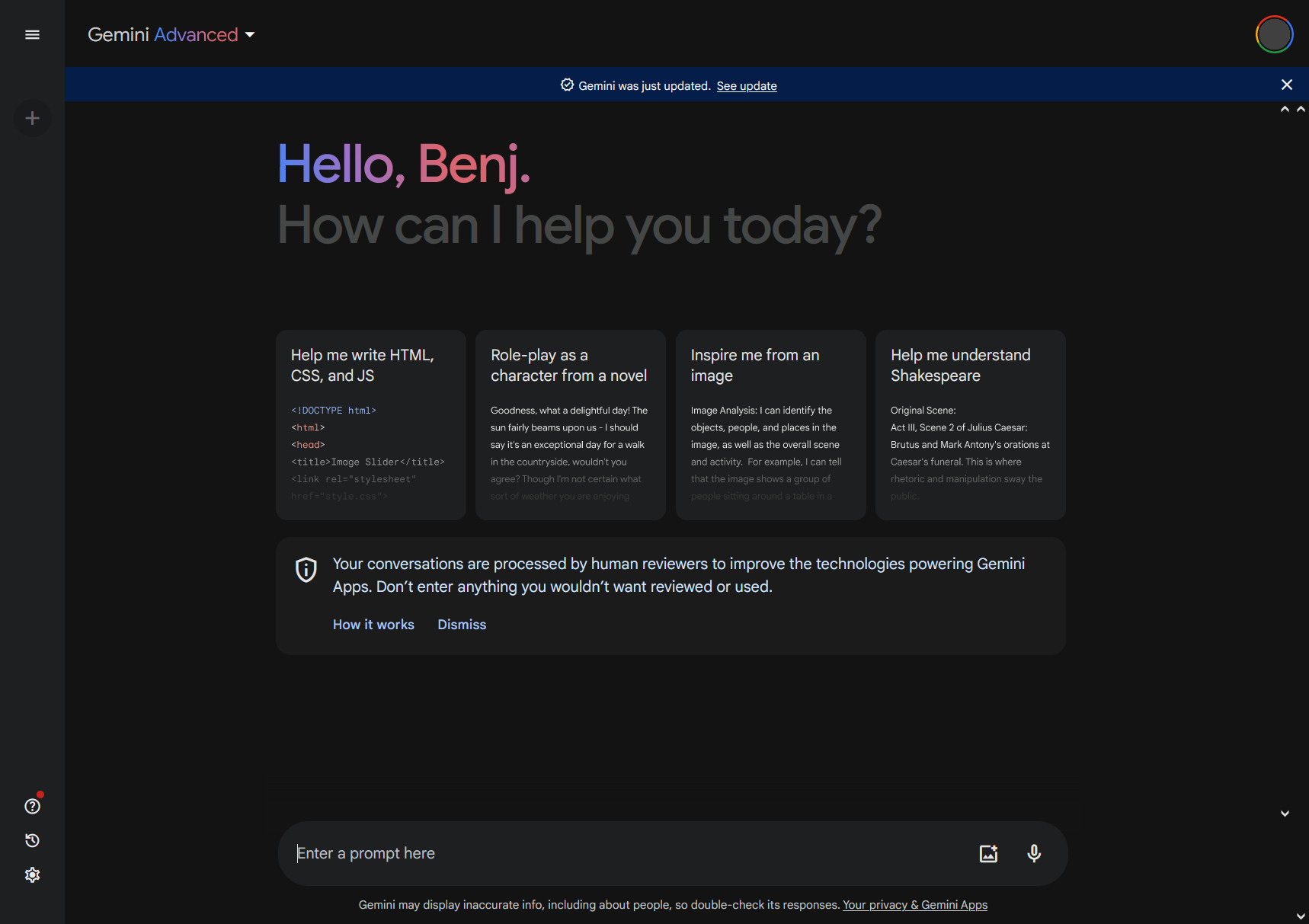
In terms of versatility, yes. Gemini integrates the creative process with conversational AI, allowing for iterative refining of images through chat, which is more intuitive than a standalone prompt box.
What is Nano Banana?
It represents the lightweight, on-device AI models (Nano) optimized for specific creative tasks, ensuring that AI features work faster and more privately on Android devices.
What’s your take on AI consolidation?
Do you prefer a dedicated app for your creative work, or do you love the idea of a single AI hub that does it all? Let us know in the comments below or share this article with your fellow tech enthusiasts!